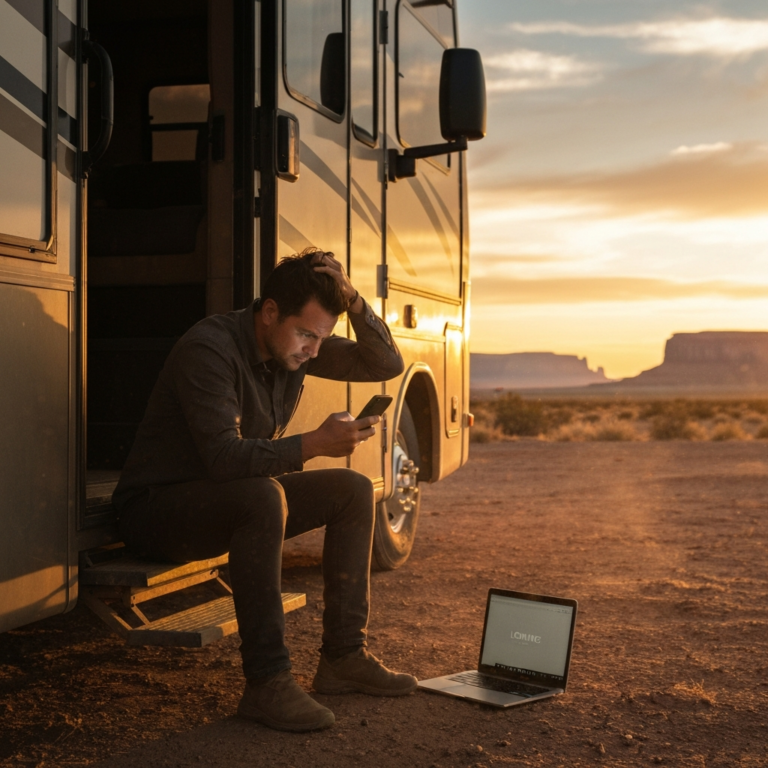
It’s 7 p.m. at a free campsite on BLM land. Your phone shows “No Service,” your partner is expecting a check-in, and the trailer’s left tire looked soft as you pulled in. A few years ago you’d have needed a $400 gadget and a monthly plan to send a message from here. In 2026, the phone already in your pocket can probably do it.
Satellite texting for RVers has gone from a backpacker niche to a standard phone feature in about two years. Most RVers and truck drivers still don’t know which kind they have, what it can actually do, or when it isn’t enough.
This guide covers how phone-to-satellite messaging works, what each major U.S. carrier and phone offers right now, and how it compares with dedicated communicators like the Garmin inReach and ZOLEO. It ends with a simple setup plan, so your rig has a reliable way to reach people before you need one.
Table of Contents
Why Satellite Texting for RVers Is the Connectivity Story of 2026
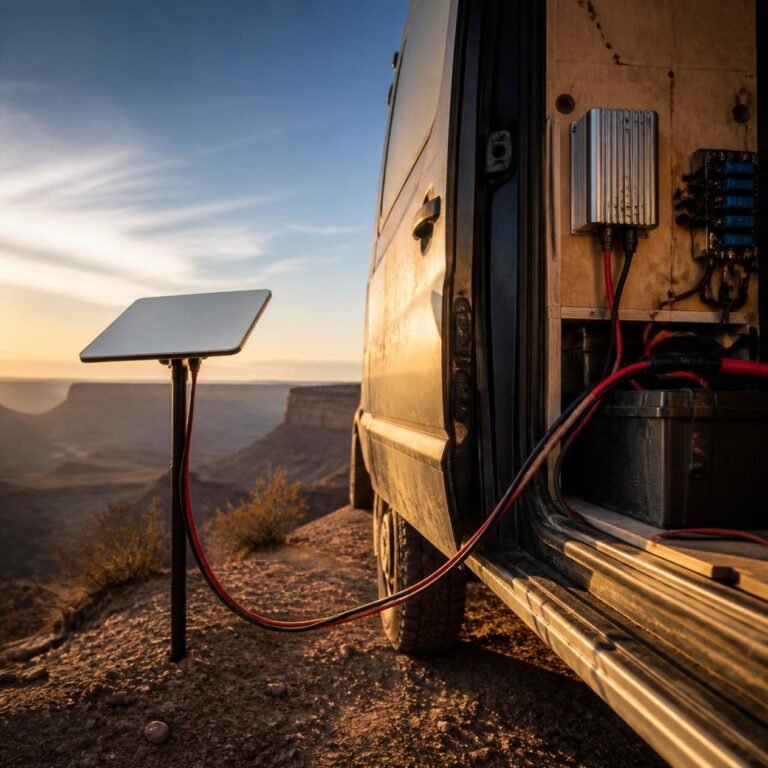
RV connectivity used to come down to one question: how do I get internet at camp? That’s why so many rigs now carry a cellular router, a booster, or a Starlink dish. Our complete guide to mobile internet for RVs and trucks covers that side of things. Those systems are built for streaming, work calls, and big uploads. They need power, setup time, and often a clear spot to mount a dish.
Satellite texting answers a different question: can I reach someone when everything else is off? That matters in three situations RVers run into all the time:
- Travel days through dead zones. Long stretches of interstate in Nevada, Wyoming, and West Texas, plus most mountain passes, still have cellular gaps.
- Boondocking and dispersed camping. The quiet, free sites people go looking for are usually the ones without towers.
- Breakdowns and emergencies. A blown tire, a dead chassis battery, or a medical problem doesn’t wait for signal.
Three things changed between 2024 and 2026. SpaceX’s direct-to-cell Starlink satellites started carrying T-Mobile’s T-Satellite service, which is now open to customers of other carriers. Apple extended satellite features on iPhone 14 and later from SOS-only to everyday messaging. And Verizon and Google added Skylo-based satellite messaging and SOS on recent Samsung and Pixel phones. In short, satellite texting is now built into ordinary phones.
How Phone-to-Satellite Texting Actually Works
Normal cell service depends on a tower within a few miles. Satellite messaging replaces that tower with a satellite hundreds of miles overhead. The limits come from that distance: the link is narrow, slow, and needs a clear line of sight. It works well for short text bursts and poorly for anything heavy.
The three networks behind your phone
U.S. phones currently use one of three satellite systems:
| Network | Who uses it | What it does best |
|---|---|---|
| Starlink Direct to Cell | T-Mobile T-Satellite (open to most carriers’ customers) | Works with ordinary carrier texting (SMS/MMS/RCS), location sharing, and a short list of “satellite-ready” apps |
| Globalstar | Apple iPhone 14 and later | Emergency SOS, Messages via satellite, Find My, roadside assistance |
| Skylo | Verizon (select Samsung models), Google Pixel 9/10 | Emergency SOS, plus basic texting on supported Verizon devices |
On most setups you don’t have to do anything to switch. When the phone loses terrestrial signal outdoors, it looks for the satellite. T-Mobile says T-Satellite connects automatically. On an iPhone, you’re prompted to connect via satellite in Messages once you’re out of cellular and Wi-Fi coverage.
Your Satellite Texting Options in 2026, Carrier by Carrier
Here’s what’s available as of this writing. Plans and prices change often, so check with your carrier before a trip that depends on this.
T-Mobile T-Satellite (Starlink)
T-Mobile’s T-Satellite is the broadest phone-based option. It’s included with T-Mobile’s top plans and costs $10 a month per line for everyone else. Verizon and AT&T customers can add it too if their phone is compatible and unlocked with an open eSIM slot. According to T-Mobile, the service:
- Sends and receives texts, including photos, and shares your location
- Supports a growing list of satellite-ready apps, including WhatsApp, Google Maps, AccuWeather, AllTrails, and onX (announced by T-Mobile in October 2025)
- Covers the continental U.S., Puerto Rico, Hawaii, and parts of southern Alaska outdoors with a clear view of the sky
T-Mobile also offers free Text to 911 by Satellite to anyone with an eligible phone, even without the paid add-on. Note T-Mobile’s own caveat that those texts may go to a national response center rather than your local 911 dispatch.
iPhone 14 and later (Apple + Globalstar)
If you carry an iPhone 14 or newer running iOS 18 or later, you already have Messages via satellite in the U.S. Apple says it’s free for two years after activating the phone. You can send texts, emoji, and Tapbacks over iMessage and SMS. You can’t send photos, voice messages, or group messages. Apple estimates about 30 seconds to send a message in ideal conditions and over a minute under light foliage.
Apple also points out that this messaging feature isn’t meant for emergencies: for that you use Emergency SOS via satellite, which walks you through a short questionnaire and shares your location with responders.
Verizon and Google Pixel (Skylo)
Google offers Satellite SOS free on Pixel 9 models (except the 9a) and the Pixel 10 lineup. Verizon customers with a Galaxy S25 or S26, Z Fold 7, or Z Flip 7 get Skylo-based emergency messaging and basic texting at no extra cost, according to Techlicious’ 2026 roundup. Customers with other devices can add T-Satellite.
AT&T customers
At the time of writing, AT&T hasn’t launched its own consumer satellite messaging service. AT&T customers with an unlocked, compatible phone can still add T-Satellite through T-Mobile.
Phone Satellite Texting vs. Dedicated Satellite Messengers
Can your phone replace a Garmin inReach? For many weekend campers, yes. For full-timers, solo travelers, and long-haul drivers who go far off the grid, a dedicated device still makes sense. Each has strengths:
Where your phone wins
- Cost. It’s already in your pocket. Apple’s feature is currently free on eligible iPhones, and T-Satellite is $10 a month with no hardware to buy.
- Convenience. You use the messaging app you already know, and your contacts don’t need anything special.
- Richer features on Starlink. T-Satellite’s photo messaging and app support go beyond what most handheld messengers do.
Where an inReach or ZOLEO still wins
- Global coverage. Garmin inReach devices and ZOLEO run on the Iridium network, which covers the whole planet. Phone services are limited to supported countries and regions.
- Battery independence. A phone in satellite mode drains fast, and if it dies, so does your link. Dedicated messengers can last days or weeks in tracking mode.
- A physical SOS button. Garmin routes SOS to its 24/7 Garmin Response center and ZOLEO to Global Rescue. Both are services built for coordinating rescues.
- Durability and tracking. These devices are made to be dropped, soaked, and frozen, and they can log breadcrumb tracks automatically so family can follow your route.
The catch is the ongoing cost. Garmin’s plans range from a low-cost pay-as-you-go “Enabled” tier to unlimited Premium messaging, with an activation fee. Garmin’s plan overview explains what each tier includes. Every Garmin plan includes SOS, and you can suspend service between seasons at no cost.
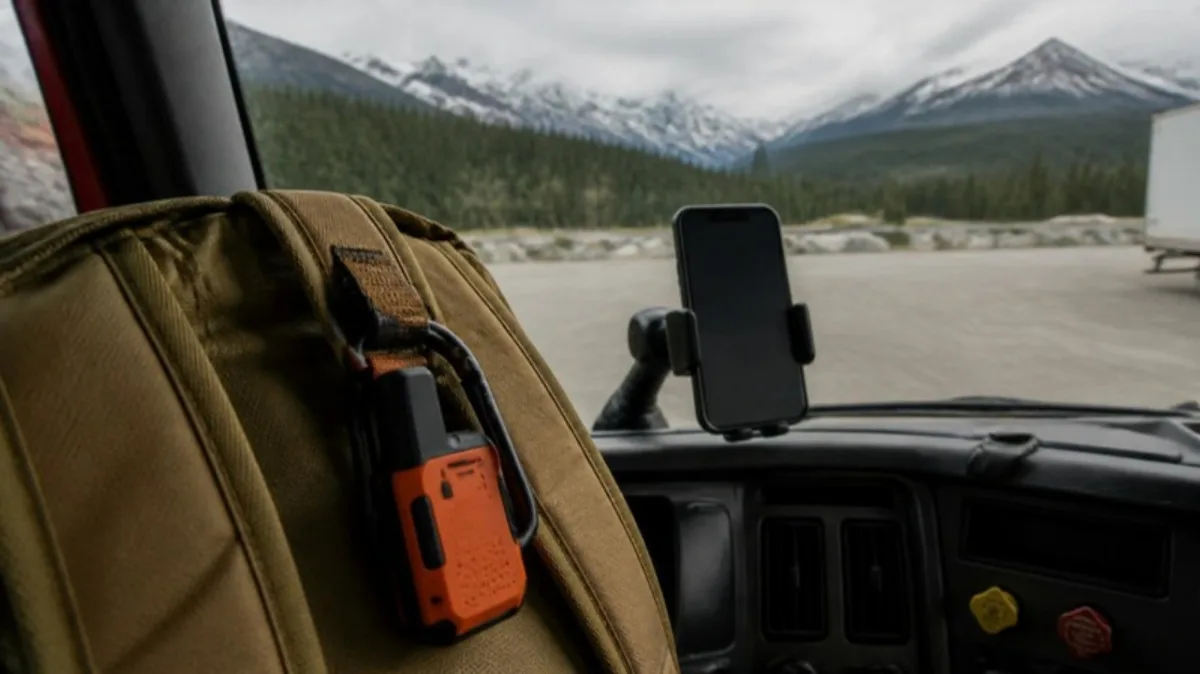
Our take: If you mostly RV between established campgrounds and the occasional dispersed site in the lower 48, a phone with satellite messaging covers most needs. If you travel solo, cross into Canada or Mexico often, work remote jobs, or regularly go somewhere a tow truck would take hours to reach, carry a dedicated messenger as a second, independent system. When things go wrong, two separate systems beat one.
Real-World Limits to Plan Around
Satellite messaging is great until you expect it to behave like LTE. Every carrier and phone maker lists the same caveats, and they matter more in an RV than you’d think.
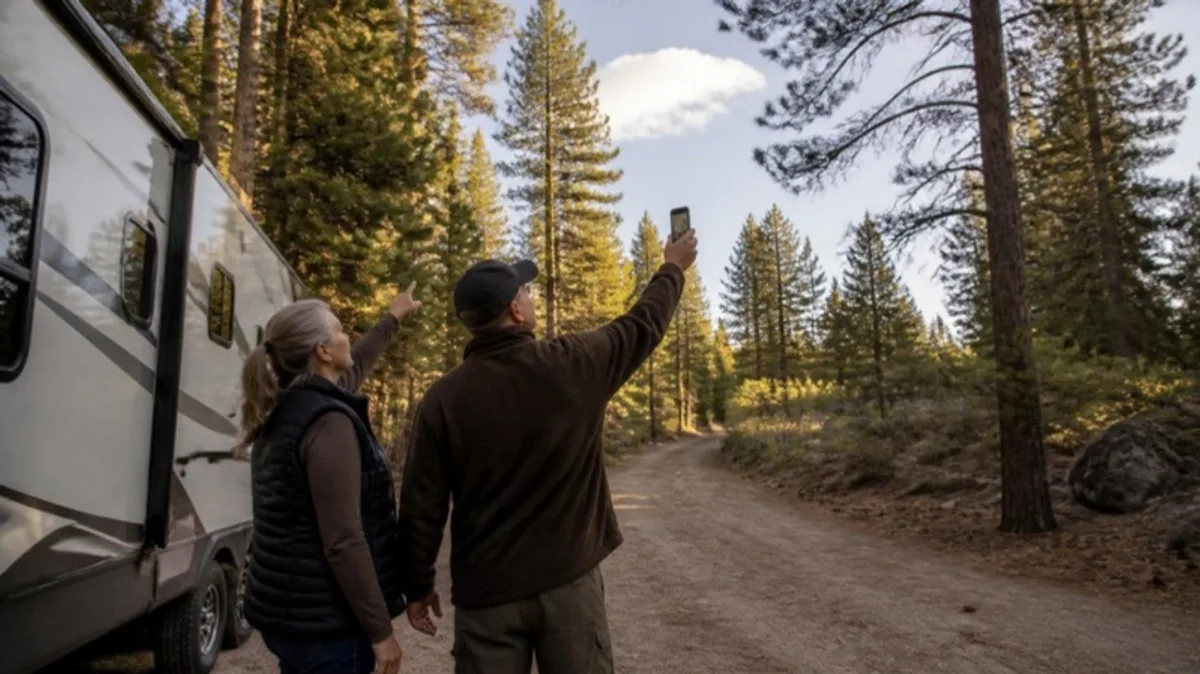
- Sky view is everything. Inside the coach, under an awning, or beneath tall pines, connections struggle or fail. Apple tells users to stand outside with a clear view of the sky and horizon.
- Canyons and mountains block satellites. Deep valleys, the very terrain where cell service disappears, can also make satellite links slow.
- Messages are slow. Expect 30 seconds to several minutes per message, and sometimes replies arrive out of order.
- Data is limited. Even on T-Satellite, app support works over a thin connection. Don’t expect to stream or video call over satellite.
- 911 by text is a backup. The FCC advises calling 911 whenever you can and texting only when calling isn’t possible (FCC guidance on text-to-911).
For a balanced, field-tested comparison of how the Apple and T-Mobile/Starlink services behave on the road, this video from the Mobile Internet Resource Center, a long-running authority on RV connectivity, is worth 15 minutes:
These services also don’t replace your navigation backups. Satellite texting can share where you are, but it won’t route you around a washed-out road. We cover why you should layer offline maps and multiple apps in our off-road RV navigation guide.
A Practical Satellite Messaging Setup for Your Rig
Here’s a setup plan you can finish in an evening, before your next trip.
- Check what your phone already has. On iPhone, look under Settings > Apps > Messages or try the Emergency SOS demo. On Android, open Settings > Safety & emergency. If you’re on Verizon or AT&T, use T-Mobile’s compatibility checker before adding T-Satellite.
- Update the software. Satellite features depend on recent versions. T-Mobile cites iOS 26 and Android 16 for its app features.
- Practice at home. Apple’s demo mode lets you practice aiming the phone at a satellite without sending anything. Try your carrier’s features in an open field before you’re 60 miles from a town.
- Write a check-in plan. Agree with family on a check-in schedule and what a missed check-in means. Keep messages short: location, status, next step.
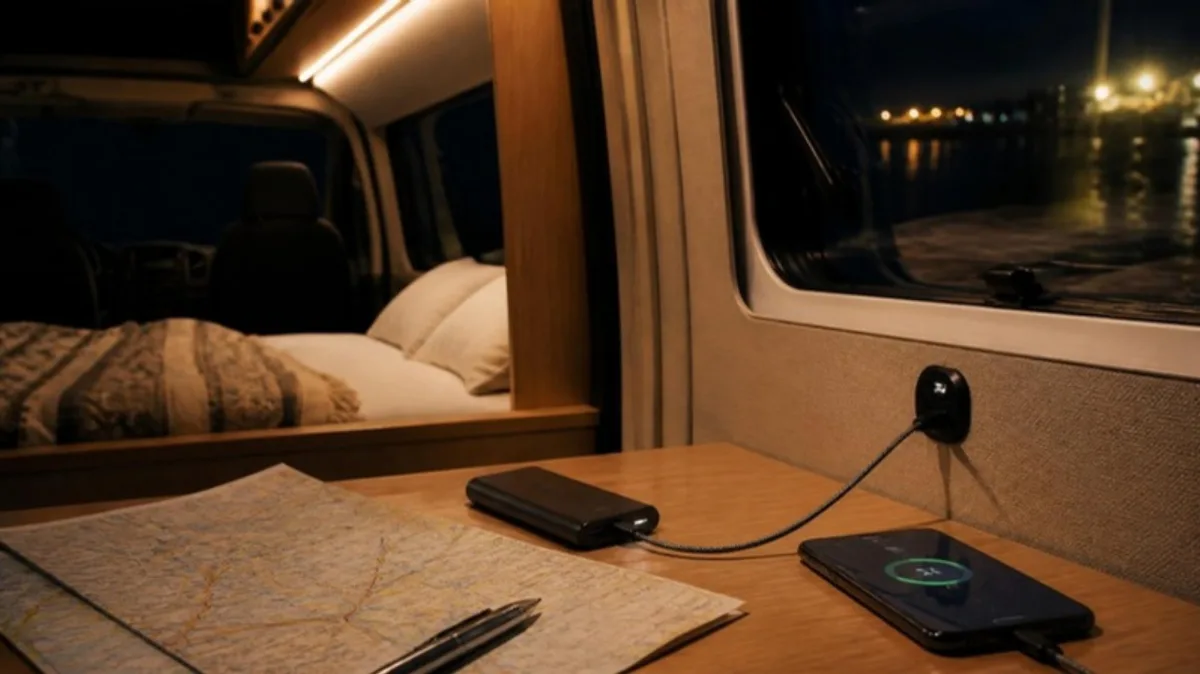
- Protect your phone’s battery. Satellite mode is power-hungry. Keep a USB-C power bank charged and make sure your 12V system can recharge it. Our RV boondocking electrical checklist walks through testing the outlets and wiring you’ll depend on.
- Decide whether you need a second system. If any of your routes or campsites are remote enough that a dead phone would be a real problem, add a dedicated messenger and keep it charged.
If your goal is full-speed internet at camp rather than emergency messaging, compare options in our Starlink Mini vs. 5G hotspot breakdown. Satellite texting works best as the backup layer under whatever main connection you use.
Recommended Satellite Messaging Gear for RVers and Truckers
Affiliate disclosure: As an Amazon Associate, Truck & RV Electronics earns from qualifying purchases. If you buy through the links below, we may earn a commission at no extra cost to you. We haven’t hands-on tested these devices; the picks below are based on published manufacturer specifications and the coverage needs described in this guide. Prices and availability change, so check the current listing.
- Garmin inReach Messenger Plus. A compact, phone-paired Iridium messenger that also supports photo and voice messages through the Garmin Messenger app. Good for: RVers who want a pocketable, independent backup with long battery life.
- Garmin inReach Mini 3 Plus. Adds a color touchscreen so it works fully on its own if your phone dies or breaks. Good for: solo travelers and drivers who want the most independent setup.
- ZOLEO Satellite Communicator. A rugged, lower-cost Iridium device with SOS and check-in buttons that pairs with your phone’s app. Good for: budget-conscious full-timers who want global coverage and a dedicated SOS button.
Satellite Texting FAQ
Does satellite texting work inside an RV?
Usually not reliably. Satellite messaging needs a clear view of the sky, and a roof, awning, or trees block or weaken the signal. Step outside into an open area, hold the phone up, and follow any on-screen prompts to aim it.
How much does satellite texting cost for RVers?
It depends on your phone and carrier. Apple’s Messages via satellite is free for two years after activating an iPhone 14 or later. T-Mobile’s T-Satellite is included on its top plans and costs $10 a month otherwise, including for eligible Verizon and AT&T customers. Dedicated messengers require buying the device plus a monthly subscription.
Can I use T-Satellite if I’m on Verizon or AT&T?
Yes, if your phone is on T-Mobile’s compatibility list, is unlocked, and has an open eSIM slot. T-Satellite runs alongside your existing line as a separate add-on.
Is phone satellite texting good enough for emergencies?
It’s a meaningful safety net, especially Apple’s Emergency SOS via satellite and T-Mobile’s Text to 911 by Satellite. Coverage, battery life, and terrain still limit it, so people who travel far from help often carry a dedicated messenger with a physical SOS button as well.
Will satellite texting work in Canada or Mexico?
Partly. Apple lists the U.S., Canada, Mexico, and Japan for Messages via satellite, and T-Satellite roaming has expanded to some countries. Check your carrier’s current list before crossing a border. Iridium-based devices like inReach and ZOLEO work worldwide.
Do I still need a cell booster or Starlink if my phone texts by satellite?
Yes, if you need real internet. Satellite texting handles short messages and a few lightweight apps. Remote work, streaming, and video calls still need a cellular router, booster, or a satellite internet dish.
The Bottom Line on Satellite Texting for RVers
Satellite texting for RVers isn’t a futuristic add-on anymore. It’s probably already on the phone you carry. Find out what your device supports, practice before you need it, protect your phone’s battery, and decide honestly whether your travel style needs a second, independent messenger. That small amount of prep means a dead zone is just a quiet campsite, not a problem.