
RV DIY & Installation Guides for Safe, Clean Upgrades
Most RV “upgrades” fail for one boring reason: people treat electrical, mounting, and sealing like arts-and-crafts. Then the rig shakes itself like a paint mixer for 500 miles and reality shows up with a loose ground, a chafed wire, and a surprise leak.
If you want RV DIY & Installation Guides that don’t end with smoke, sagging brackets, or a cabinet full of mystery rattles, you’re in the right place. Here’s the truth: the install matters more than the product.
Table of Contents
- 1) The Rules of the Road: Safety Before “Cool Mods”
- 2) Plan Like a Pro: Power, Loads, Space, and Reality
- 3) 12V DC Wiring Done Right (So It Doesn’t Melt)
- 4) Inverters, AC, and Shore Power: Where DIY Gets Spicy
- 5) Batteries, Solar, and Charging: Clean Power That Stays Clean
- 6) Mounting and Weatherproofing: Vibration is Your Enemy
- 7) Connectivity & Electronics: Wi-Fi, Cameras, and “Why Is This Glitching?”
- 8) Troubleshooting & Maintenance: Fix It Once, Fix It Forever
- 9) FAQ: Quick Answers That Prevent Dumb Mistakes
- 10) Amazon Search Picks: Tools & Parts Worth Buying
- 11) Insider Takeaway (and a Friendly Threat)
1) The Rules of the Road: Safety Before “Cool Mods”
Snippet answer (read this before you touch anything): Safe RV upgrades come down to three things: protect every circuit with the right fuse/breaker, use proper wire sizing and strain relief so vibration can’t chafe insulation, and mount/seal gear like it will see rain, dust, heat, and potholes—because it will.
The problem is people chase gadgets and skip fundamentals. They’ll spend $600 on a lithium battery and then run it through a no-name breaker, undersized cable, and a “close enough” ground. Fast forward to a hot day, high load, and that setup turns into a toaster oven.
Let’s set the baseline. These are non-negotiables:
- Disconnect power before work: shore power unplugged, generator off, inverter off, battery disconnect open (or negative cable removed). If you can’t confidently isolate power, you shouldn’t be in the panel.
- Fuse/breaker placement matters: protect the wire, not the device. Put overcurrent protection close to the power source so a short doesn’t turn the entire cable run into a heating element.
- Vibration-proof everything: wire protection (loom/grommets), proper clamps, strain relief, and hardware that doesn’t back out after 2,000 miles.
- Heat is a symptom: heat usually means resistance (loose connection, corrosion, bad crimp, undersized wire). Heat is not “normal.” Heat is your warning label.
Also, CO isn’t “campfire scary.” It’s “quietly lethal.” The CDC notes that each year more than 400 Americans die from unintentional carbon monoxide poisoning not linked to fires, with many more hospitalized or visiting ERs. CDC carbon monoxide basics backs that up with clear, boring numbers—which is exactly what you want from safety data.
Now the not-fun opinion: if your “upgrade plan” includes bypassing safety devices because they trip, your plan sucks. The device doesn’t “hate you.” It’s detecting your mistake.
One more reality check: RV fires aren’t unicorn events. The U.S. Fire Administration has a dedicated RV fires snapshot because this happens often enough to track. USFA RV fire statistics snapshots exist for a reason. And NFPA research covers vehicle fires broadly and the patterns repeat: electrical and fuel/heat sources don’t care about your vacation schedule. NFPA vehicle fires research.
Bottom line: safety isn’t a vibe. It’s engineering.
 2) Plan Like a Pro: Power, Loads, Space, and Reality
 2) Plan Like a Pro: Power, Loads, Space, and Reality
Before you buy anything, do the boring thing: define what you’re powering and how long you expect it to run.
Here’s the truth: “I want solar and lithium” is not a plan. That’s like saying “I want a kitchen” and then buying a refrigerator without measuring the doorway.
Start with a load audit (yes, you can keep it simple)
Make a list of your top loads and how you actually use them:
- 12V fridge (or 120V fridge through inverter)
- Lights, fans, water pump
- Phone/laptop charging
- TV/streaming gear
- Microwave/coffee maker (these bully your inverter)
- Space heater / A/C (often not realistic off batteries unless you’re running a serious system)
Then add two numbers: watts (power) and hours per day (usage). If you don’t know watts, check the label or manual. If you don’t have the manual, you can usually find the model number and figure it out.
Quick mental math: Watts = Volts × Amps. That’s not marketing; that’s physics. If you want a refresher, even Wikipedia keeps Ohm’s law and power relationships tidy. Ohm’s law basics.
Decide your “power mode”
Most RV electrical setups fall into one of these buckets:
- Weekend warrior: basic battery + modest solar, lights, fans, fridge.
- Off-grid serious: lithium bank, bigger solar, inverter, upgraded charging, monitoring.
- Hybrid: shore power often, but wants clean upgrades (inverter for short bursts, better charging, better DC distribution).
Each bucket drives wiring, fusing, and install complexity. If you’re adding an inverter, read a proper inverter install guide before you freehand it. This is the kind of job where “I watched a video” turns into “why does my rig smell like hot pennies.” Use this as your reference point: how to install an RV power inverter safely.
Space and routing: the silent killers
Cabinets look roomy until you add cable bend radius, ventilation clearance, and access to service. If you can’t reach a fuse without dislocating a shoulder, you built a future problem.
Pro move: mock up the install with cardboard templates, painter’s tape, and a sharpie. It’s cheap, fast, and it saves you from drilling the world’s dumbest hole in the world’s worst place.
3) 12V DC Wiring Done Right (So It Doesn’t Melt)
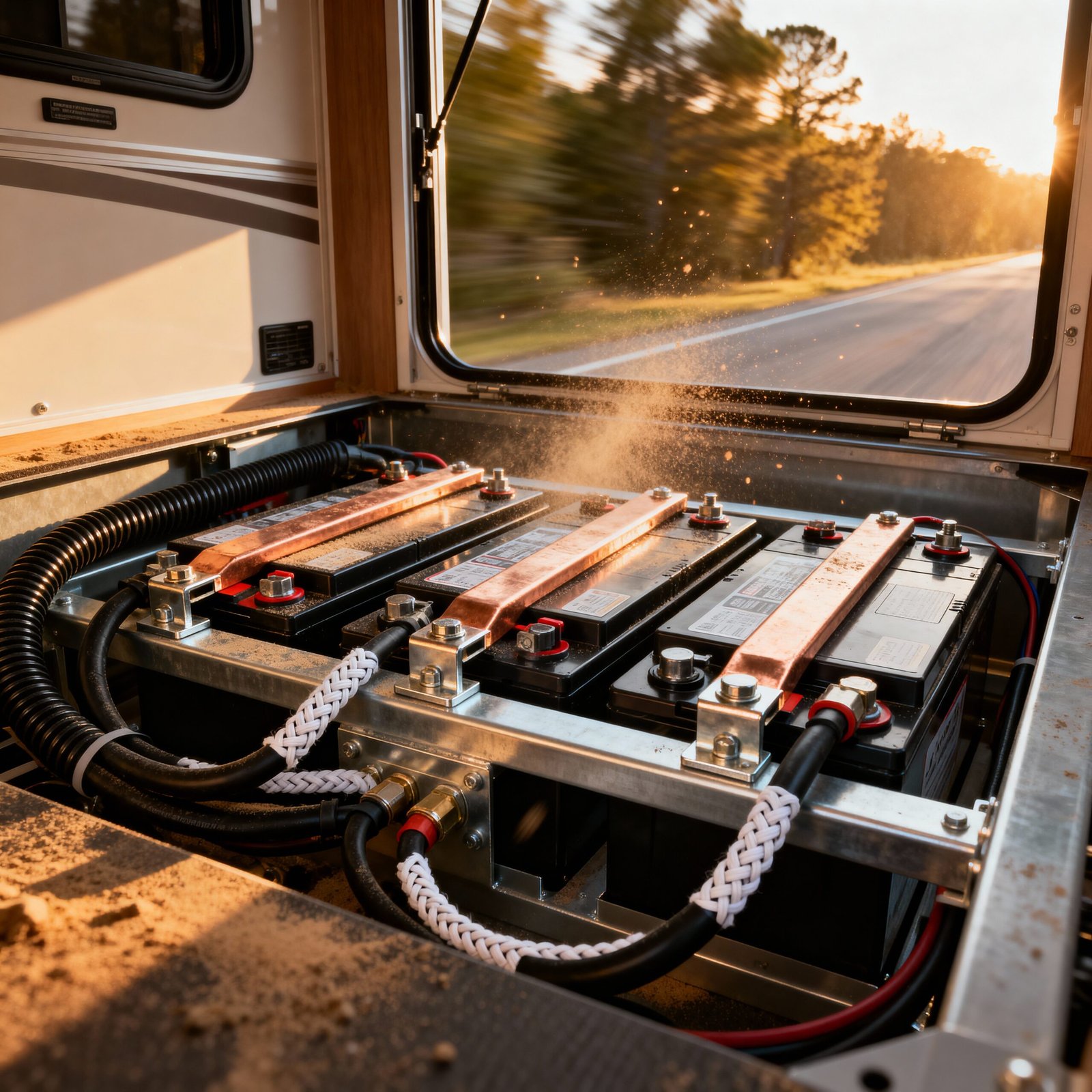
DC wiring looks “easy” because the voltage is lower. That’s the trap. Low voltage means higher current for the same power, and high current punishes bad installs.
What fails most often?
- Undersized wire that runs hot under load.
- Bad crimps that create resistance.
- Loose terminals that arc and oxidize.
- No strain relief so vibration works the copper until it fractures.
- Random grounds that turn troubleshooting into a horror movie.
Wire sizing: don’t “close enough” this
Wire sizing isn’t just about not melting. It’s about voltage drop. Your fridge, fans, and electronics don’t love low voltage. They get glitchy, inefficient, and sometimes they shut down.
Marine/vehicle standards often aim for low voltage drop on sensitive circuits. A practical reference point: ABYC-style guidance commonly keeps voltage drop lower (around 3%) for sensitive/safety-relevant loads and allows higher drop (around 10%) for less sensitive runs. ABYC/ISO-style voltage drop guidance and calculators lays out the logic in plain terms.
Insider rule: when in doubt, go one size larger. You’ll waste a little money on copper and save a lot of money on headaches.
Crimps: the #1 skill that separates “clean” from “sketchy”
Twist-and-tape belongs in the same museum as floppy disks.
Use the right terminal, the right crimper, and the right heat shrink. If your crimp can be pulled off by hand, it’s not a crimp. It’s a suggestion.
Clean upgrade checklist:
- Use tinned copper lugs/terminals when possible (corrosion resistance).
- Use adhesive-lined heat shrink on exposed terminations.
- Support cables every ~12–18 inches with clamps so they don’t flap around like a jump rope.
- Use grommets where wire passes through metal or sharp edges. Always.
And yes, your distribution matters. A proper fused distribution block beats an “inline fuse spaghetti monster” every day.
Grounding: stop treating it like magic
Grounding (negative return) should be consistent and deliberate. If you scatter grounds across random chassis points, you’ll create weird voltage drops and intermittent faults that only show up when you’re tired and it’s raining.
Best practice: use a negative bus bar and bring returns back cleanly. Keep high-current and sensitive electronics grounds organized so noise doesn’t creep into your system.
If you’re upgrading your battery system, especially lithium, make sure your wiring plan matches the battery’s capability. This deep-dive on a popular option gives you the specs and the “don’t do this” warnings: Renogy 100Ah 12V LiFePO4 battery review and install considerations.
4) Inverters, AC, and Shore Power: Where DIY Gets Spicy
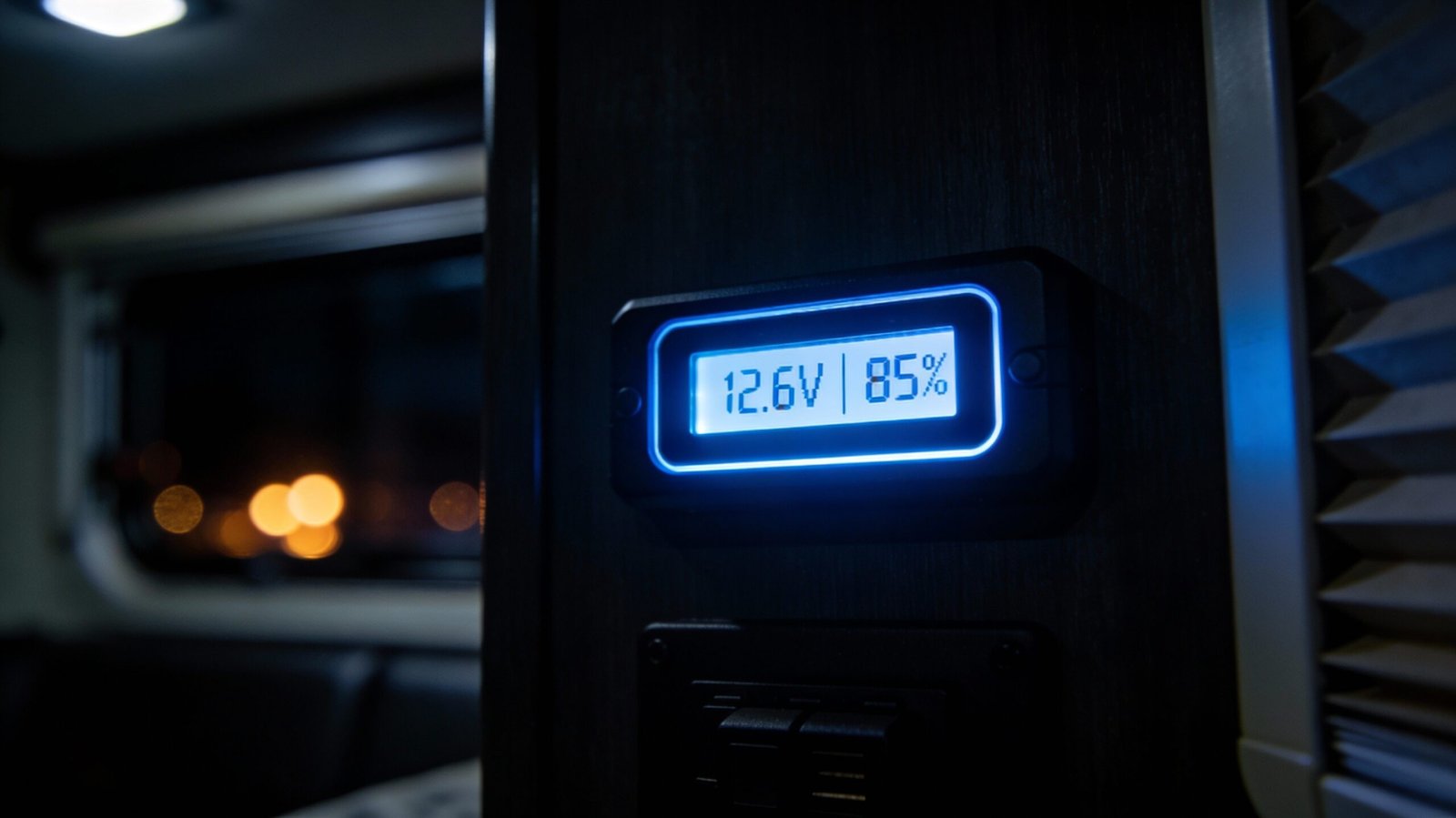
Inverters are awesome—when installed correctly. When installed badly, they’re expensive smoke machines.
The reason: inverters pull serious current from the battery bank, especially under heavy loads. That means big cables, short runs, correct fusing, and proper ventilation.
Pure sine vs modified sine: pick the right tool
Here’s my opinion, and I’ll own it: modified sine inverters often create noise, heat, and weird behavior in modern electronics. Can they run simple resistive loads? Sure. But if you’re powering anything with a motor, a compressor, sensitive chargers, or electronics you care about, pure sine wins.
Do you want “it works most of the time” or “it works, period”?
The inverter install triangle: cable, fuse, ventilation
Cable: Keep DC cable runs short and sized correctly. Long runs mean voltage drop and heat.
Fuse/breaker: Put protection close to the battery. The fuse rating should protect the wire and match inverter surge expectations.
Ventilation: Inverters make heat. Heat kills electronics. If you bury an inverter in a sealed cabinet, you basically asked it to die early.
If you want a step-by-step, don’t freestyle it. Use a dedicated guide with the right sequence and safety steps: RV inverter installation walkthrough.
Transfer switches and backfeed: the “please don’t” section
If you plan to feed your RV’s AC panel from an inverter, you need to handle transfer switching properly. Backfeeding shore power lines is dangerous and can fry gear—or worse.
Blunt truth: if you don’t understand how your rig switches between shore, generator, and inverter, get help. This is not the place to learn by trial-and-error.
Shore power upgrades: clean, protected, labeled
When you touch AC, think like an electrician, not a hobbyist:
- Use proper strain relief on shore power inlet wiring.
- Label circuits so future-you doesn’t hate past-you.
- Use correct torque on terminals (loose terminals arc; over-tightened terminals strip).
- Keep AC and DC wiring separated where possible to reduce noise and confusion.
One-sentence reality check: if you can’t explain neutral/ground bonding rules in your setup, don’t rebuild the AC side from scratch.
5) Batteries, Solar, and Charging: Clean Power That Stays Clean
Lithium and solar are the upgrades everyone wants. Great. But your “system” is only as strong as the weakest connector, the weakest fuse, or the charger that’s set wrong.
Lithium basics without the marketing glitter
LiFePO4 is stable, long-lived, and efficient. It’s also unforgiving of bad setup. You need:
- Correct charging profile (converter/charger and solar controller settings matter).
- Proper cable sizing to handle charge/discharge current.
- Solid monitoring so you know what’s happening (not guessing based on “my lights look bright”).
And no, a cheap voltmeter doesn’t count as monitoring. It’s better than nothing, but it’s not the truth.
Solar: don’t mount panels like you hate your roof
Solar panels live in a world of wind uplift, UV exposure, vibration, and thermal expansion. If you slap them on with random screws and bargain sealant, you’re installing future leaks.
Best practice approach:
- Use mounts designed for RV roofs and your roof material.
- Pre-plan wire routes so you minimize roof penetrations.
- Use proper gland/cable entry housings.
- Seal with compatible sealants (roof material matters).
Also: shade kills solar. Even partial shading can crater output. That’s not opinion; it’s how photovoltaic cells behave in series strings.
Charging from the alternator: the “don’t cook your wiring” zone
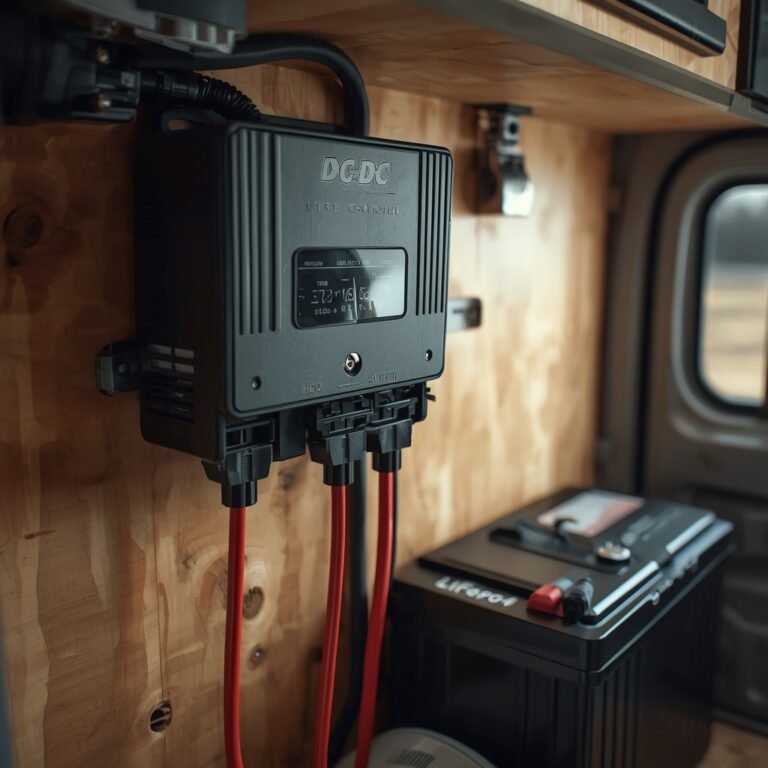
Charging a lithium bank from a vehicle alternator can work beautifully—if you use the right DC-DC charger and wire it correctly.
What fails when people do it wrong?
- Overheated wiring due to high current and long runs.
- Alternator stress because it runs hard for long periods.
- Voltage drop that makes charging inconsistent.
Insider move: treat alternator charging like a high-current industrial circuit, not a cigarette-lighter accessory. Fuse both ends where appropriate, protect the cable, and route it like you care about safety (because you do).
Battery placement: temperature and service access
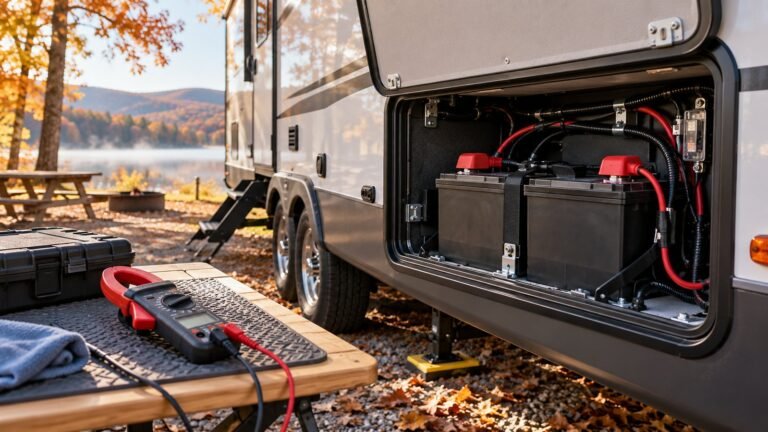
Batteries don’t love extreme heat. Electronics don’t either. Place your bank where it stays reasonably cool and where you can access terminals, fuses, and disconnects without ripping apart cabinetry.
If you’re basing your build around a specific battery, use a real reference for dimensions, BMS limits, and charge specs. This one covers the practical constraints clearly: Renogy 100Ah LiFePO4 installation notes.

6) Mounting and Weatherproofing: Vibration is Your Enemy
Here’s the part everyone underestimates: the road. RVs vibrate. Trucks vibrate more. Your install has to survive a mechanical beating.
If your gear is mounted with two tiny screws into thin paneling, that’s not mounting. That’s temporary optimism.
Fasteners and backing: stop trusting thin wood
Use backing plates where loads matter. Spread the stress across a wider area so screws don’t wallow out over time.
Use thread locker where appropriate. Use lock washers or nylon-insert nuts where vibration exists. And don’t mix metals in ways that invite corrosion (especially in wet exterior zones).
Sealants: choose compatible products or enjoy leaks
Roof sealant compatibility is not optional. EPDM, TPO, fiberglass—each has preferences. If you don’t know your roof type, identify it before you buy sealant.
Clean upgrade habit: prep the surface properly. Dirt, chalking, and old failing sealant make new sealant fail early. You can’t “seal over” bad prep and expect it to last.
Cable routing: protect it like it’s expensive (because it is)
Any cable run that can chafe will chafe. It’s not a matter of if. It’s a matter of when.
- Use split loom or braided sleeve in abrasion zones.
- Use rubber grommets at pass-through points.
- Add drip loops on exterior runs so water doesn’t follow the cable into a penetration.
- Keep high-current wiring away from heat sources (exhaust, engine bays) unless properly rated and protected.
One sentence, big impact: wire protection is cheaper than troubleshooting.
7) Connectivity & Electronics: Wi-Fi, Cameras, and “Why Is This Glitching?”
Connectivity upgrades are deceptively simple. Mount an antenna, add a router, maybe a booster, done. Except… then the system drops signal, reboots, or performs like a potato.
The culprit is usually one of these:
- Bad power (voltage drop, noisy DC, weak grounding).
- Bad placement (antenna shadowing, metal blocking, low mounting height).
- Bad cabling (cheap coax, long runs, sloppy connectors).
Power quality: the unsexy reason your router acts possessed
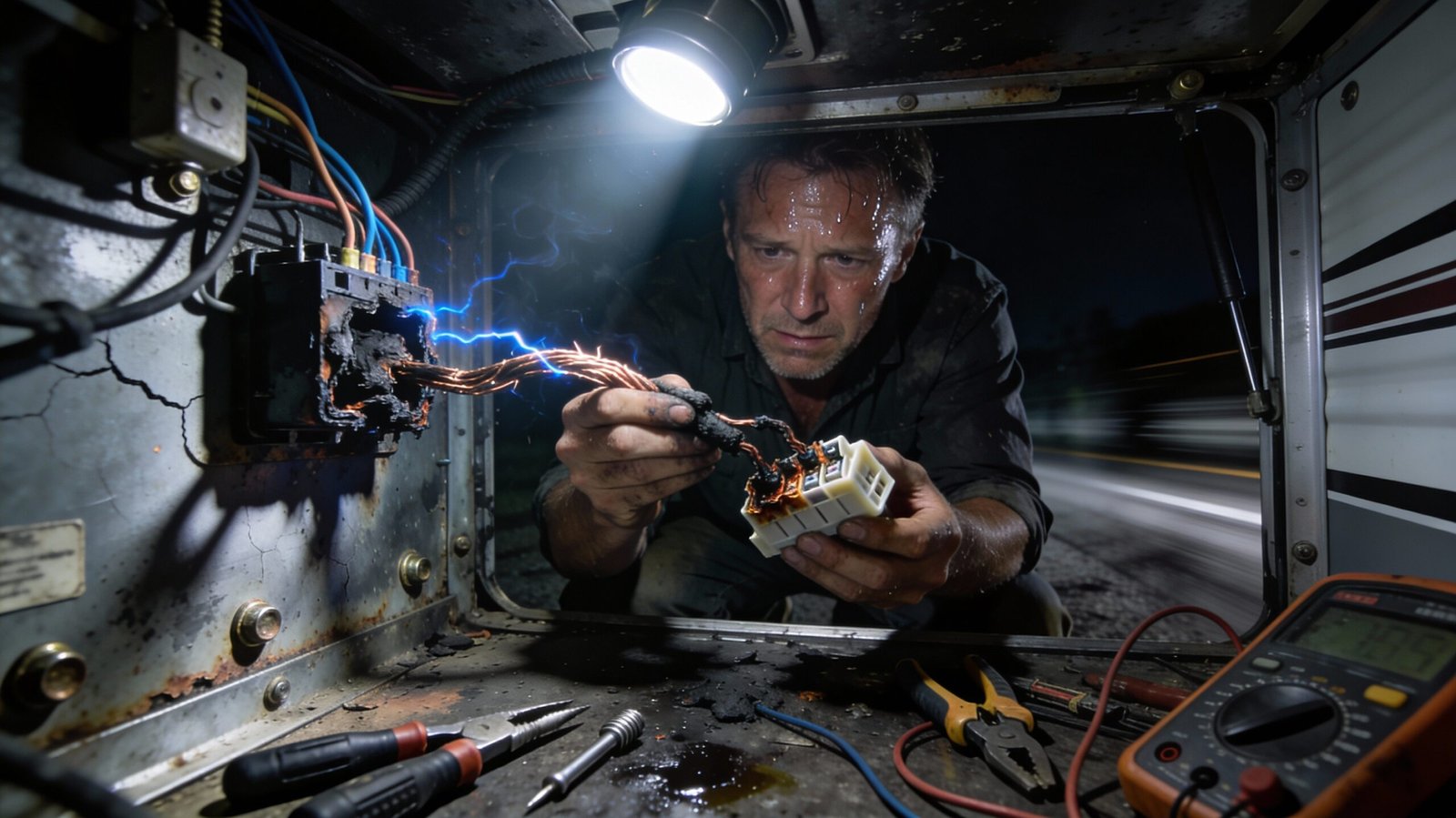
Many mobile routers and modems hate unstable voltage. If your 12V socket sags under load, your electronics will brown out.
Fix: run a dedicated fused circuit to a stable DC distribution point, use proper wire sizing, and avoid sharing that circuit with high-draw loads.
If you want a deeper troubleshooting path for mobile connectivity (especially when the truck/RV combo complicates everything), start here: how to fix truck & RV connectivity issues.
Camera installs: routing and sealing matter more than the camera
Backup and side cameras fail because of water ingress, cheap connectors, and routing through pinch points.
Install it right:
- Route cables away from moving hinges and sharp edges.
- Use sealed connectors or weatherproof junction points.
- Seal exterior penetrations correctly (and don’t pretend silicone is universal magic).
- Test the system before you button everything up.
Cell boosters: don’t buy a miracle, buy a plan
A booster can help in marginal coverage, but it can’t create signal from nothing. If you’re camping in a true dead zone, you’ll still be in a dead zone—just with a more expensive antenna.
No-BS advice: if you need reliable work-grade internet, consider a multi-carrier strategy (router + external antenna + the right data plans), not a single “booster fixes all” purchase.
8) Troubleshooting & Maintenance: Fix It Once, Fix It Forever
Most problems look mysterious until you measure something. So measure.
Here’s a clean troubleshooting workflow that actually works:
- Start with symptoms: what exactly fails, when, and under what load?
- Check voltage at the device under load, not at the battery with everything off.
- Check connections: heat, discoloration, looseness, corrosion.
- Check fuses/breakers: correct size and type, solid seating, no “mystery resets.”
- Isolate variables: one change at a time, or you’ll chase ghosts.
Voltage drop testing: the fastest truth-teller
Want to know if your wire is too small or your connection is garbage? Measure voltage at the battery and at the load while the load runs. The difference is your voltage drop.
Insider shortcut: if you see big drop on a short run, suspect a bad connection first. Loose lugs and bad crimps love to cosplay as “wire sizing issues.”
Thermal check: heat maps don’t lie
If you have an IR thermometer, use it. If you have a thermal camera, even better.
Hot spots show you resistance points: breakers, lugs, splices, and terminals that need rework. This beats guessing.
Maintenance schedule that doesn’t waste your life
- Monthly (or before long trips): check battery terminals for tightness and corrosion, quick visual scan of wiring near moving parts.
- Quarterly: inspect roof penetrations and sealant condition, check mounts for looseness, verify inverter fan paths are clear.
- Annually: torque-check main lugs, inspect fuse blocks, verify charging profiles still match your battery, test CO and smoke alarms.
Speaking of safety: if you’re towing or driving long distances, don’t be casual about tires. NHTSA’s tire safety guidance exists because tires fail when people ignore pressure, tread, and age. NHTSA tire safety basics is a quick refresher that saves you from “why is my rig fishtailing?” moments.
And if you’re troubleshooting “the internet is trash again,” don’t shotgun-buy gear. Use a diagnostic path. This guide walks through the common failure points: truck & RV connectivity troubleshooting.
9) FAQ: Quick Answers That Prevent Dumb Mistakes
Do I really need an inline fuse close to the battery?
Yes. Every time. Without it, a short in that cable can dump insane current until something melts or catches fire. The fuse protects the wire, not your feelings.
Can I run an inverter off the RV’s existing 12V outlet wiring?
No, not for meaningful loads. Most 12V outlets are wired light-duty. A real inverter needs properly sized cable, correct fusing, and a short run to the battery bank. Use a proper install guide like this one: RV power inverter install.
What’s the cleanest way to add multiple 12V accessories?
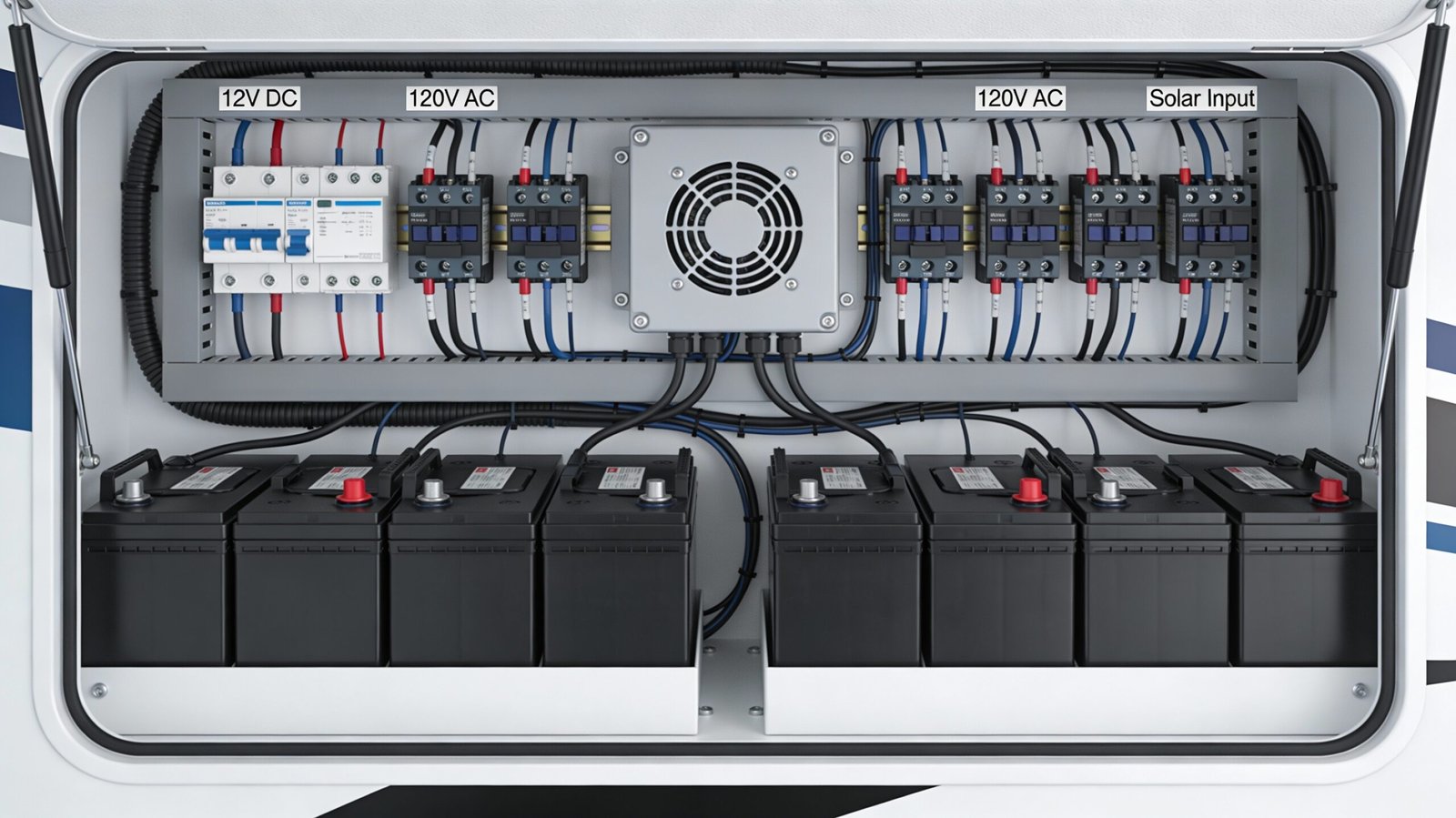
Use a fused distribution block (or a DC fuse panel) fed by a correctly sized main wire with upstream protection, then run individual fused circuits to each accessory. It’s organized, serviceable, and it prevents the “inline fuse spaghetti” disaster.
Should I DIY propane modifications?
If you have to ask, no. Propane leaks don’t give you a polite warning. Keep DIY to safe zones (mounting, sealing, low-risk electronics) unless you have training, tools, and local code knowledge.
How do I prevent roof leaks after installing solar or antennas?
Use proper mounts and cable glands, prep the surface correctly, minimize penetrations, and use sealant compatible with your roof material. Then inspect it. Sealing is not a one-and-done ritual.
Why does my router reboot when the water pump runs?
Voltage sag or electrical noise. The pump load spikes current and your router sees a brownout. Fix it by running the router on a dedicated fused circuit with proper wire sizing and stable distribution. Start your diagnostics here: fix truck & RV connectivity issues.
10) Amazon Search Picks: Tools & Parts Worth Buying
You can do clean installs with average parts, but you can’t do clean installs with garbage tools. These are the categories that pay off immediately.
Electrical install essentials
A real ratcheting crimper (not the bargain bin special) makes safer connections and fewer re-dos.
Adhesive-lined heat shrink terminals keep corrosion and vibration from turning your connections into intermittent nightmares.
Fuse blocks / DC distribution keep your wiring serviceable and sane.
Monitoring and protection
Battery monitor + shunt is how you stop guessing and start managing power like an adult.
High-current ANL fuse holders (or equivalent) for inverter and main feeds. Don’t cheap out on the thing designed to stop fires.
Routing, mounting, and sealing
Split loom + cable clamps are boring and they prevent 80% of long-term wiring failures.
Solar cable gland / roof entry for clean, weatherproof roof penetrations.
Roof sealant (match your roof type). Read labels. Compatibility matters.
Battery and inverter basics
Inverter cabling kit (proper gauge, proper lugs) saves you from cobbling together unsafe nonsense.
If you’re installing an inverter for real, go follow the dedicated step-by-step so you don’t improvise the dangerous parts: installing an RV power inverter the right way.
11) Insider Takeaway (and a Friendly Threat)
Here’s the truth: a “clean upgrade” isn’t about looking neat. It’s about being mechanically secure, electrically protected, and serviceable when something eventually needs attention.
The insider takeaway: protect the wire, control vibration, and make your system measurable. If you do those three things, your upgrades survive real travel instead of dying in a driveway fantasy.
Action step: pick one project this week and do it properly—fused, clamped, labeled, and tested under load. If you want a high-impact starting point, build your power foundation first (inverter/battery/charging), then layer in electronics and connectivity. Use these as your anchor references: battery planning and connectivity stability.
And if you’re tempted to “just send it” with undersized wire or a mystery crimp? Don’t. Your RV will eventually collect the debt—with interest.
As an Amazon Associate, I earn from qualifying purchases.



2 Comments