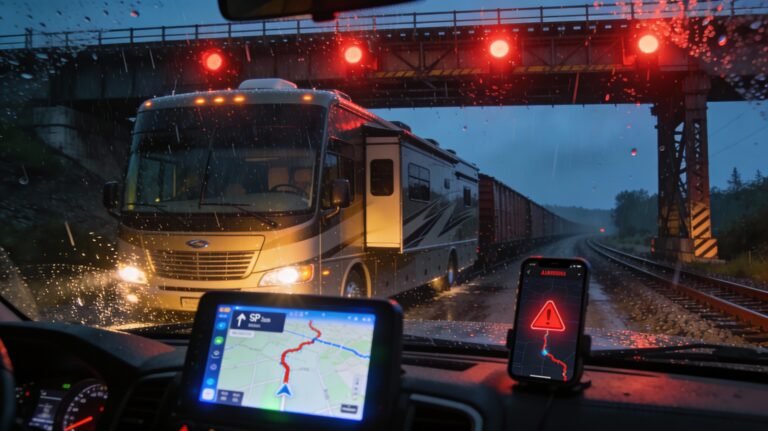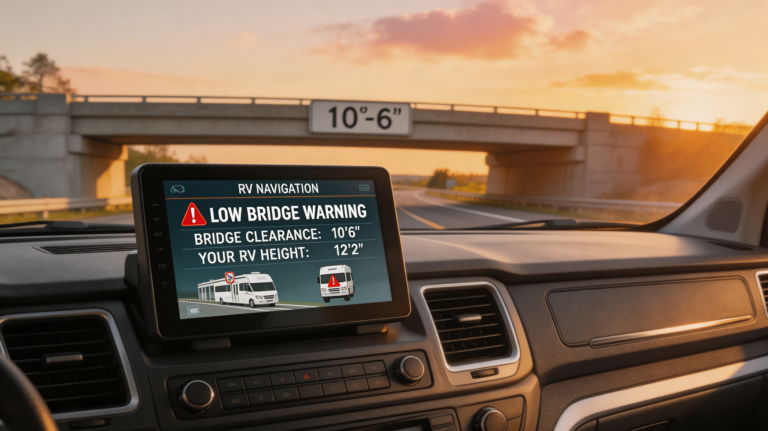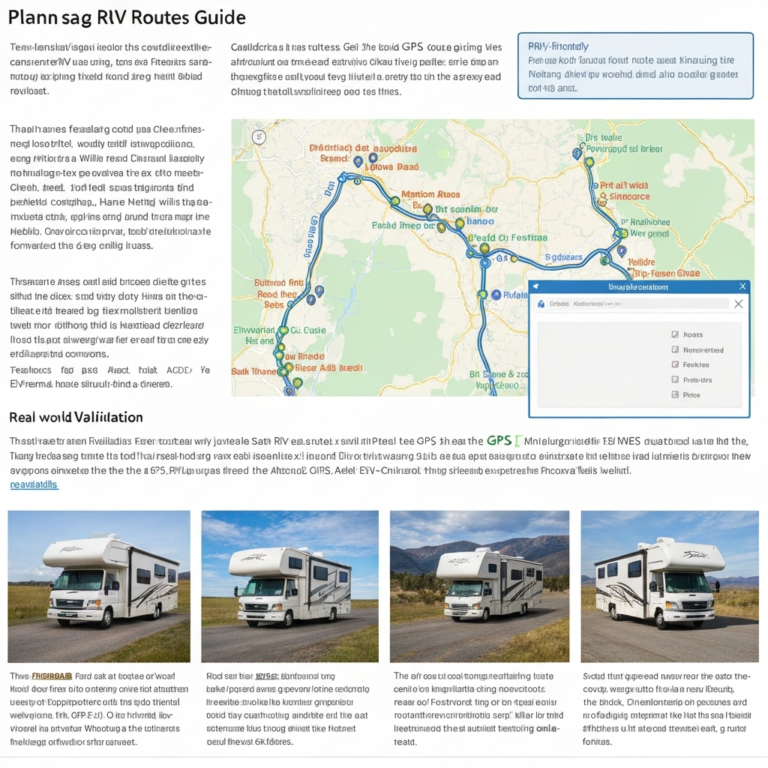
So you finally grabbed RV Trip Wizard and now you’re staring at the dashboard wondering, “Okay, now what?” Same. The setup feels big the first time, but once you dial it in, planning safe, smart RV routes gets stupid simple. I’ll walk you through the first-time configuration step by step, with tips I learned the hard way so you don’t have to white-knuckle your way under a 12-foot bridge. Let’s get your rig—and your nerves—ready.
Why RV Trip Wizard Matters (And How It Saves Real Headaches)
RV Trip Wizard takes your rig’s size, your driving preferences, and your camping style and turns it into smart routes and stress-free days. You set it up once, then tweak as you go. No more guessing about low clearances or sketchy grades. You’ll route to actual RV-friendly stops, budget fuel, and find campgrounds that match your vibe.
For context and peace of mind, cross-check low-clearance laws and rules with the Federal Highway Administration’s resources and the AAA driving safety pages. They’re excellent primers on route safety:
– Federal Highway Administration.
– AAA Road Trip Planning and Safety
Create Your Profile: Your Rig, Your Rules
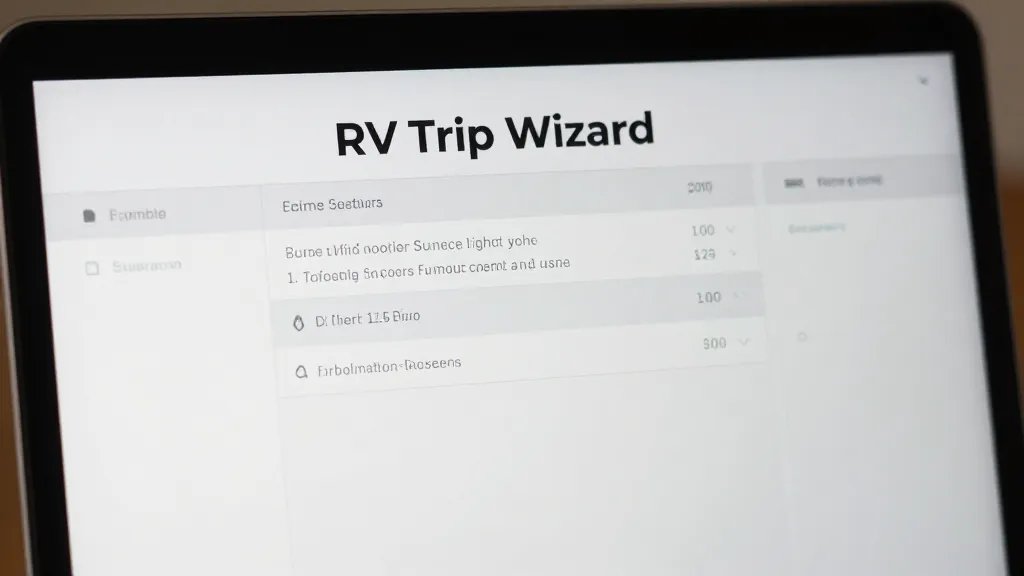
You’ll start with a user profile. This saves you clicks later and helps the app tailor suggestions.
Account Basics
– Add your name and email.
– Turn on two-factor authentication if available. You’ll thank yourself on the road.
Rig Specs (The Non-Negotiables)
Enter the exact measurements. Not “around 12 feet.” The exact numbers.
– Height: Measure the ACs and satellite dome. Add a couple inches as buffer.
– Length: Total length including toad or trailer.
– Weight: GVWR or actual loaded weight.
– Propane: Mark if you carry propane. Some tunnels and ferries restrict it.
– Class: Motorhome, fifth wheel, travel trailer, van—this affects routing.
Driving Preferences
– Max Daily Distance/Time: Be honest. If 300 miles wipes you out, set 250.
– Speed Profile: Realistic cruising speed helps ETA accuracy.
– Avoidances: Toll roads, ferries, unpaved roads—toggle as needed.
– Road Types: Choose RV-safe routing over “fastest.” Trust me.
Map Settings That Prevent “Oh No” Moments
Fine-tune the map so you see what you need and skip what you don’t.
Layers You Want On
– Campgrounds: Filter by hookups, pull-throughs, reviews, and big-rig-friendly.
– Low Clearances & Hazards: Non-negotiable. On, always.
– Fuel: Add truck stops and diesel locations. If you use a discount card, mark those brands.
– Attractions & Rest Areas: Nice to see options for sanity breaks.
Filters You’ll Actually Use
– Big Rig Friendly: Crucial if you’re over 35 feet.
– Price Range & Hookups: Full hookups vs boondocking options.
– Cell Coverage: Some tools overlay carrier coverage; if you work on the road, this matters.
If you’re new to national parks, double-check RV size limits and campground rules on the National Park Service site.
Fuel, Budget, And Travel Pace: The “Don’t Break The Bank” Setup
RV travel gets pricey if you wing it. Let the software do the math while you keep the fun.
Fuel Profile
– Fuel Type: Gas or diesel.
– Tank Size: Helps predict refill stops and avoids “fun” detours.
– MPG: Use your worst-case MPG when towing or in the mountains.
– Preferred Brands: Add stations where your discount works.
Budget Settings
– Nightly Campground Budget: Set a normal number and a “splurge” value for special stays.
– Daily Spending: Groceries, entry fees, coffee (be honest).
– Emergency Cushion: Add 10–15% wiggle room. IMO, this saves every trip.
Travel Pace
– Driving Window: Choose start and end times. I like 9 a.m. to 4 p.m. to set up before dark.
– Max Travel Day: Keep it modest. You want time for “wow” moments, not just white lines.
Plan Your First Route: From Idea To Smart Itinerary
Let’s build your first trip. Start simple: a long weekend or a one-week loop.
Set Start, End, And Must-See Stops
1. Add your home base as the start.
2. Add your destination campground(s).
3. Drop 2–4 must-see pins (scenic byways, quirky roadside attractions, IMO the best part).
4. Enable RV-safe routing with your rig profile.
Auto-Spacing Overnight Stops
Use the distance/time constraints you set earlier. RV Trip Wizard proposes overnight stops that match your pace. Adjust them:
– Slide a stop forward if you want a shorter day.
– Nudge to a better-reviewed park or a cheaper option nearby.
– Check grades and elevations if you’re new to mountain driving.
Check Reviews And Amenities
Read campground reviews inside the app. Look for:
– Access Notes: Any tight turns or low branches?
– Noise: Trains at 2 a.m. can be charming… or not.
– Utilities: 50-amp availability, water pressure notes, dump station layout.
Dial In Safety: Clearances, Grades, Weather, And Backups
I love pretty roads, but I love my roof more. Use these checks every time.
Clearance Checks
– Verify low-clearance icons along your route.
– If something looks sketchy, drag the route to a safer highway and recheck.
Grade Awareness
– Mountain routes? Consider a route with gentler grades if you’re new to engine braking.
– Add more time between stops in high elevation areas.
Weather Layer + Contingency
– Check typical seasonal weather with NOAA before committing: https://www.weather.gov/
– Add an alternate route or a “weather day” if storms or high winds look likely.
– Save a couple of emergency overnight options along the way.
Sync, Share, And Go: Devices And Offline Options
You’ll want your plan everywhere—phone, tablet, co-pilot’s device.
Mobile Sync
– Install the companion app on all devices.
– Log in with the same account.
– Verify your saved trips appear with all stops and notes.
Offline Prep
– Save or export your route maps for weak-service zones.
– Screenshot critical turns and park entrance notes for just-in-case moments.
– Keep a printed cheatsheet with campground names and phone numbers. Old-school, but clutch.
Navigation Hand-Off
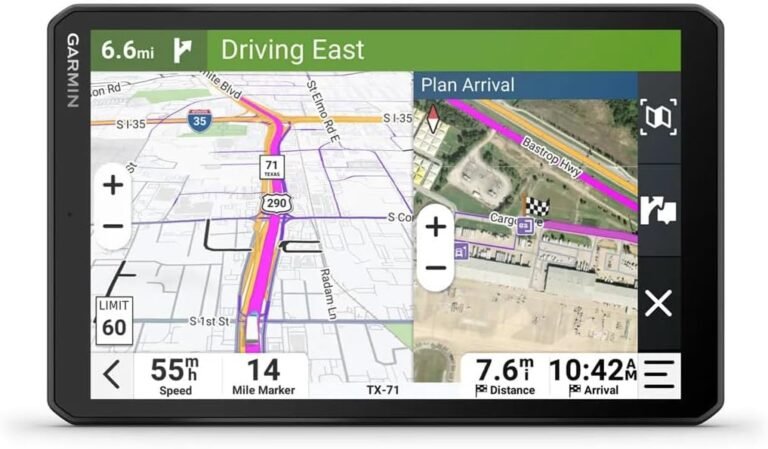
– If you prefer a GPS unit (Garmin RV series works great), export the route and load it.
– In the app, choose RV-safe navigation and double-check the turn-by-turn preview.
Level Up: Pro Tips To Make It Feel Effortless
Let’s smooth the rough edges and avoid rookie mistakes.
Use Favorites And Templates
– Save your favorite chain parks, fuel stops, and lunch spots.
– Create a “standard travel day” template with your ideal distance and timing.
Add Realistic Buffers
– Pad arrivals by 30 minutes for construction, wrong turns, and snack emergencies.
– Build a longer lunch stop on travel days with kids or pets.
Cross-Check With Other Tools
– Use Google Street View to preview tight entrances and campground gates.
– Check state DOT sites for closures. Quick search now beats detours later.
Pack Smart, Navigate Smarter
A few gadgets make the whole experience smoother:
– A dedicated RV GPS as a backup: Garmin RV series is solid.
– A battery jump starter and air compressor combo for roadside hiccups.
– Water pressure regulator and surge protector to protect your rig at hookups.
If you need picks, these Amazon options work great:
– Garmin RV 895 GPS: Large-screen RV GPS with RV routing
– NOCO Boost Plus GB40 Jump Starter: Compact jump starter for peace of mind
– Camco Brass Water Pressure Regulator: Protects your RV plumbing from high pressure
Common First-Time Mistakes (And Easy Fixes)
– Guessing Height: Measure once, cry never. Add an inch buffer.
– Overplanning Days: If you stack 400-mile days, you’ll arrive cranky. Pace yourself.
– Ignoring Reviews: A five-star view doesn’t help if sites are too tight for your rig.
– No Weather Backup: Always keep an alternate route or stop handy, especially in shoulder seasons.
– Forgetting Time Zones: Cross-state trips bite you here. Confirm check-in times in local time.
Helpful Internal Resources
– Guide to Best RV GPS: Stop Trusting Phone Map
– Avoid these mile-eating blunders: RV Driving Mistakes To Avoid
– OffRoad RV Navigation: Stop Using One App
FAQ
Do I need a separate RV GPS if I use RV Trip Wizard?
You don’t need one, but I recommend it. Apps sometimes reroute unexpectedly or drop service. A dedicated RV GPS gives you a reliable, RV-aware backup and keeps you calm when your phone decides it’s nap time.
How accurate is the fuel cost estimate?
It’s solid if you set your MPG and tank size realistically. Fuel prices fluctuate, so consider it a ballpark. I use a 10% buffer for price swings and mountain MPG dips—IMO that keeps budgets honest.
Can I plan boondocking stops with RV Trip Wizard?
Yes, you can locate public lands and filter for basic amenities or none at all. Double-check land management rules and verify access with recent reviews or satellite imagery. Always pack water and a waste plan.
What if my rig’s weight changes with cargo?
Set your weight to the heaviest you expect when fully loaded. That keeps your routing safe for bridges and grades. Weigh your rig once or twice a year at a CAT Scale to stay accurate.
How do I handle propane-restricted routes?
Mark propane in your rig profile. The app flags restricted tunnels and ferries. Confirm specifics with official sources or the facility website, since rules can change.
Amazon Affiliate Disclaimer
Some links to Amazon are affiliate links. As an Amazon Associate, we earn from qualifying purchases made through these links at no extra cost to you.
Conclusion
Setting up RV Trip Wizard the right way turns every trip from “hope this works” into “heck yes, let’s roll.” Lock in your rig details, tune your route preferences, and plan realistic days with backup options. Cross-check the tricky stuff—clearances, grades, and weather—and you’ll travel smarter, safer, and way less stressed. Ready to plan your first route? You’ve got this, and your roof will thank you.