Mobile internet for RVs & trucks isn’t a luxury anymore—it’s the backbone of life on the road. Whether you’re a full-time RVer trying to work remotely, a long-haul trucker needing ELD connectivity, or a weekend warrior who refuses to go dark for 72 hours, you’ve probably discovered that getting reliable internet in a moving vehicle is nothing like plugging into your home router.
The frustration is real.
You’re parked at what looks like a perfectly good campsite, but your hotspot shows one bar. You’re streaming a critical work video call when suddenly you’re frozen mid-sentence, mouth open like a confused trout. Your kids are asking why Netflix won’t load while you’re white-knuckling through troubleshooting menus you’ve never seen before.
Here’s the truth: most people overcomplicate mobile internet or underspend on the wrong components. After a decade of testing gear, installing systems, and helping thousands of RVers and truckers stay connected, I’ve seen every mistake in the book. This guide is going to save you from making them.
📋 Table of Contents
- What Is Mobile Internet for RVs & Trucks?
- Cellular Technology 101: 4G LTE vs 5G
- The Four Main Solutions (And When to Use Each)
- Choosing the Right Carrier for Life on the Road
- Antennas and Signal Boosters: The Real Game
- Data Plans and Costs: What You’ll Actually Pay
- Equipment Recommendations That Actually Work
- Installation Tips From Years of Trial and Error
- Troubleshooting Common Connectivity Problems
- The Future: Starlink, 5G, and What’s Coming
- Final Thoughts
What Is Mobile Internet for RVs & Trucks?
Mobile internet for RVs and trucks refers to any system that provides wireless internet connectivity to a vehicle while stationary or in motion. This typically involves cellular-based solutions (4G LTE or 5G), satellite internet, or a combination of both. The goal is reliable, consistent internet access regardless of location—whether parked at a campground, boondocking in the desert, or hauling freight across I-80.
Unlike home internet where you’ve got fiber or cable running directly into your walls, mobile internet relies on wireless signals that vary wildly based on geography, weather, carrier infrastructure, and even the time of day. That variability is what makes this whole endeavor both challenging and fascinating.
The good news? The technology has improved dramatically over the past five years. What used to require $2,000 worth of enterprise equipment can now be accomplished with a $400 setup that fits in your palm.
The bad news? There’s more snake oil in this market than a 19th-century medicine show. I’ve seen people drop $800 on equipment that performs worse than a basic smartphone hotspot because they didn’t understand what they were buying.
Let’s fix that.

Cellular Technology 101: 4G LTE vs 5G
Before we talk equipment, you need to understand what you’re working with. Cellular networks are the backbone of mobile internet for the vast majority of RVers and truckers.
4G LTE: Still the Workhorse
4G LTE has been around since 2009, and according to the FCC’s Measuring Broadband America reports, it covers approximately 99% of the U.S. population. That doesn’t mean 99% of the landmass—crucial distinction. Drive into rural Montana or deep into national forest territory, and you’ll quickly discover where that 1% lives.
Theoretical 4G LTE speeds top out around 100-150 Mbps download in ideal conditions. Real-world speeds for mobile users typically range from 10-50 Mbps, which is plenty for video streaming, video calls, and general work tasks.
The problem is consistency. You might get 40 Mbps at one campsite and 2 Mbps a quarter-mile down the road.
5G: Promise vs. Reality
5G is the hot marketing term everyone throws around, but here’s what the carriers don’t want you to know: there are essentially three types of 5G, and only one of them actually matters for mobile users right now.
- Low-band 5G: Similar speeds to 4G LTE with slightly better latency. This is what you’ll mostly encounter.
- Mid-band 5G (C-band): Genuine improvement—200-400 Mbps typical. Growing but still limited to urban/suburban areas.
- mmWave 5G: The ridiculous 1-4 Gbps speeds you see in commercials. Requires line-of-sight, blocked by walls, trees, and rain. Useless for RVs.
For RV and truck applications, focus on equipment that does 4G LTE exceptionally well with 5G as a bonus. Don’t pay a premium for 5G-only marketing fluff.
If you’re already dealing with truck & RV connectivity challenges, understanding this distinction will save you from buying overhyped equipment that underperforms in rural areas.
The Four Main Solutions (And When to Use Each)
There’s no one-size-fits-all answer here. Your ideal setup depends on how you travel, how much data you use, your technical comfort level, and your budget. Let’s break down the options.
1. Smartphone Tethering / Mobile Hotspot
Best for: Weekend warriors, light users, backup connectivity
This is the simplest approach. Your smartphone can share its cellular connection via WiFi, USB, or Bluetooth. Most modern phone plans include some hotspot data—typically 5-20 GB before throttling kicks in.
Pros:
- No additional equipment needed
- Always with you
- Easy to set up
Cons:
- Drains phone battery rapidly
- Limited range (your phone’s tiny antenna sucks at pulling weak signals)
- Data caps are restrictive
- Phone gets hot and may throttle itself
Bottom line: This works fine for checking email at a rest stop. It’s not a real solution for full-time connectivity.
2. Dedicated Mobile Hotspot Devices
Best for: Part-time RVers who need more data than phone tethering provides
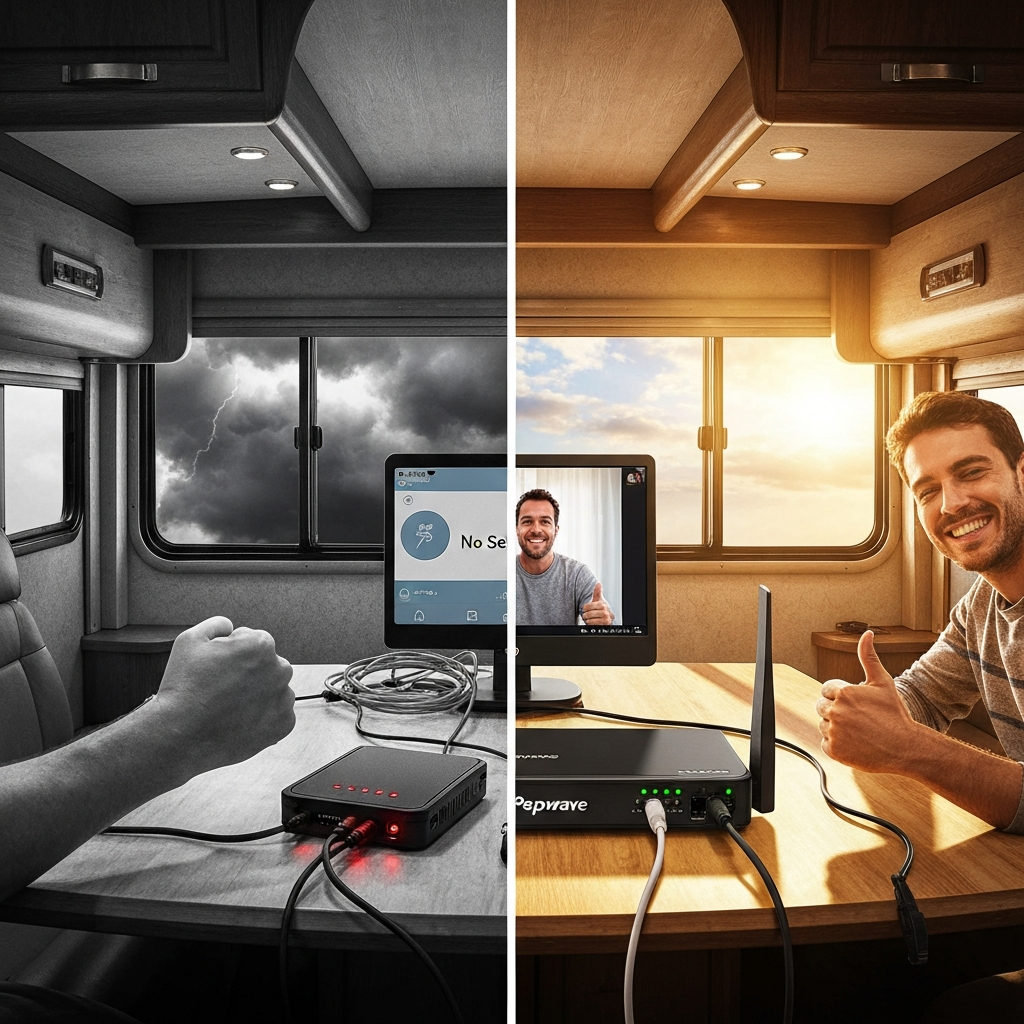
Carriers sell dedicated hotspot devices (often called “MiFi” or “Jetpack” devices) that do one thing: provide WiFi from a cellular connection. They’re essentially smartphones without the phone part.
The advantage over phone tethering is dedicated data plans—some unlimited options exist—and slightly better antenna performance. The Verizon Inseego M2000 and T-Mobile 5G Gateway are popular options.
Pros:
- Separate data plan from your phone
- Better battery life than running hotspot on phone
- More device connections
Cons:
- Still uses internal antennas (limited range)
- Another monthly bill
- Carrier-locked devices can be limiting
3. Cellular Routers with External Antennas
Best for: Full-timers, remote workers, anyone who needs reliable connectivity
Now we’re talking. This is where serious mobile internet begins.
Cellular routers accept a SIM card and broadcast WiFi throughout your RV or truck, just like a home router. The critical difference is the ability to connect external antennas—MIMO antennas mounted on your roof that dramatically outperform any internal device antenna.
Think of it this way: your phone’s antenna is trying to catch signal with a thimble. A roof-mounted MIMO antenna is catching it with a bucket.
Popular options include the Pepwave MAX Transit, Mofi 5500, and Netgear Nighthawk M6 Pro (with antenna adapters). These devices often support multiple carriers simultaneously, failover between connections, and advanced features like load balancing.
Pros:
- External antenna support = dramatically better signal
- Enterprise-grade reliability
- Multiple SIM slots for carrier redundancy
- Proper router features (firewall, VPN, QoS)
Cons:
- Higher upfront cost ($300-$800 for router alone)
- Requires installation
- More complex setup
4. Satellite Internet
Best for: Boondockers, extreme off-grid users, backup when cellular fails
Satellite internet used to be laughably bad for mobile users—high latency, low speeds, expensive, and required a technician to aim a dish at geostationary satellites 22,000 miles away.
Then Starlink happened.
SpaceX’s low-earth orbit constellation has genuinely disrupted the industry. The Starlink RV/Roam service provides speeds of 50-200 Mbps with latency around 25-50ms—actually usable for video calls.
The catch? The equipment is bulky, draws significant power (75-100W), and costs $599 upfront plus $165/month (as of this writing). It also requires a clear view of the sky, meaning trees and weather can knock you offline.
My honest take: Starlink is a fantastic backup for true off-grid scenarios where cellular doesn’t exist. But for most RVers and truckers who stick to developed areas and highways, a good cellular setup is more reliable and cost-effective.
Choosing the Right Carrier for Life on the Road
Carrier choice matters more for mobile users than it does for stationary homes. Your coverage map is essentially wherever you drive, and no single carrier wins everywhere.
The Big Three: Quick Assessment
Verizon: Best overall rural coverage, especially in the western U.S. More expensive. Historically aggressive about deprioritization during congestion. Their prepaid plans often get lower network priority than postpaid.
AT&T: Strong in the Southeast and Texas. Good international options if you cross into Canada or Mexico. Their FirstNet network (originally for first responders) is available to the public and offers excellent priority.
T-Mobile: Best urban and suburban coverage after the Sprint merger. Weakest in rural areas. Most aggressive 5G rollout. Best bang-for-buck on data if you primarily travel populated routes.
According to OpenSignal’s network experience reports, real-world performance varies significantly by region. There’s no universally “best” carrier.
The Smart Approach: Dual-Carrier
Here’s what I tell everyone who asks: don’t bet everything on one carrier.
The ideal mobile internet setup uses two carriers. You might have Verizon as your primary through a cellular router and T-Mobile on your phone as backup. When Verizon has no signal in some random dead zone, T-Mobile might work—and vice versa.
Many cellular routers like the Pepwave MAX Transit support dual SIM cards, automatically failing over to the stronger carrier. This is the single biggest upgrade most mobile internet users can make.
MVNOs and Reseller Plans
Mobile Virtual Network Operators (MVNOs) lease bandwidth from the big carriers. Names like Visible, Mint Mobile, US Mobile, and Cricket fall into this category.
The appeal: Much cheaper plans, sometimes with “unlimited” data that actually means unlimited.
The catch: Network deprioritization. When towers get congested, MVNO customers get slowed down first. In busy areas, this can tank your speeds to near-unusable levels.
For full-time mobile internet users, I generally recommend postpaid plans directly from carriers. The extra cost buys you network priority that matters when you need it most.
Antennas and Signal Boosters: The Real Game
This is where most people either waste money or leave massive performance on the table. Your antenna setup often matters more than the router you choose.
Passive Antennas vs. Active Boosters
Understanding the difference is crucial:
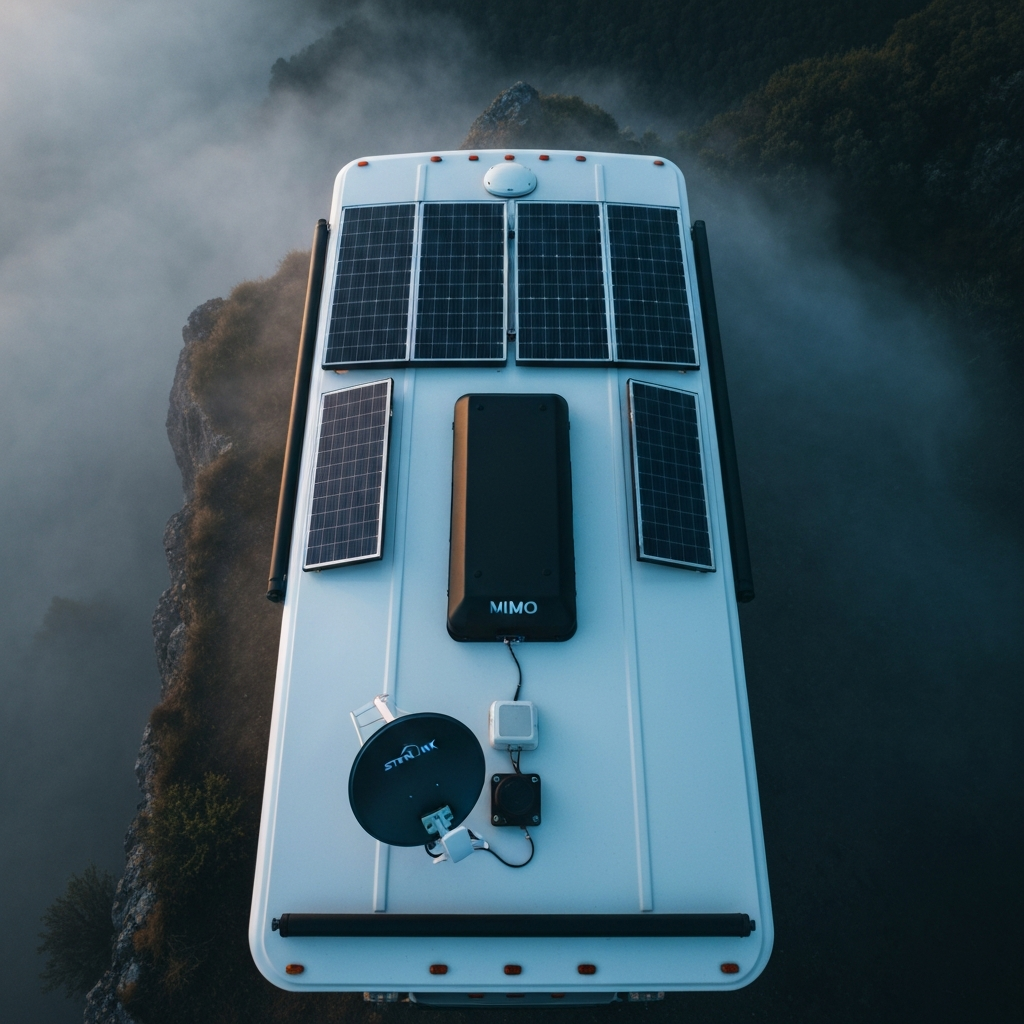
Passive antennas (MIMO antennas) connect directly to your cellular router. They don’t amplify the signal—they simply provide a larger, more efficient surface area to capture radio waves. Think bigger ears, not louder speakers.
Active boosters (like weBoost) amplify the signal between an external antenna and an internal antenna. They’re designed to boost signal to phones and devices that can’t accept external antenna connections.
Here’s where I see people mess up constantly: if you have a cellular router with external antenna ports, you generally don’t need an active booster. In fact, adding a booster can sometimes make things worse by introducing noise and oscillation.
Active boosters are best for improving signal to phones and tablets throughout your RV. They’re not the ideal solution for a dedicated internet connection.
MIMO Antenna Recommendations
For cellular routers, you want a MIMO (Multiple Input, Multiple Output) antenna. These contain 2-4 antenna elements in one housing and are designed for LTE/5G frequencies.
The Parsec Husky and Poynting PUCK-5 are excellent low-profile options that won’t look like you’re running a mobile command center. For maximum performance, the larger Poynting XPOL-2 or MobileMark directional antennas pull signals from further away.
Mounting matters. Get the antenna as high as possible with a clear view of the horizon. Roof mounts beat window mounts every time. Every foot of height can mean the difference between one bar and three.
When Active Boosters Make Sense
If you need to improve cell signal for voice calls and don’t have a cellular router setup, active boosters are the answer. The weBoost Drive Reach is the most powerful mobile booster legally available (50 dB gain) and works well for RVs and trucks.
Just understand what you’re buying: a booster helps phones work better but isn’t a substitute for a proper router-based internet system.
Many users actually run both: a cellular router with MIMO antenna for internet, plus a weBoost for voice calls throughout the RV. Different tools for different jobs.
Data Plans and Costs: What You’ll Actually Pay
Let’s talk money, because this is where mobile internet can either work within your budget or blow a hole through it.
Understanding “Unlimited”
“Unlimited” almost never means unlimited. Read the fine print.
Most unlimited plans include:
- Deprioritization threshold: After 22-50 GB, your data becomes lowest priority during congestion
- Hotspot caps: Even if phone data is unlimited, hotspot data might cap at 15-30 GB
- Video throttling: Streaming limited to 480p or 720p unless you pay for premium tier
The carriers aren’t lying—they just define “unlimited” differently than you might expect.
Current Plan Landscape (2024)
Here’s a realistic breakdown of what full-time mobile internet costs:
Light users (50-100 GB/month):
- Single carrier hotspot plan: $50-80/month
- Visible+ (Verizon MVNO) with unlimited hotspot: $45/month (deprioritized)
Moderate users (150-300 GB/month):
- Carrier business/tablet plans: $80-120/month
- Dual carrier setup: $100-150/month combined
Heavy users (500+ GB/month):
- Multiple data sources required
- Consider adding Starlink as unlimited backup: +$165/month
- Total budget: $200-300/month
The Bureau of Labor Statistics reports average American households spend about $60/month on home internet. Full-time RVers often spend 2-3x that for mobile connectivity. It’s the hidden cost of the lifestyle that many people underestimate.
The Tablet/iPad Data Hack
One popular strategy: AT&T and T-Mobile offer tablet/iPad data plans that are technically supposed to go in tablets but work fine in cellular routers (the SIM doesn’t know the difference).
AT&T’s “iPad Unlimited” plan has been a favorite—truly unlimited, no throttle, postpaid priority. As of 2024, these plans require an active phone line, but they’re still available.
Fair warning: Carriers occasionally crack down on “unauthorized” device usage. Use these strategies at your own risk, and always have a backup plan.

Equipment Recommendations That Actually Work
I’m going to give you specific recommendations here based on budget and use case. These are products I’ve personally tested or have extensive community feedback on.
Budget Build: Under $400
For weekend warriors or those testing the waters:
- Router: Netgear Nighthawk M1 (older but still solid) or GL.iNet Mudi V2
- Antenna: Generic MIMO paddle antenna (flat, window-mount)
- Plan: Visible+ or T-Mobile prepaid
This gets you started without breaking the bank. Upgrade components as you identify specific weaknesses.
Serious Setup: $600-1,000
For full-timers and remote workers:
- Router: Pepwave MAX Transit CAT-18 or Mofi 5500
- Antenna: Parsec Husky PRO or Poynting PUCK-5 (roof-mounted)
- Plan: Postpaid carrier plan + backup MVNO on second SIM
This is the sweet spot for most serious mobile internet users. Pepwave’s reliability is legendary in the overlanding community for good reason. If you’re having issues with your current setup, this guide on how to fix your truck & RV connectivity problems is worth reading alongside your equipment upgrade.
No-Compromise Build: $1,500+
For those who absolutely cannot afford downtime:
- Router: Pepwave MAX Transit DUO (dual modem) or Pepwave HD2
- Antennas: Two high-gain MIMO antennas (one per modem)
- Data: Postpaid plans on two different carriers
- Backup: Starlink Roam for true off-grid
This setup runs two cellular connections simultaneously with automatic failover and bonding. You’re essentially never without internet unless you’re in the absolute middle of nowhere—and even then, Starlink has you covered.
Is it overkill for most people? Yes. Is it worth it for remote workers whose income depends on connectivity? Absolutely.
Installation Tips From Years of Trial and Error
Good equipment poorly installed will underperform cheap equipment properly installed. Here’s what I’ve learned from doing this wrong before doing it right.
Antenna Placement Principles
Height is king. Get antennas as high as physically possible. On an RV, that means roof-mounted, not stuck to a window inside.
Separation from metal. Keep antennas at least 12 inches from air conditioners, solar panels, and other large metal objects. Metal reflects and blocks cellular signals.
Cable runs matter. Every foot of coax cable between antenna and router loses signal. Keep runs under 25 feet if possible. Use quality LMR-240 or LMR-400 cable, not the cheap RG-58 garbage that comes with some antennas.
Ground planes. Most mobile antennas are designed to work on a metal roof. If your RV has a fiberglass roof, you may need to add a metal ground plane under the antenna for optimal performance.
Power Considerations
Cellular routers typically draw 10-20 watts. That’s not nothing when you’re boondocking on battery power.
Options:
- Wire directly to 12V house batteries (many routers accept 12V input)
- Use a small UPS to prevent restarts during momentary power dips
- Set router to “eco mode” overnight if available
If you’re running Starlink as backup, budget 75-100 watts for that—a significant draw that requires serious solar or generator support.
Weatherproofing
Outdoor antenna connections need weatherproofing. Self-fusing silicone tape (not electrical tape) wrapped around coax connectors prevents water intrusion that will degrade performance over time.
I’ve seen people lose 50% of their signal because water corroded an unprotected antenna connection. Don’t skip this step.
Troubleshooting Common Connectivity Problems
When things go wrong—and they will—here’s how to diagnose the issue quickly.
Slow Speeds Despite Good Signal
Symptom: Router shows 3-4 bars, but speed test returns 1-5 Mbps.
Likely causes:
- Tower congestion: Too many people on the same tower. Common at popular campgrounds. Try different times of day or switch carriers.
- Deprioritization: You’ve hit your plan’s threshold. Check data usage.
- Wrong band: Your router might be connected to a congested band. Force it to a different band if your router allows band locking.
Connection Drops Randomly
Symptom: Internet works, then drops for 30 seconds to 2 minutes, then returns.
Likely causes:
- Tower handoff: At the edge of coverage, your router keeps bouncing between towers. Lock to a specific tower if possible.
- Overheating: Routers in enclosed spaces can overheat and throttle or restart. Ensure ventilation.
- Power issues: Voltage drops from battery systems can cause restarts.
No Signal Where There Should Be
Symptom: Carrier coverage map shows coverage, but you’re getting nothing.
Likely causes:
- Terrain: Coverage maps assume 30 feet height. You’re at ground level behind a hill. Move or wait for different location.
- Building materials: Metal-sided buildings or RVs can create Faraday cage effects. External antennas are the solution.
- Network outage: Check DownDetector or carrier status pages. Sometimes towers just go down.
The Future: Starlink, 5G, and What’s Coming
The mobile internet landscape is evolving faster than at any point in history. Here’s what’s actually worth paying attention to versus what’s hype.
Starlink’s Evolution
SpaceX continues launching satellites and improving the service. The newer Starlink Mini is smaller, uses less power (40-60W vs 75-100W), and costs less. For RVers, this addresses two major complaints about the original hardware.
Competition is coming: Amazon’s Project Kuiper launches in 2025, and OneWeb is operational for enterprise customers. More competition should mean better service and lower prices over time.
My prediction: Within 3-5 years, satellite internet becomes a legitimate primary option for mobile users, not just an expensive backup.
5G Expansion
Mid-band 5G (the actually useful kind) is expanding rapidly. T-Mobile and Verizon are deploying C-band spectrum across the country. By 2026, most highway corridors should have meaningful 5G coverage.
What this means for you: don’t rush to buy 5G-specific equipment yet. Buy quality LTE equipment that also supports 5G, and you’ll naturally benefit as the network improves.
Direct-to-Cell Satellite
This is the genuinely exciting development. T-Mobile and SpaceX are partnering to enable regular smartphones to connect directly to Starlink satellites—no special equipment needed.
Initial service (expected late 2024/2025) is text messaging only, but voice and data will follow. Eventually, your existing phone might work anywhere on Earth with satellite backup automatically.
That’s the real future: seamless hybrid cellular-satellite connectivity without thinking about it.
Final Thoughts
After a decade of chasing signal bars across the country, here’s what I know for certain:
The best mobile internet system is one you’ll actually use and maintain. A complicated setup that frustrates you into not troubleshooting problems is worse than a simple setup that just works 90% of the time.
Start simpler than you think you need. Upgrade when you hit specific limitations, not before. The technology improves every year—that $800 router today will be outperformed by a $400 router in 2026.
Invest in antennas first, routers second. The marginal gains from a $600 router over a $300 router are small compared to the difference between a window-mounted paddle antenna and a properly installed roof-mounted MIMO antenna.
Use multiple carriers. Redundancy isn’t paranoia—it’s practicality. I’ve been saved by my backup carrier more times than I can count.
And finally: accept that some places just don’t have internet. Embrace the occasional digital detox. The emails will still be there when you get signal tomorrow, and you might find that disconnecting for a day is exactly what you needed.
Now go get connected. Or don’t. Either way, at least now you know how.
— Happy travels, and may your signal bars always be full.
As an Amazon Associate, I earn from qualifying purchases.


One Comment