If you’re here for a Guide to Best RV GPS, you’re probably tired of your phone sending your 12’6” rig down a “cute” road that turns into a low-bridge surprise. I’ve watched too many smart people trust dumb routing, then act shocked when physics wins.
Here’s the truth: the best RV GPS isn’t the one with the biggest screen or the loudest marketing. It’s the one that keeps you out of trouble while staying usable when you’re tired, hungry, and you just want the campground to exist already.
Table of Contents
- What Makes an RV GPS Actually Good
- RV GPS vs Phone Navigation
- The Non-Negotiables: RV Routing and Dimensions
- Maps, Updates, and the Truth About “Lifetime”
- Screen Size, Mounting, and Driver Ergonomics
- Setup Done Right: The 5-Minute Part That Saves Hours
- Real-World Routing Traps RVers Keep Falling For
- Truck GPS vs RV GPS: When Truck Units Win
- Apps and Hybrids: When You Should NOT Buy a Dedicated Unit
- My Shortlist: Best RV GPS Picks That Don’t Waste Your Money
- Quick Buyer’s Checklist
- FAQ: Best RV GPS
- The Insider Takeaway
What Makes an RV GPS Actually Good
Featured-snippet answer: The best RV GPS lets you enter your RV’s height/weight/length, routes you away from low clearances and restricted roads, updates maps reliably, and stays readable and stable on rough roads. If it can’t do RV-aware routing and consistent updates, it’s just a fancy screen that lies confidently.
Let’s kill the biggest myth first: RV GPS isn’t about “finding the fastest route.” It’s about finding a route your rig can physically and legally drive. Speed comes second. Safety and “not ripping off your AC shroud on a mystery bridge” comes first.
So, what matters?
- RV-aware routing inputs: height, weight, length, propane restrictions, axle count—whatever your unit supports.
- Clearance + restriction data: low bridges, weight limits, hazmat-style restrictions (sometimes propane is treated similarly in tunnels/limited routes).
- Predictable map updates: not “we update sometimes.” Predictable.
- Usability under stress: big buttons, quick reroutes, minimal lag, good brightness.
- Mount stability + power reliability: if it droops, falls, overheats, or power-cycles, it’s junk—no matter the brand.
Also: any navigation system can be wrong. FMCSA’s GPS guidance for commercial drivers basically boils down to “enter your vehicle info and still obey signs,” which is exactly how RVers should think too. :contentReference[oaicite:0]{index=0}
And if you’re doing any wiring, mounting, or accessory upgrades while you’re at it, don’t wing it. You’ll love this practical walkthrough: RV DIY installation guides for safe, clean upgrades. It’ll save you from turning your dash into a science experiment.
RV GPS vs Phone Navigation
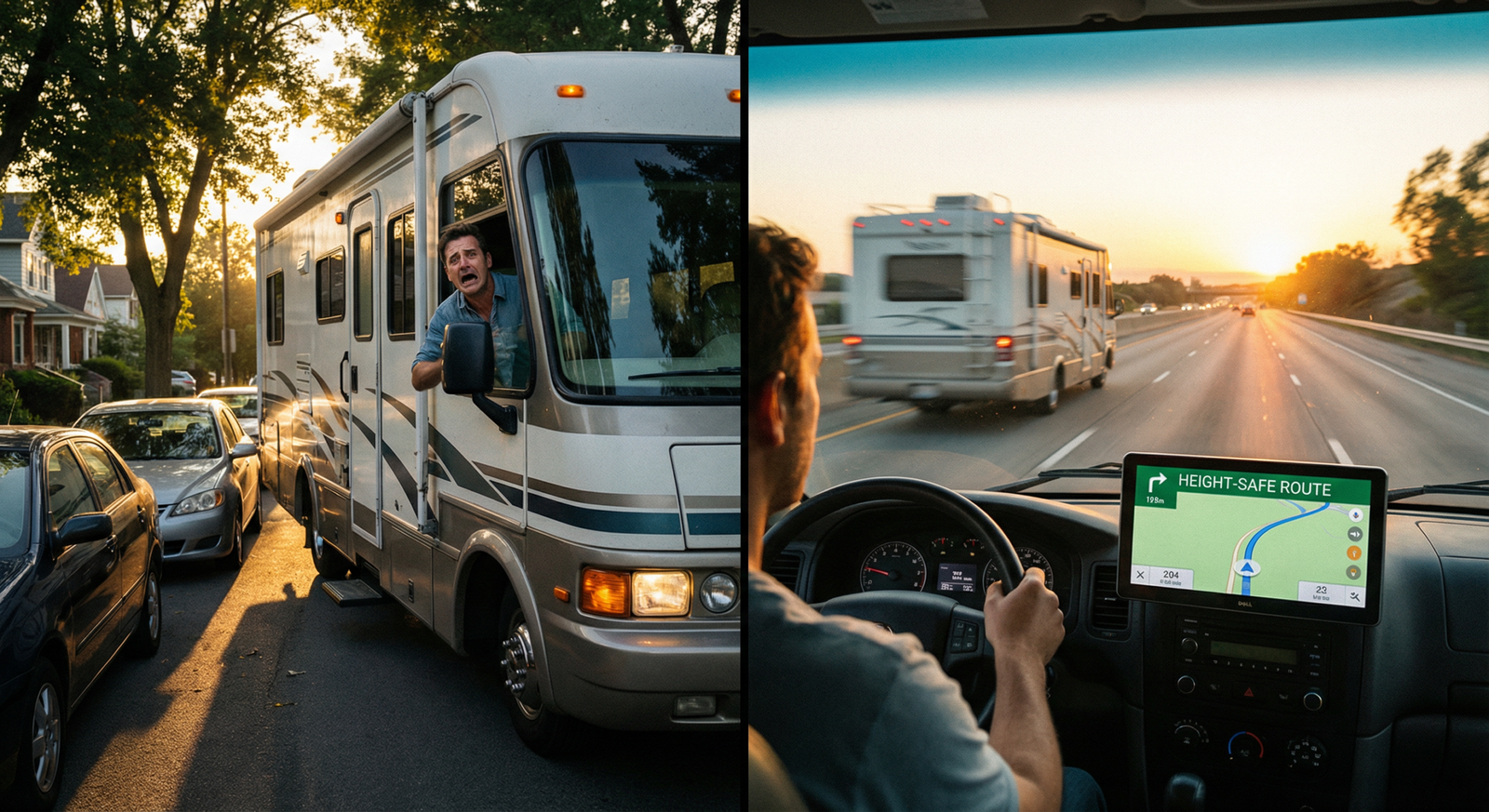
Your phone GPS is amazing at one thing: getting a normal car to a normal address.
Your phone GPS is also incredibly talented at getting an RV into weird situations because it doesn’t truly care about your rig’s dimensions. Some apps try. Most still miss edge cases.
Here’s the problem: phones optimize for traffic and convenience, not clearance and restrictions. “Shortest route” can mean “old town road with a 10’9” railroad bridge.” It’s not personal. It’s just not built for you.
When phones work fine:
- Urban driving in a Class B / van conversion with conservative height.
- Short hops you already know.
- Using your phone as a backup for traffic and quick searches.
When phones become a liability:
- Any time your height is tight (anything 12’+ should be cautious).
- Mountain routes, rural cut-throughs, “scenic” detours.
- When you’re towing and the turn radius suddenly matters.
Bottom line: I like phones for traffic and last-mile context. I like a dedicated unit for “don’t destroy your roof” routing. Use both and you’ll look like the adult in the room.
If you’re curious how dedicated navigation scales by screen size and usability (and where bigger screens genuinely help), this breakdown is useful: Which size GPS do you actually need?
The Non-Negotiables: RV Routing and Dimensions
Let me be blunt: if a “RV GPS” doesn’t let you enter height and use that data in routing, it’s cosplay.
At minimum, you want:
- Height (including AC units, antennas, anything you forget until it’s gone)
- Weight (gross, not “dry weight fantasy”)
- Length (including tow + hitch extensions)
Now the real talk: clearance data isn’t perfect anywhere. Infrastructure is messy. Some bridges get remeasured. Some data is stale. Some roads have temporary work that changes things overnight. That’s why the FMCSA guidance (obey signs, don’t blindly trust GPS) matters in the real world.
But good RV routing still reduces risk massively by avoiding the most common traps and keeping you on RV-friendly corridors.
Height: the one number that ruins your day
Most bridge strikes happen because someone either didn’t know their true height or trusted the wrong route. And no, your dealer’s brochure height isn’t your height after you add the stuff you actually drive with.
There’s a whole history and debate around roadway vertical clearance standards—FHWA has documented how clearances evolved and why “minimums” vary across infrastructure.
Insider move: set your GPS height input 2–4 inches higher than your measured height. You’re buying margin. You’re not trying to win a precision contest.
Weight limits and “surprise” restrictions
Weight limits aren’t just for big rigs. Plenty of rural bridges and secondary roads have restrictions that matter for a heavier Class A or a fifth wheel setup. A quality unit will route around known limits when you input weight.
Do not treat weight like optional data. Weight is how you end up on a restricted bridge and suddenly you’re the main character on someone’s dashcam channel.
Routing logic: avoid “RV shortest path syndrome”
Some navigation systems still sneak in “shortcuts” that look efficient on a map and terrible in reality. Your goal is not shaving 6 minutes. Your goal is arriving without drama.
If you’re also upgrading power, adding a dedicated USB-C PD outlet, or hardwiring a mount (highly recommended), read this first: safe, clean upgrade guides. Bad wiring makes good GPS look broken.
Maps, Updates, and the Truth About “Lifetime”
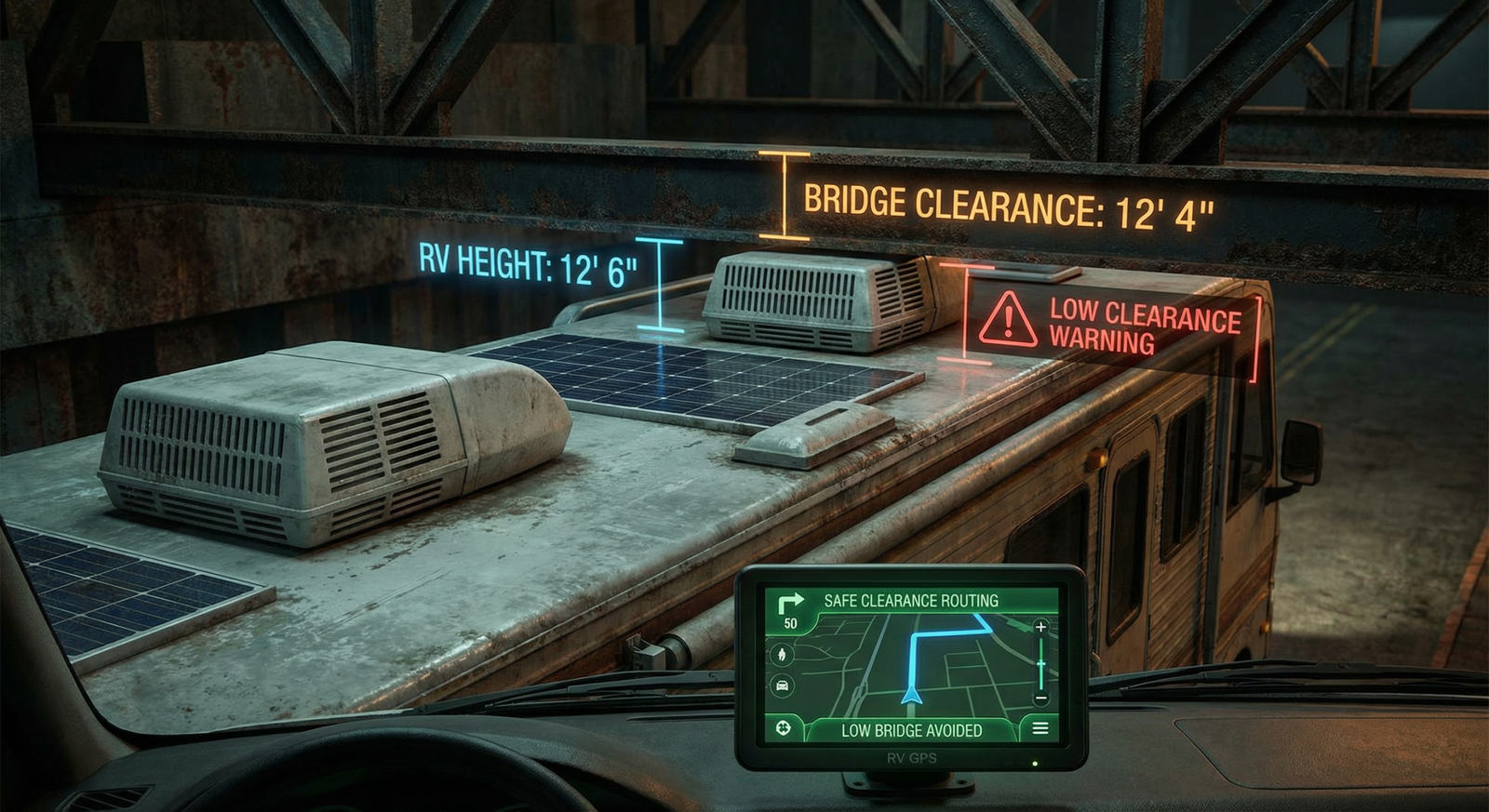
“Lifetime maps” sounds comforting. It’s also a word game.
Most brands mean “for the lifetime of the device (or for a defined support window).” Devices get dropped from update cycles. New road data outpaces older hardware. And sometimes companies quietly stop caring about your unit because they want you to buy the new shiny one.
What you should demand:
- Easy update process: Wi-Fi updates or a sane desktop tool that doesn’t feel like it was coded in 2007.
- Consistent cadence: frequent enough to matter (quarterly is common; more frequent is better).
- Clear policies: what’s included, how long, and what happens when support ends.
One more thing: GPS accuracy itself has limits. High-quality civilian GPS can hit a few meters in good conditions, but real-world accuracy changes with signal geometry, obstructions, and atmospheric effects. Wikipedia’s GPS overview covers typical civilian accuracy and the factors that affect it.
Translation: don’t expect the device to be magically perfect in dense cities, canyons, or deep forest. Expect it to be good, then validate with signs and common sense.
If you’re debating screens and models, loop back to this practical sizing guide: OTR size comparison and what it means in real life.
Screen Size, Mounting, and Driver Ergonomics
Bigger screens help—until they don’t.
Here’s the problem: a huge screen mounted poorly becomes a vibrating billboard that blocks your view and annoys you. A medium screen mounted well becomes a tool you actually use.
What I recommend (practical, not theoretical):
- 7-inch: solid baseline for many rigs, especially if you sit closer to the dash.
- 8–10 inch: great if you sit farther back, have a bigger windshield, or your eyes are done pretending they’re 22.
Mounting matters more than people want to admit:
- Suction cup on textured dash glass? It’ll fail at the worst time. Always.
- Rough roads? Plan for vibration. A weak mount turns your GPS into a random-number generator.
- Sun glare? Angle and brightness beat screen size.
Insider move: if your unit supports it, mount where you can glance without moving your head. Navigation should be “eyes up” most of the time. If you have to hunt for the screen, you’ll miss exits and blame the device.
If you want a clean install (no dangling cords, no ugly power adapters), use the wiring approach from this guide: safe, clean upgrades. A tidy setup keeps you focused, and it looks like you know what you’re doing.
Setup Done Right: The 5-Minute Part That Saves Hours
Most people skip setup because they want to “test it later.” Later becomes the moment you’re already stuck in traffic with a passenger asking “are we sure?”
Do this once, correctly:
- Measure actual height: on level ground, loaded as you travel (water, gear, bikes, rooftop accessories).
- Enter height + add buffer: add 2–4 inches like I said. You’re not building a rocket.
- Enter weight realistically: use real scale weights if you can. If not, be conservative.
- Enter length: include tow. Include hitch extensions. Include the “oh yeah” stuff.
- Set route preferences: avoid unpaved roads, avoid ferries if you hate them, avoid U-turns if towing.
- Update maps immediately: don’t assume it’s current because it’s new in the box.
- Test reroute behavior: intentionally miss a turn near home and see if it reroutes fast or throws a tantrum.
FMCSA literally tells drivers to input vehicle info so the system can route appropriately, and to avoid distracted driving while using the device. That advice maps cleanly to RV life: set it up before you roll, not at 65 mph. :contentReference[oaicite:4]{index=4}
And if you’re installing the unit permanently (or adding a better mount/power), use the step-by-step approach here: RV DIY install guides.
Real-World Routing Traps RVers Keep Falling For
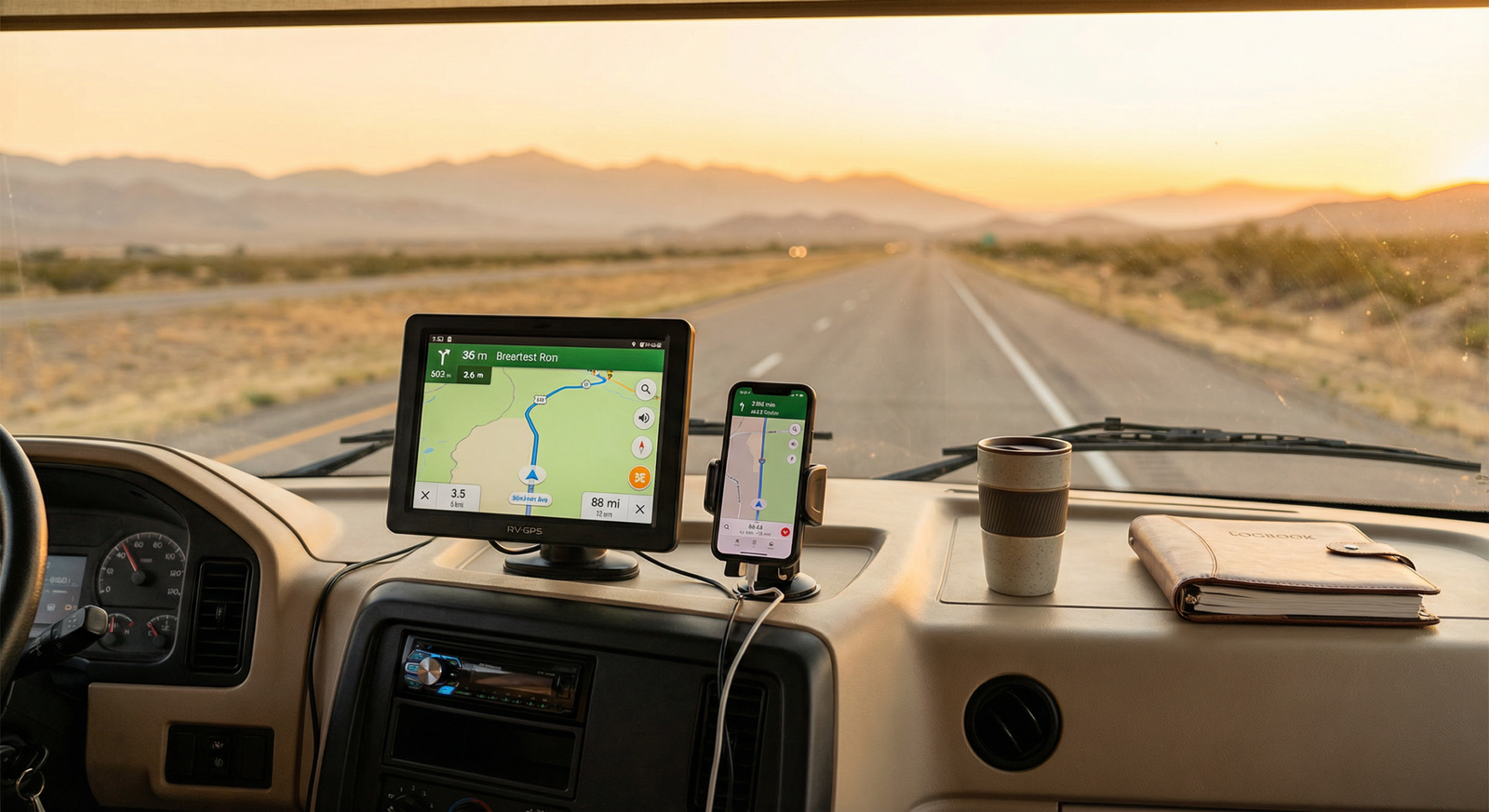
This is where experience matters. Specs don’t show you the failure modes. Real roads do.
Trap #1: “Scenic route” that isn’t RV scenic
Some devices love scenic byways. That’s cute until your lanes narrow, shoulders disappear, and you meet a bus coming the other way while your passenger makes a noise that isn’t a word.
Fix: disable “scenic” routing unless you’re specifically planning a leisure drive with lots of margin. Most RV trips don’t need surprises.
Trap #2: Low-clearance surprises near cities
Urban areas have older infrastructure and weird underpasses. Even if your unit has clearance data, don’t treat it like absolute truth.
Fix: slow down near known risk zones. Watch for signage. If you see low clearance signs that conflict with your unit, trust the sign.
Need context on why clearance can vary and why “minimums” don’t protect you everywhere? FHWA’s discussion on vertical clearance standards is worth reading if you like understanding why roads are the way they are.
Trap #3: “Shortest” means “sharp turns + tiny streets”
This is especially brutal when towing. A route can be legal and still be a nightmare because of turn radii, parked cars, and impatient locals.
Fix: choose RV/truck-preferred routing when possible. And yes, screen size helps here because you can spot nonsense earlier. If you’re still deciding, this sizing breakdown is practical: OTR720 vs OTR820 vs OTR1020.
Trap #4: Over-trusting “pin accuracy” at campgrounds
Campgrounds are famous for bad map pins. You’ll get routed to a back gate, a service entrance, or someone’s driveway.
Fix: use the GPS for macro routing, then confirm campground entry with the campground’s directions and satellite view. Also, call them. Humans exist for a reason.
Truck GPS vs RV GPS: When Truck Units Win
Hot take: some “truck” GPS units are better for big RVs than RV-branded units.
Why? Truck navigation has lived in the world of restrictions and dimension-based routing longer. Truck units often feel more “serious” about height/weight routing logic.
When a truck GPS makes sense for RVers:
- You drive a large Class A or tow a big fifth wheel (dimensions matter every day).
- You want more aggressive avoidance of restricted roads.
- You value clearer lane guidance and reroute behavior on highways.
When RV-specific devices can win:
- You want built-in campground directories and RV POIs (some people love this).
- You’re in smaller rigs where clearance risk is lower and RV POIs matter more.
Also: if you’re choosing between screen sizes because you think bigger is always better… sometimes it is. Sometimes it’s just bigger. Read this before you buy: which size do you actually need.
Apps and Hybrids: When You Should NOT Buy a Dedicated Unit
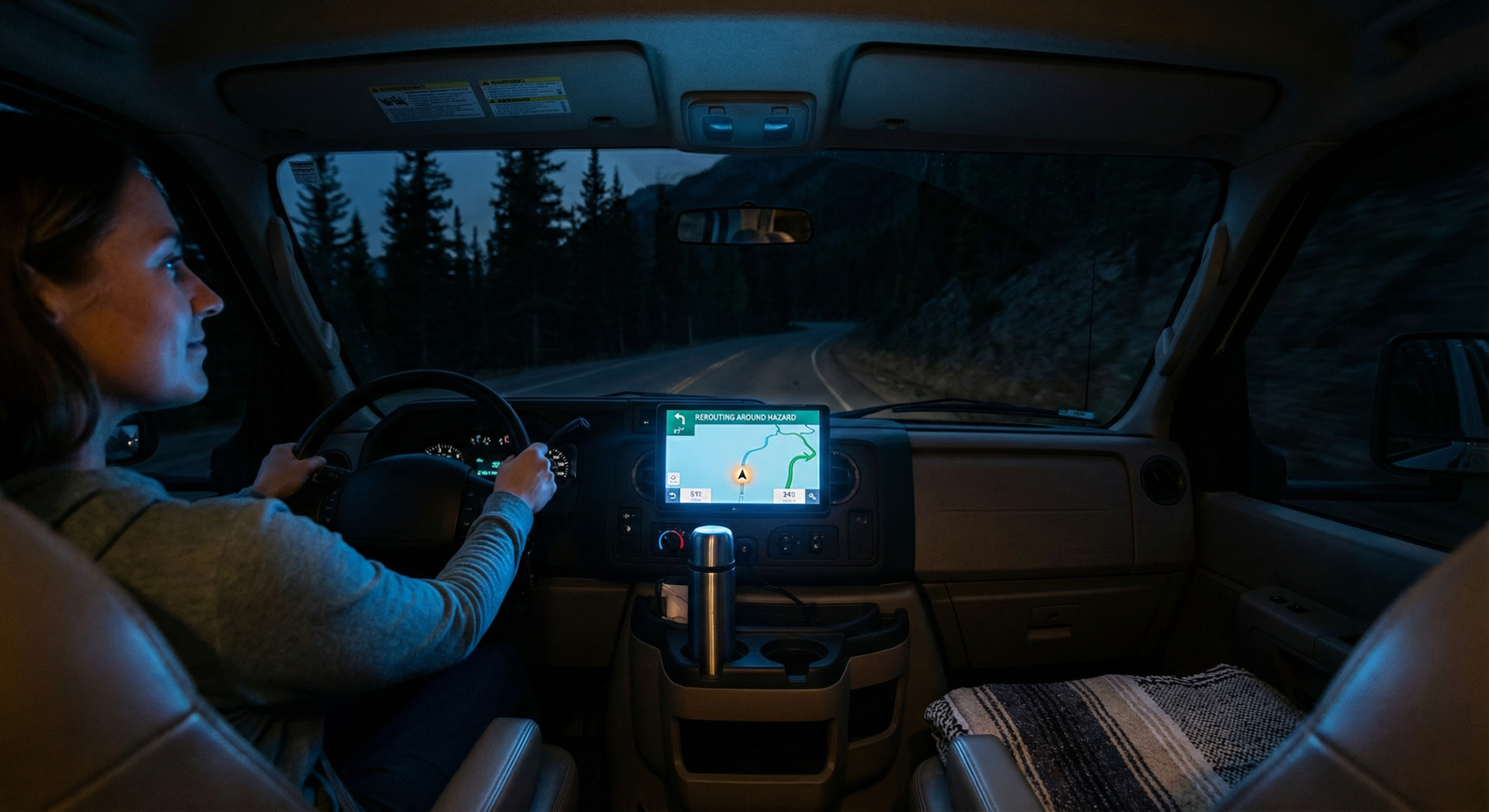
Yeah, I’m telling you not to spend money sometimes. Shocking, I know.
Skip a dedicated RV GPS if:
- You run a smaller rig (Class B, small Class C) and your measured height is comfortably under common low-clearance thresholds.
- You mostly drive highways and well-known routes.
- You’re disciplined about pre-planning and verifying.
Buy a dedicated RV GPS if:
- You have a tall/heavy rig and you travel unfamiliar routes often.
- You tow and need reliable lane guidance and calm rerouting.
- You’ve already had one “never again” moment with low clearance or tight routing.
Hybrid strategy I like:
- Dedicated RV/truck GPS for routing and restrictions.
- Phone for traffic, quick detours, reviews, and last-mile “where’s the entrance?” work.
- Optional planning tool for route validation (especially for longer trips).
And if you’re mounting multiple devices (GPS + dashcam + phone), do it cleanly or you’ll hate your own dashboard. This guide covers the clean-install mindset: safe, clean upgrades.
My Shortlist: Best RV GPS Picks That Don’t Waste Your Money
Here’s where I stop being polite.
There are a lot of “RV GPS” devices that look nice in photos and feel like a slow tablet from 2014 once you actually drive with them. Laggy reroutes, cluttered UI, weak mounts, and update processes that make you question your life choices.
So I’m focusing on models that tend to get the fundamentals right: stable routing, strong lane guidance, usable screens, and real RV/truck routing inputs.
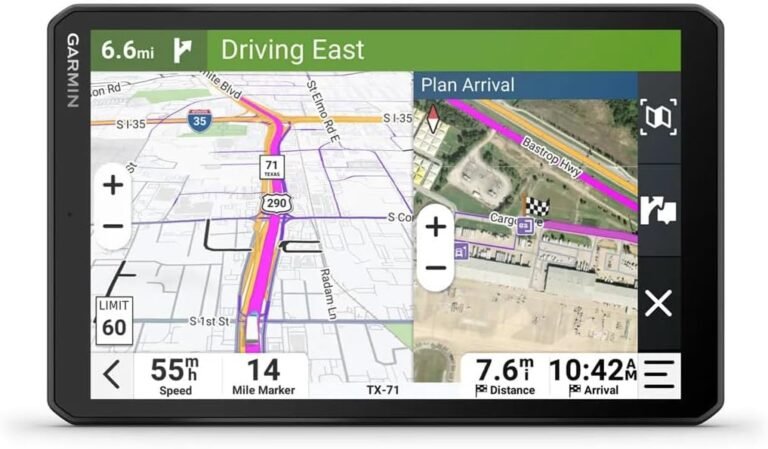
1) Garmin RV 1090 / RV 890 (Large-screen RV-focused picks)
If you like big screens and want RV-friendly POIs and a polished interface, this category is popular for a reason. The big win is readability and less squinting at complex interchanges.
Watch-out: big screen + bad mount = wobble city. Budget for a better mount if your rig vibrates.
2) Garmin dēzl OTR series (Truck-grade routing for big RVs)
For larger rigs, the dēzl OTR line can be a strong move because it’s rooted in truck routing logic. If you’re torn between screen sizes, don’t guess—use this real-world sizing guide: Garmin dēzl OTR screen size comparison.
3) Rand McNally TND / OverDryve (Decent alternative—if you like their ecosystem)
Rand McNally has been in navigation forever, and some RVers like their UI and features. My blunt take: you buy this when you prefer their interface and you’re okay with a slightly different “feel” versus Garmin’s approach.
Watch-out: if you hate clunky software, you’ll be annoyed faster. If you’re patient and it fits your workflow, it can work.
4) Must-have accessories (because “out of the box” is rarely enough)
- Better mount: because suction cups love failing when you hit washboard roads.
- Hardwired power: because dangling cables scream “I gave up.”
- Anti-glare screen protector: because sunlight is undefeated.
If you install any of this gear, do it cleanly and safely. Seriously. This is the guide you want open in another tab: RV DIY installation guides for safe, clean upgrades.
Quick Buyer’s Checklist
If you want the “buy smarter in 2 minutes” version, here it is.
- Can it route using RV height? If no, walk away.
- Can it store multiple vehicle profiles? Useful if you tow sometimes and not others.
- Does it update easily? If updates feel painful, you’ll stop updating. Then you’ll blame the device.
- Is the screen readable in sun? If not, you’ll squint and miss turns.
- Does it reroute fast? Slow reroutes cause panic turns. Panic turns cause regret.
- Is the mount solid? A floppy GPS is a bad GPS.
- Do you have a backup? Phone + paper notes + common sense still matter.
Pro move: before your next big trip, do a “pre-flight” check: maps updated, device rebooted, mount tightened, power stable. If you can do RV maintenance, you can do this.
And if you’re selecting a unit mainly based on screen size, stop guessing. Use this: Which size GPS do you actually need?
FAQ: Best RV GPS
What’s the single most important feature in the best RV GPS?
RV-aware routing using your rig’s real height. Without that, you’re just buying a map that doesn’t care about your roofline.
Do RV GPS units guarantee you’ll never hit a low bridge?
No. Data can be incomplete or outdated, and construction can change routes quickly. That’s why FMCSA’s guidance emphasizes entering vehicle info and still obeying roadway signs. :contentReference[oaicite:6]{index=6}
How accurate is GPS in general?
Under good conditions, civilian GPS can be accurate to a few meters, but real-world accuracy changes due to signal geometry, obstructions, and atmospheric conditions. Wikipedia’s GPS overview summarizes typical accuracy and the factors that impact it. :contentReference[oaicite:7]{index=7}
Do I need WAAS for an RV GPS?
You don’t “need” it like aviation does, but augmentation systems exist to improve accuracy and integrity. The FAA describes how WAAS enhances GPS position estimates for users. In RV use, think of it as “helpful when conditions are decent,” not a magic shield against bad routing decisions. :contentReference[oaicite:8]{index=8}
Should I buy a truck GPS instead of an RV GPS?
If you have a big rig (Class A, large fifth wheel) and you care most about restriction-aware routing, a truck GPS can be a smart move. If you prefer RV-specific POIs and campground-focused features, RV units can be nicer.
What should I do if the GPS route feels wrong?
Pause and validate. Compare against signs, satellite view, and common sense. If it’s routing you through tight streets for a “shortcut,” override it. Your time savings isn’t worth a body-shop bill.
If you want to harden your whole “tech stack” (mounting, wiring, placement, power), use this: RV DIY installation guides for safe, clean upgrades.
The Insider Takeaway
Here’s the truth: the Guide to Best RV GPS isn’t about brands. It’s about avoiding failure modes.
Insider takeaway: The winning setup is a dedicated RV/truck GPS configured with your real dimensions, paired with a phone for traffic and last-mile details, mounted solidly, powered cleanly, and updated on a schedule. Everything else is just expensive improvisation.
Action step: measure your rig height today (loaded), set it with a small buffer, update your maps, and do one test route reroute near home. You’ll be shocked how many “mystery problems” disappear once setup stops being optional.
Now go enjoy the trip—and try not to let your GPS audition for a comedy special at your expense.
As an Amazon Associate, I earn from qualifying purchases.
2 Comments