Table of Contents
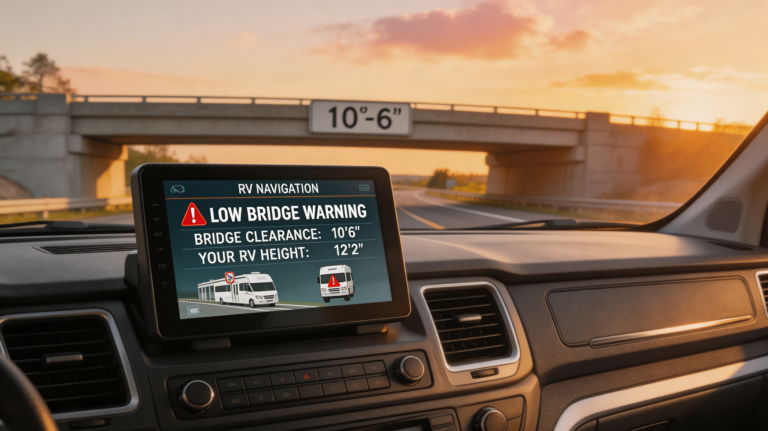
You’re 800 miles from home, dragging 53 feet of dry van through a city that clearly hates trucks. Your current GPS is lagging, you’ve got a low bridge warning that may or may not be real, and your blood pressure is climbing faster than a loaded rig on the Grapevine.
We’ve all been there.
The reality? Most “trucking” GPS units are just car GPS units with a bigger ego. But Garmin’s new OTR x20 series (the OTR720, OTR820, and OTR1020) actually walks the walk. The problem isn’t figuring out if you need one—it’s figuring out Garmin dēzl OTR720 vs. OTR820 vs. OTR1020. Do you save the cash and go small, or drop the big bucks for the cinema-sized screen?
As someone who has tested more cab tech than I care to admit, I’m going to break this down. No fluff, no sales pitch—just the raw data you need to decide which screen belongs on your dash.
The “Under-the-Hood” Reality: What They All Share
Before we fight about size, let’s clear up a common myth: Buying the bigger unit does not get you better routing logic.
Whether you buy the 7-inch or the massive 10-inch, the brain inside is identical. All three of these 2024/2025 refresh models come with the new “Insider” features that separate the dēzl x20 series from the older x10s:
- Wind Speed Alerts: A new map overlay that alerts you to hazardous wind gusts along your route (a lifesaver for light loads in Wyoming).
- Community Insights: You can finally rate and see ratings for parking, loading docks, and gates from other drivers.
- BirdsEye Satellite Imagery: High-res aerial views of the destination so you can see exactly where that hidden dock entrance is before you commit to the turn.
They all have the same processor speed, the same map updates, and the same voice assist. The difference is purely physical.
The Contenders: A No-Nonsense Breakdown
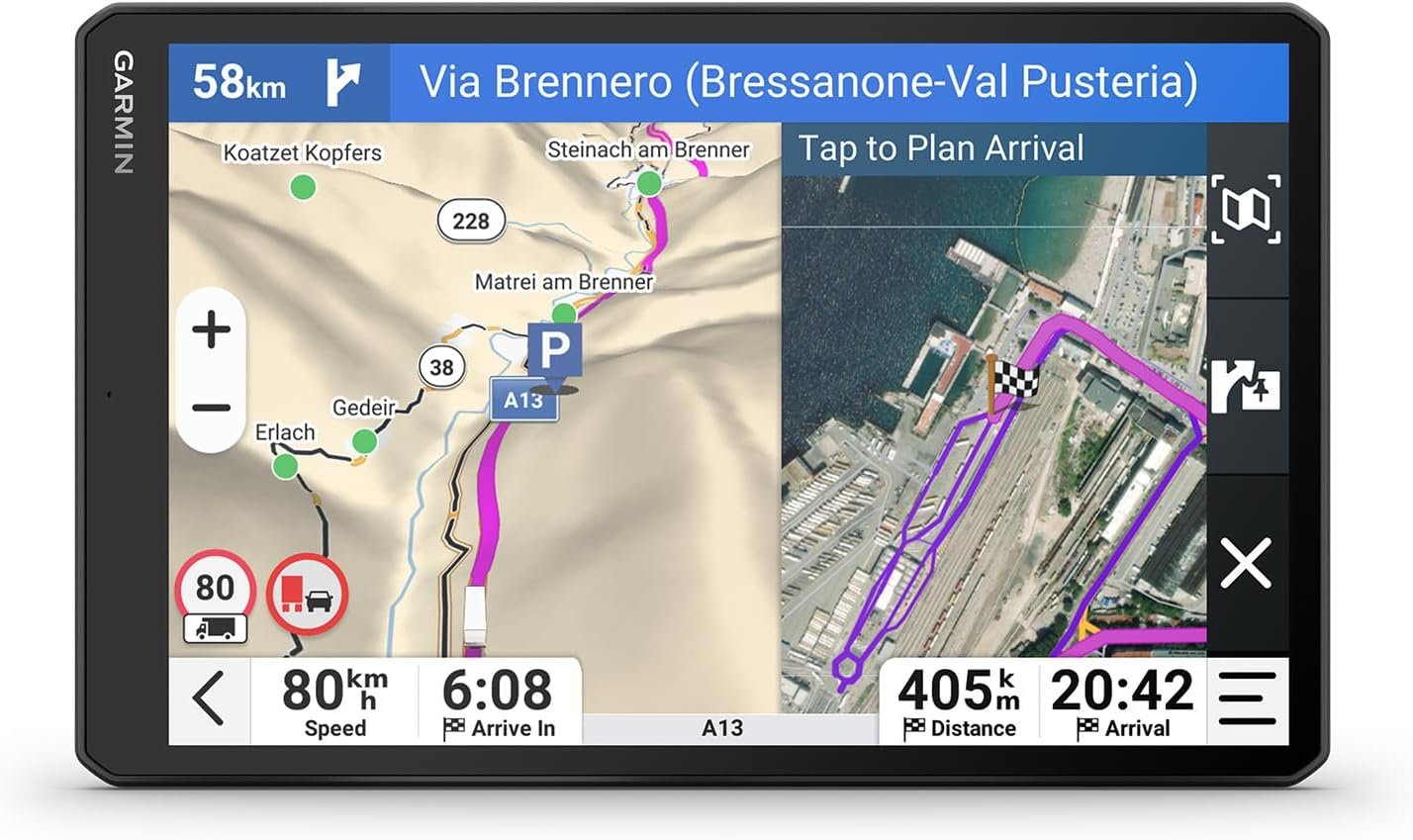
1. Garmin dēzl OTR720: The “Grab-and-Go” Workhorse
The Specs: 7-inch display | 1024 x 600 resolution | Standard suction mount
The Verdict:
The OTR720 is the scrappy fighter of the bunch. It’s compact, lighter, and significantly cheaper.
- The Good: It fits in your go-bag. If you are a slip-seat driver moving from truck to truck every shift, this is your unit. It’s light enough that the suction cup actually holds it up (mostly), and it doesn’t block your view of the mirrors in a smaller day cab.
- The Bad: The screen resolution is lower (1024 x 600). It’s not “bad,” but it’s not crisp HD. Also, it lacks the magnetic powered mount found on its big brothers. You have to plug the USB-C cable directly into the unit every time. Annoying? Yes. Dealbreaker? Maybe.
Best Price Check:
Check OTR720 Pricing on Amazon »Best For: Slip-seat drivers, local delivery fleets, and anyone who thinks dropping $700+ on a GPS is insanity.
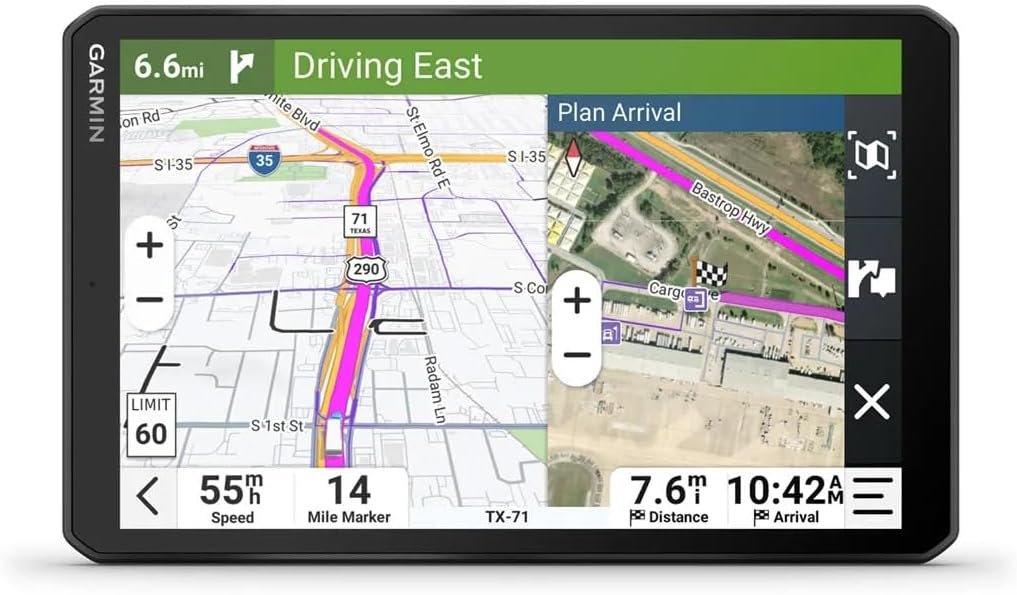
2. Garmin dēzl OTR820: The “Goldilocks” Choice
The Specs: 8-inch display | 1280 x 800 (HD) resolution | Magnetic Powered Mount | Portrait Mode
The Verdict:
IMO, this is the sweet spot. The OTR820 isn’t just an inch bigger; it’s a completely different class of hardware.
- The Game Changer: The Magnetic Mount. You screw the heavy-duty mount to your dash once. When you hop in the truck, the GPS just clicks onto the magnet and powers up instantly. No fumbling with cords.
- Portrait Mode: Unlike the 720, you can flip the 820 vertically. This lets you see more of the road ahead on the map (which is what actually matters) rather than the cornfields to your left and right.
- The Screen: It bumps up to 1280 x 800 resolution. The text is sharper, and the glare handling seems better than the 720.
See the Magnetic Mount in Action:
View OTR820 Details on Amazon »Best For: The Owner-Operator who wants premium features but doesn’t have a massive dashboard. It offers the best balance of visibility vs. windshield real estate.
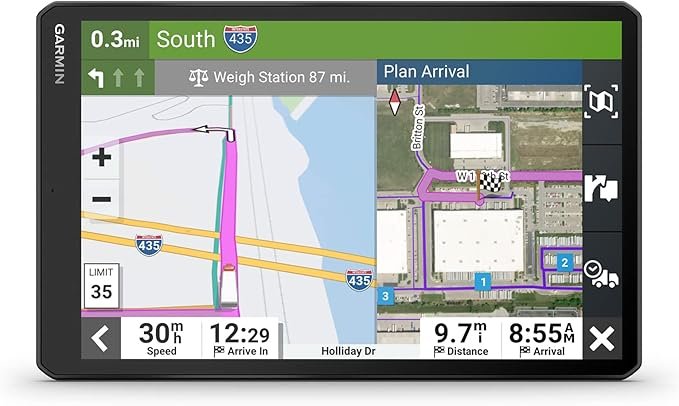
3. Garmin dēzl OTR1020: The “IMAX” Experience
The Specs: 10.1-inch display | 1280 x 800 (HD) resolution | Magnetic Powered Mount | Portrait Mode
The Verdict:
The OTR1020 is massive. It’s basically an iPad taped to your dash.
- The Good: You can read this thing from the sleeper berth. The split-screen function shines here; you can have your active map on one side and your music/weather/notifications on the other without squinting. If your eyesight isn’t what it used to be, this is the one.
- The Warning: It is heavy. Do not trust the suction cup on a bumpy road for this beast. You need to hard-mount this (screw it down). Also, in smaller cabs (like a classic Peterbilt with a chopped visor or a tight Volvo cab), this screen might actually create a blind spot.
Go Big or Go Home:
Check OTR1020 Availability on Amazon »Best For: Team drivers, RVers with huge dashboards, and long-haul truckers who live in their customized cabs.
Comparison Table: At a Glance
| Feature | dēzl OTR720 | dēzl OTR820 | dēzl OTR1020 |
|---|---|---|---|
| Screen Size | 7″ | 8″ | 10.1″ |
| Resolution | Standard (1024×600) | HD (1280×800) | HD (1280×800) |
| Orientation | Landscape Only | Portrait or Landscape | Portrait or Landscape |
| Mount Style | Cable plugin | Magnetic Powered | Magnetic Powered |
| Ideal Driver | Slip-Seat / Local | Owner-Operator | Long-Haul / Team |
Insider Knowledge: The “Health” Factor
You might be wondering, “Why does the mount matter so much?”
Here is the truth nobody talks about: Friction.
Trucking is a friction-filled job. Traffic, dispatchers, DOT—it all adds up. Fumbling with a tiny USB-C charging port in the dark at 4:00 AM adds unnecessary stress. The magnetic mount on the 820/1020 eliminates that friction.
Think of it this way: You can eat all the inflammation reducing foods and prep anti-aging meals you want, but if your cortisol spikes every morning because your GPS fell off the windshield and the power cord snapped, you’re aging yourself anyway. Tech that works smoothly is a health intervention in its own right. 😀
The “Gotchas” (Read This Before Buying)
- The “Check Engine” Myth: These units can pair with ELDs (Electronic Logging Devices), but don’t expect them to diagnose your engine codes perfectly. Keep a separate scanner for that.
- The Update Trap: These units have built-in Wi-Fi for updates. Do not update your maps using truck stop Wi-Fi. It is too slow and will corrupt the file halfway through. Update it at home or use a high-speed hotspot.
- Glare Check: The 1020 has a lot of surface area. If you drive into the sun a lot, the glare can be blinding. Invest in a glare shield (visor) for the unit if you go big.
Final Verdict: Which One Wins?
If I’m spending my own money? I’m buying the OTR820.
It hits the sweet spot. You get the magnetic mount (which is critical for daily ease of use) and Portrait Mode (which is superior for navigation), but you don’t lose half your windshield visibility like you do with the 1020. It feels like a premium tool, whereas the 720 feels like a utility device.
However, choose the OTR720 if: You move trucks daily. Portability beats luxury in that scenario.
Choose the OTR1020 if: You have a massive dash and bad eyes. The screen real estate is luxurious if you have the space for it.
Next Step: Check your dashboard layout right now. Measure the space between your steering wheel and the windshield. If you have less than 6 inches of vertical clearance, rule out the OTR1020 immediately—you’ll thank me later. Safe travels, driver!
Products & Resources Mentioned
To recap, here are the exact tools I recommend for setting up your cab cockpit:
- 🏆 Top Pick (The Sweet Spot): Garmin dēzl OTR820 – Best balance of size and tech.
- 💼 Best for Slip-Seat: Garmin dēzl OTR720 – Portable and budget-friendly.
- 📺 Best for Large Cabs: Garmin dēzl OTR1020 – Massive screen for maximum visibility.
- ☀️ Essential Accessory: Universal GPS Glare Shield – A must-have for the 820 and 1020 models.
As an Amazon Associate, I earn from qualifying purchases.

One Comment