Table of Contents
- Quick Answer: Which One Should You Buy?
- What Actually Matters in Mobile 5G
- Peplink vs. Cradlepoint: The Real Differences
- Antenna Truth: The Router Isn’t Your Bottleneck
- Setup Blueprints That Don’t Flake Out
- Best Picks: Best 5G Routers for Van Life & Trucking
- Common Mistakes (And How to Not Be That Guy)
- Frequently Asked Questions
- Insider Takeaway
The phrase Best 5G Routers for Van Life & Trucking sounds simple until you’re parked at a rest area trying to upload a 2GB file and your “5G” icon turns into a sad little LTE bar.
Here’s the truth: most “mobile internet” problems come from bad RF decisions, not from buying the wrong brand logo.
If you want the full fundamentals (carriers, plans, SIM strategy, and the stuff YouTube skips), start with this: mobile internet for RVs & trucks: the complete guide.
Quick Answer: Which One Should You Buy?
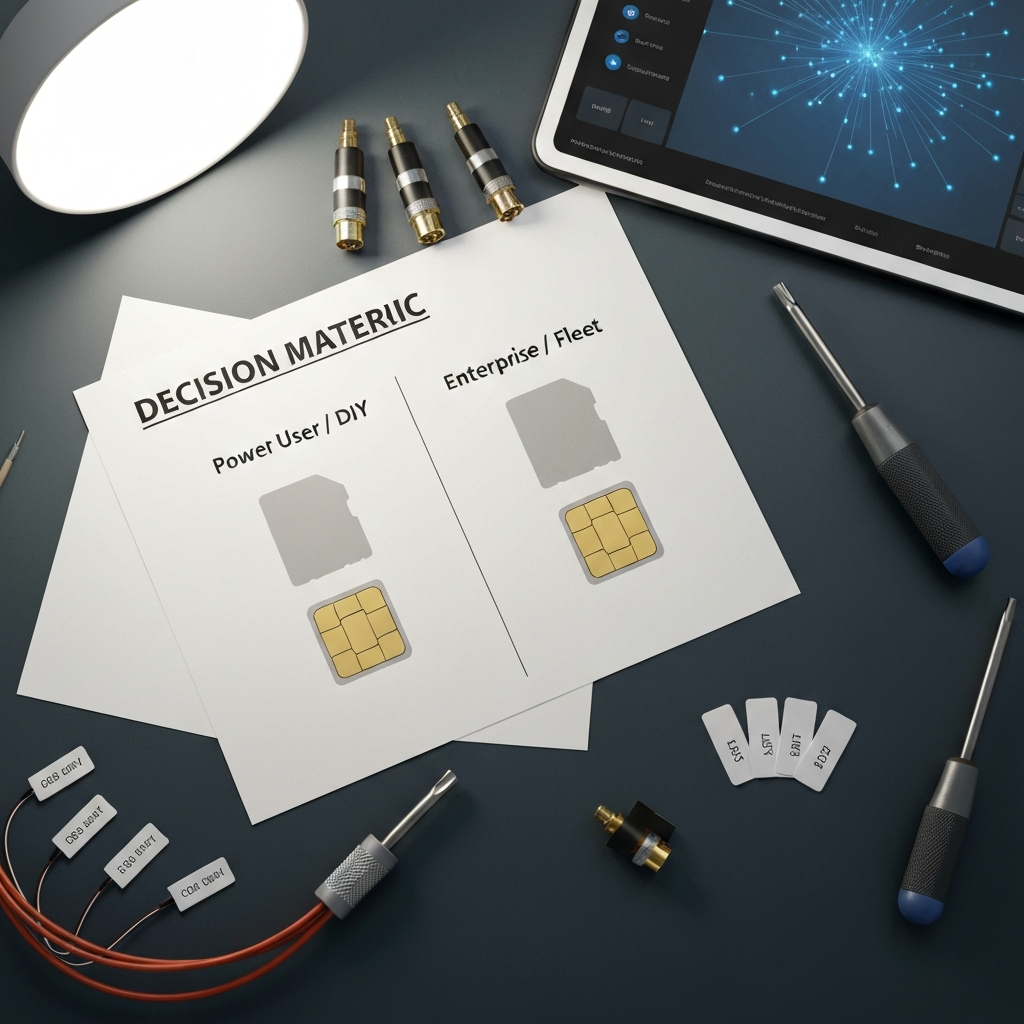
Buy Peplink if you’re owner-operator, van life, or a small crew and you want flexible WAN failover, great UI, and optional bonding without selling a kidney. Buy Cradlepoint if you run a fleet, need IT-grade remote policy control, and you can stomach licensing. Bottom line: Peplink wins for most humans; Cradlepoint wins for corporate uptime.
What Actually Matters in Mobile 5G
Forget marketing. Mobile 5G success comes down to five things.
1) RF reality: coverage, bands, and your corridor
5G isn’t one thing. Carriers run 5G across different frequency ranges with different behavior. Lower frequencies travel farther; higher frequencies can move more data but drop faster. If you want the technical baseline, 5G NR (New Radio) is the air interface standard defined by 3GPP. Wikipedia’s overview is clean and accurate for the big picture: 5G NR (New Radio).
The FCC’s spectrum overview also helps explain why some routes feel “fast” and others feel like 2012: America’s 5G Future (FCC).
2) Antennas and placement beat “router horsepower”
If your router sits inside a metal box (your vehicle), it will act like it’s inside a metal box. Shocking, I know.
A roof-mounted, true MIMO cellular antenna with short, low-loss cable runs can turn a mediocre signal into a usable one. Meanwhile, a $1,500 router with cheap antennas can still suck.
3) Redundancy strategy: single carrier is a gamble
If you work on the road, treat connectivity like fuel. You don’t bring “half a tank and vibes.” Run two independent paths when revenue depends on it: dual-SIM across carriers, or cellular + Starlink, or dual-cellular WAN.
Need help diagnosing why your current setup drops, stalls, or lies about signal quality? This troubleshooting guide saves time: fix your truck/RV connectivity.
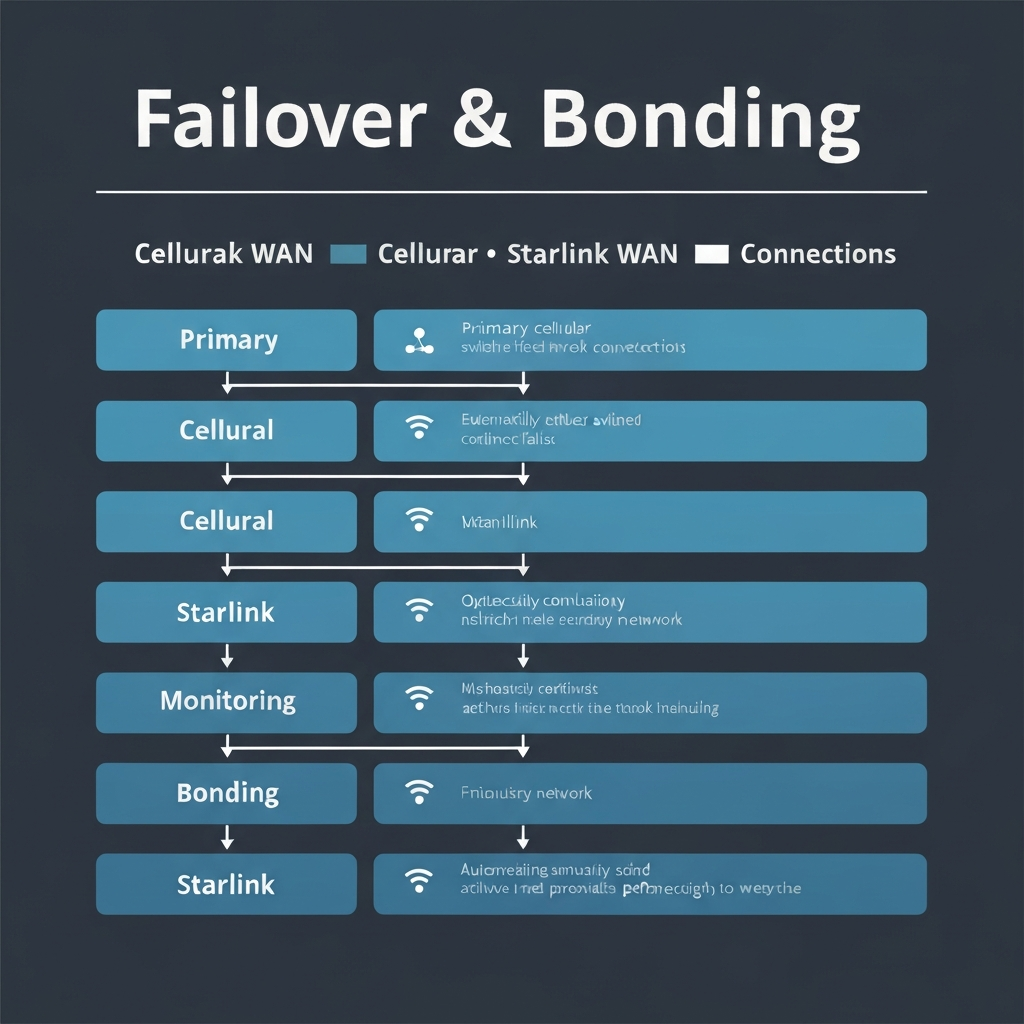
4) Session continuity: failover vs bonding
Failover switches links when one dies. That’s fine for browsing.
If you’re on a Zoom call, pushing dispatch data, or remoted into a machine, you care about session continuity. That’s where bonding or “hot failover” earns its keep.
For the nerdy deployment modes (SA vs NSA) and why that can affect behavior, Light Reading has a solid explainer: Standalone vs Non-Standalone 5G (Light Reading).
5) Remote management: how much control do you really need?
If you’re a one-vehicle setup, you want visibility and easy changes. If you run 20 trucks, you want policy enforcement, alerts, and “fix it without calling the driver.” That requirement alone can decide Peplink vs Cradlepoint.
Peplink vs. Cradlepoint: The Real Differences
Let’s cut through the brochure talk.
Peplink: the power-user sweet spot
Peplink feels like it was built by engineers who actually drive places. The UI makes sense, multi-WAN logic is strong, and you can scale from simple failover to SpeedFusion bonding.
What Peplink does really well:
- Multi-WAN flexibility (cellular + Wi-Fi as WAN + Ethernet WAN + Starlink) without turning into a science project.
- SpeedFusion options for bonding/hot failover when you need sessions to survive a tower handoff.
- Practical hardware lineup for rigs: compact units, rugged-ish designs, and models that play nicely with external antennas.
Where Peplink can annoy you: SpeedFusion works best inside the Peplink ecosystem and often needs an endpoint. If you expected “free bonding” with no tradeoffs, fast forward to disappointment.
Cradlepoint: enterprise DNA (and enterprise pricing)
Cradlepoint is what you buy when downtime triggers conference calls. It’s built for fleets, retail branches, public safety, and IT teams that want centralized control.
What Cradlepoint does really well:
- Policy-driven management at scale (templates, security posture, remote orchestration).
- Operational tooling for deployments you can’t babysit.
- Predictability when managed correctly: fewer “mystery behaviors,” more “it follows the rules.”
Where Cradlepoint can suck for normal humans: licensing. If you hate recurring fees on principle, Cradlepoint will test your spirituality.
Antenna Truth: The Router Isn’t Your Bottleneck
Here’s the problem: people buy a premium router and then feed it garbage RF.
Vehicles punish bad antenna choices. Metal roofs, tinted glass, wiring noise, and “creative” mounting spots all degrade signal. Your router can’t compute its way out of physics.
What good looks like
- Roof-mounted MIMO antenna designed for cellular (not a random “5G sticker” antenna).
- Short, low-loss coax and clean routing (every extra foot hurts more than you think at higher frequencies).
- Proper ground plane and sealing so you don’t trade bandwidth for water intrusion.
If you want a structured approach to building this like an adult (not like a raccoon in a wiring bay), this hub ties the whole topic together: truck & RV connectivity.

Setup Blueprints That Don’t Flake Out
Most rigs fall into one of these three categories. Pick the one that matches your pain and your budget.
Blueprint A: “I just need it to work” (single router, dual-SIM)
Ideal for van life, solo creators, and drivers who spend most time on major corridors.
- One 5G router with dual-SIM (two carriers if possible).
- Roof MIMO antenna.
- Wi-Fi as WAN for campground/hotel fallback (because free bandwidth is still bandwidth).
Reality check: dual-SIM still means one radio. It’s good, not bulletproof.
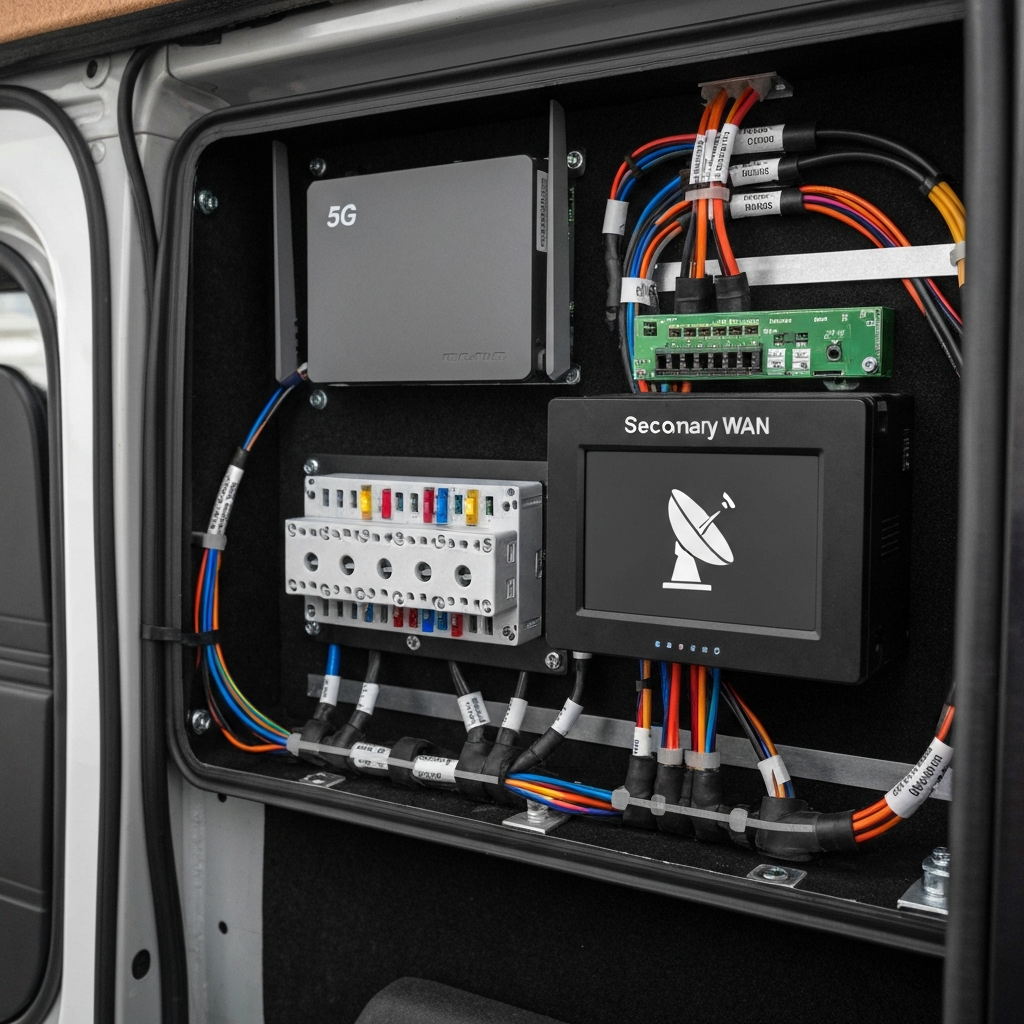
Blueprint B: “My income depends on uptime” (cellular + Starlink)
Now you’re thinking like a professional.
- 5G router manages WAN priority and failover.
- Starlink (or another independent link) as secondary WAN.
- Rules: route work traffic over the most stable link; route bulk downloads where it’s cheapest/fastest.
This setup wins because you diversify the failure modes. Towers go down. Congestion hits. Weather happens. You keep moving.
Blueprint C: “Fleet / enterprise” (Cradlepoint + centralized ops)
If you have multiple vehicles and you need consistency across them, centralized management becomes the product.
- Standardized hardware model per vehicle class.
- Central profiles/policies for security, WAN priority, and update cadence.
- Monitoring with actionable alerts (not spammy noise).
Best Picks: Best 5G Routers for Van Life & Trucking
I’m going to be opinionated because that’s the only useful way to talk about gear.
These picks assume you’ll use a proper external antenna. If you refuse, expect pain.
1) Peplink MAX BR1 Pro 5G (best “serious but sane” choice)
This is the router I point most owner-operators toward. You get real routing features, strong multi-WAN behavior, and an ecosystem that supports advanced options without forcing a corporate IT org chart.
2) Cradlepoint E3000 Series (best for fleets and “no excuses” operations)
If you run multiple vehicles and you need remote policy control, this is the grown-up move. You’ll pay for it. You’ll also stop playing whack-a-mole with misconfigured rigs.
3) NETGEAR Nighthawk M6 Pro (best “portable hotspot that actually tries”)
Not my first pick for a hardwired rig, but it’s legit for a lighter build, a second-line backup, or a temporary setup. Just don’t expect enterprise-grade WAN logic out of a hotspot.
4) Inseego FX3100 / FX2000 (best “carrier-friendly fixed wireless” option)
Inseego units show up a lot in carrier programs. They can work great in the right scenario, especially if you’re basically doing “small fixed office that sometimes moves.” Check antenna ports and management features before you commit.
5) GL.iNet Spitz AX (budget-friendly, feature-rich, but not “fleet-grade”)
If you’re price-sensitive and you like tinkering, this category can offer surprising value. Just keep expectations realistic: you can get solid performance, but you won’t get Cradlepoint-level operations tooling.

Common Mistakes (And How to Not Be That Guy)
I’ve watched people waste weeks on these. Don’t.
Mistake #1: Buying “5G” and ignoring bands and carriers
Your route determines your experience. If your carrier’s mid-band coverage is thin where you drive, you’ll live on LTE or low-band 5G. That can still be fine, but you should plan for it instead of feeling betrayed by an icon.
Mistake #2: Putting the router in the worst RF spot possible
Under the dash. Inside a cabinet. Behind tinted glass. Near noisy power electronics.
Then they say, “This router sucks.” No, your install sucks.
Mistake #3: Running long, cheap coax like it’s 1998
Higher frequencies punish loss harder. Keep runs short. Use quality cable. Don’t kink it. Don’t crush it. This isn’t a suggestion.
Mistake #4: Expecting bonding to solve dead zones
Bonding helps when you have multiple usable links. If both links are dead, you just bonded two dead things. Congratulations.
Mistake #5: Not separating “work traffic” from “fun traffic”
If you share one network for dispatch, Zoom, kids’ streaming, and giant game updates, you’ll eventually hate everyone you love.
Use QoS, VLANs, or at least basic traffic rules so work stays smooth when entertainment goes feral.
 "Best 5G Routers for Van Life & Trucking (Peplink vs. Cradlepoint) 6")
Frequently Asked Questions
Do I actually need 5G, or is LTE still fine for van life and trucking?
LTE still works if you camp in coverage and you don’t run latency-sensitive workloads. 5G helps most where carriers have real capacity (often mid-band corridors and urban zones). If your pain is dropouts, prioritize antennas + placement + multi-carrier strategy before chasing the “5G” badge.
Is Peplink SpeedFusion the same as a VPN or regular failover?
No. Failover swaps links when one dies. SpeedFusion can keep sessions alive using bonding/hot failover, but it usually needs a SpeedFusion endpoint (home router or cloud service). It’s powerful, but it’s not free magic.
Why do Cradlepoint setups cost so much compared to consumer routers?
Because Cradlepoint sells operations: hardened gear, centralized control, security posture, and NetCloud licensing. If you’re a fleet, that cost can be cheaper than downtime. If you’re a solo van lifer, it can be overkill.
What’s the single biggest mistake people make when installing a mobile 5G router?
They cheap out on antennas and then blame the router. A real roof-mounted MIMO antenna with short, low-loss cable runs beats a premium router hidden under a seat with bargain coax every day of the week.
Should I run dual-SIM or dual-modem for real redundancy?
Dual-SIM helps, but it’s still one radio. Dual-modem (or cellular + Starlink) gives true path diversity. If outages cost you money, run two independent links and let your router manage failover and policy routing.
Insider Takeaway
Peplink vs. Cradlepoint isn’t a “which is faster” debate. It’s a “what level of operations do you need” debate.
If you’re a human with one rig (or a few), Peplink delivers the best balance of capability, usability, and sane total cost. If you’re running a fleet and you need centralized enforcement and predictable behavior, Cradlepoint earns its price—especially when you factor the cost of downtime.
My action-oriented advice: pick a router based on your operational needs, then spend real money and attention on antennas, install quality, and redundancy. That’s where uptime comes from.
And if you still want to gamble on a tiny internal antenna inside a metal vehicle… I respect your commitment to learning things the hard way.
As an Amazon Associate, I earn from qualifying purchases.
::contentReference[oaicite:0]{index=0}