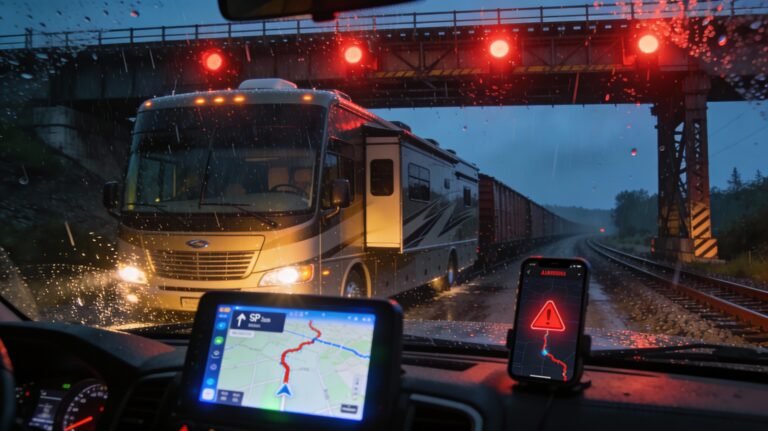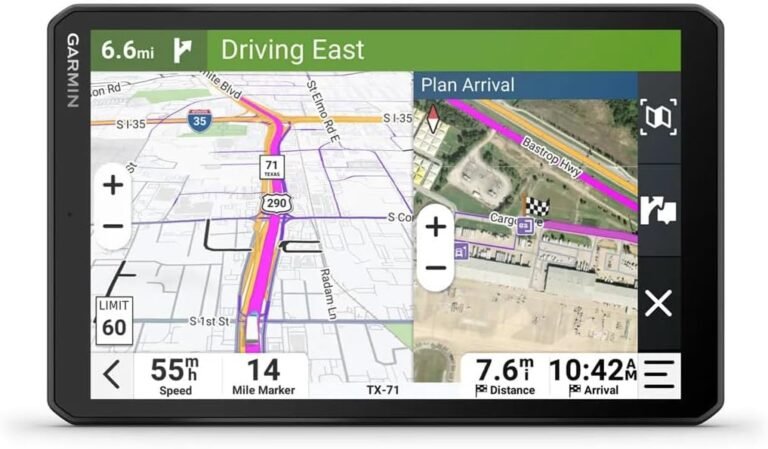
Off-road RV navigation sounds simple until you’re 12 miles past the last cell bar, the “road” turns into a rock garden, and your partner asks, “Are you sure this is right?” Been there. Here’s the problem: most people treat mapping like a one-app decision. That approach works right up until it doesn’t. Then it costs you hours, bent metal, or a very awkward conversation with a ranger. The pain comes from bad data, missing legal layers, and zero backup plan. The fix? A map stack and a workflow that assumes maps lie and roads disappear.
Table of Contents
- What “Off-Road RV Navigation” Actually Means
- The Map Stack That Doesn’t Betray You
- Boondocking Maps, BLM Land Maps, and Ownership Reality
- USFS Motor Vehicle Use Maps: The Legal Layer People Skip
- My Overland Navigation Workflow (Device + Offline + Backup)
- The Mistakes That Get You Stuck (and How I Avoid Them)
- FAQ: Off-Grid Navigation Questions I Actually Get
- My Top Recommended Gear
What “Off-Road RV Navigation” Actually Means
Definition (Snippet Trap): Off-road RV navigation means planning and driving routes beyond paved highways using offline-capable maps, land-ownership layers, and legal travel designations to reach dispersed campsites without getting stranded, trespassing, or destroying your rig. It’s part GPS, part compliance, and part common sense—because “a line on a map” doesn’t guarantee a drivable or legal road.
Here’s the first myth I want to kill: “If Google Maps shows it, it must be a road.” Nope. Google does a lot of things well. Keeping you legal on National Forest motorized routes isn’t one of them. Same goes for a ton of consumer nav apps. They optimize for “get me there.” You need “get me there without regret.”
If you haven’t read my broader GPS breakdown yet, start here—because it’ll save you money and headaches: my no-BS hub on navigation & GPS for RVs and trucks. That hub covers the big picture. This guide handles the off-grid stuff where apps love to fall apart.
The Map Stack That Doesn’t Betray You
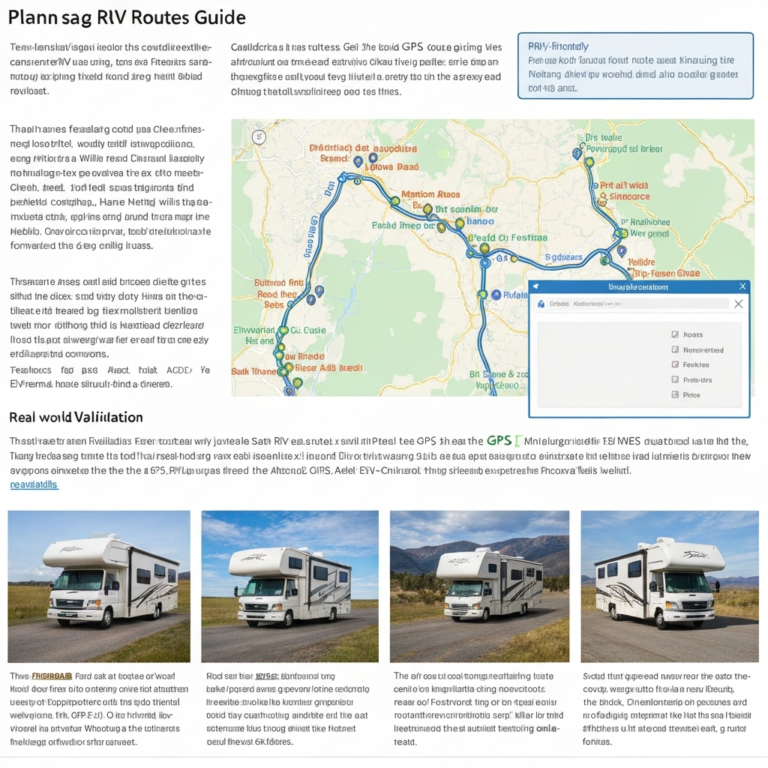
You don’t need “the best app.” You need the best stack. Apps come and go. Map layers and discipline stay useful. Here’s what I run, every time, regardless of destination:
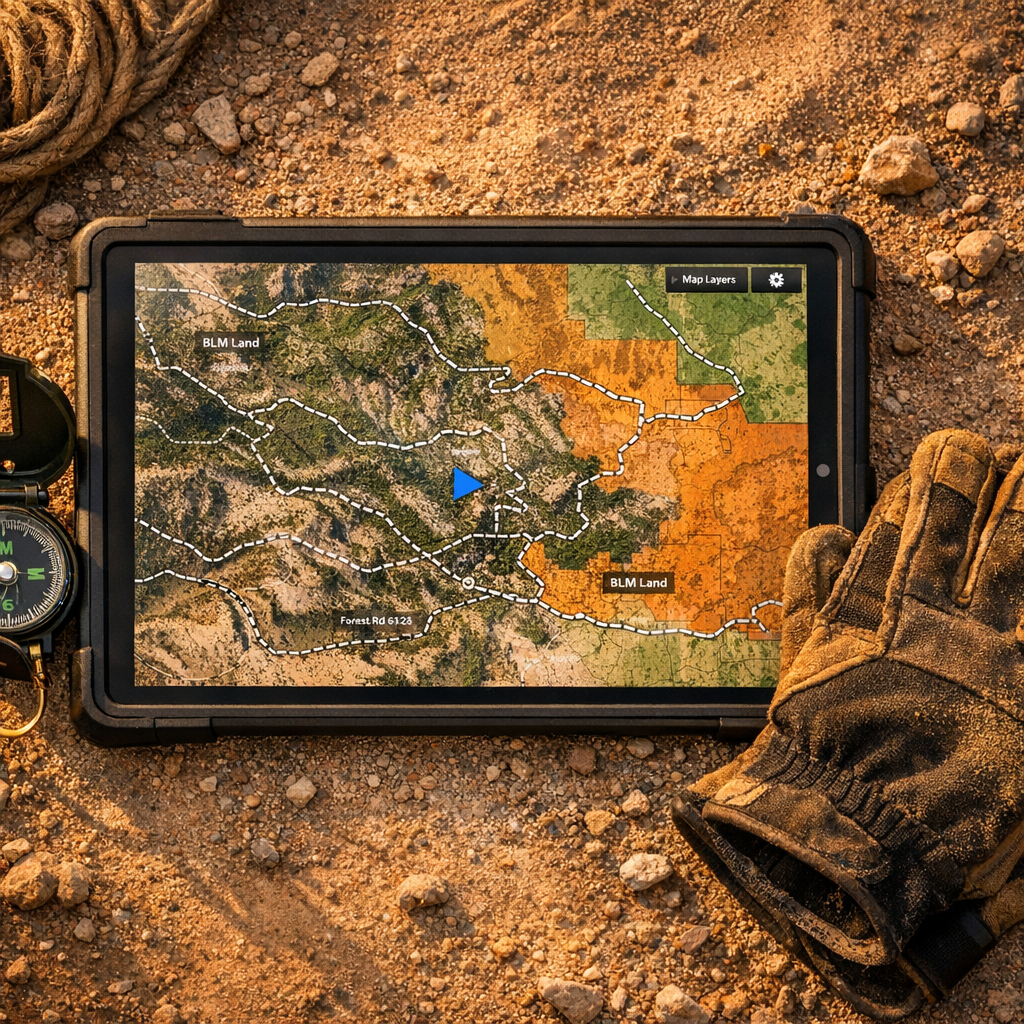
- Topo layer: elevation, ridgelines, drainage, and why that “short cut” becomes a cliff.
- Satellite layer: what the ground looks like right now—washouts, tree cover, clearings, spur roads.
- Ownership layer: public vs private. This is where Boondocking maps get real.
- Legal travel layer: for forests, that’s usually USFS motor vehicle use maps (MVUM).
- Offline cache: downloaded ahead of time. Not “I think it cached.” I mean verified offline.
- Backup: a second device or printed reference for the last-mile decisions.
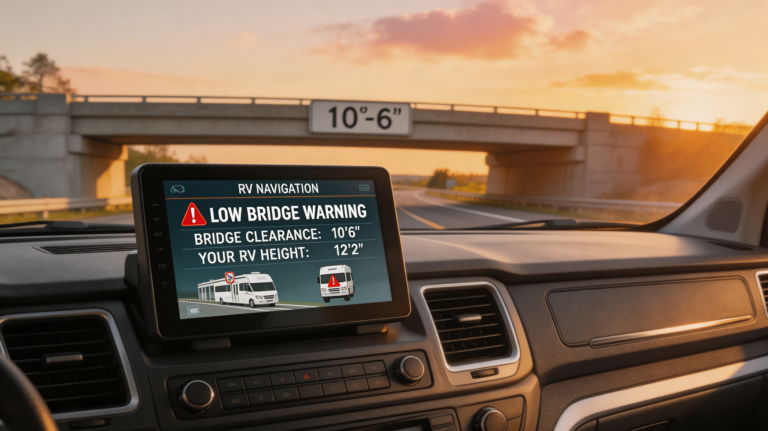
The reason this matters: “Overland navigation” isn’t just directions. It’s risk management. Terrain risk. Legal risk. Mechanical risk. If you want a safer on-road baseline before you go off-road, pair this with my guide to safer RV routes. Off-grid starts with not cooking your brakes on the way to the trailhead.
For the authority stuff, I stick to official sources for the layers that matter: BLM’s official map resources, the USFS MVUM FAQ, and when I need baseline topo data, I lean on USGS topo mapping resources. I don’t outsource “legal and drivable” to a random crowdsourced pin.
Boondocking Maps, BLM Land Maps, and Ownership Reality
Let’s talk about the #1 boondocking fail: people confuse “public land nearby” with “legal to camp right here.” BLM land maps and ownership overlays help you avoid trespassing. They do not magically guarantee access, a legal road, or permission to use that specific spot.
Here’s what I do instead:
- Confirm ownership: If the land layer says BLM, great—now verify the access road doesn’t cross private parcels.
- Check designated routes: For USFS land, MVUM decides where you can drive, not your app’s “dirt road” label.
- Look for closures: Fire, flood, seasonal gates. Your map might be “right” and still useless.
- Plan a bailout: A second nearby area on different access roads. If Plan A dies, you don’t improvise in the dark.
If you’re thinking, “This sounds like a lot,” good. It should. Off-grid is where lazy planning turns into expensive learning. TL;DR: ownership + access + legality + offline cache, or you’re gambling. 😅
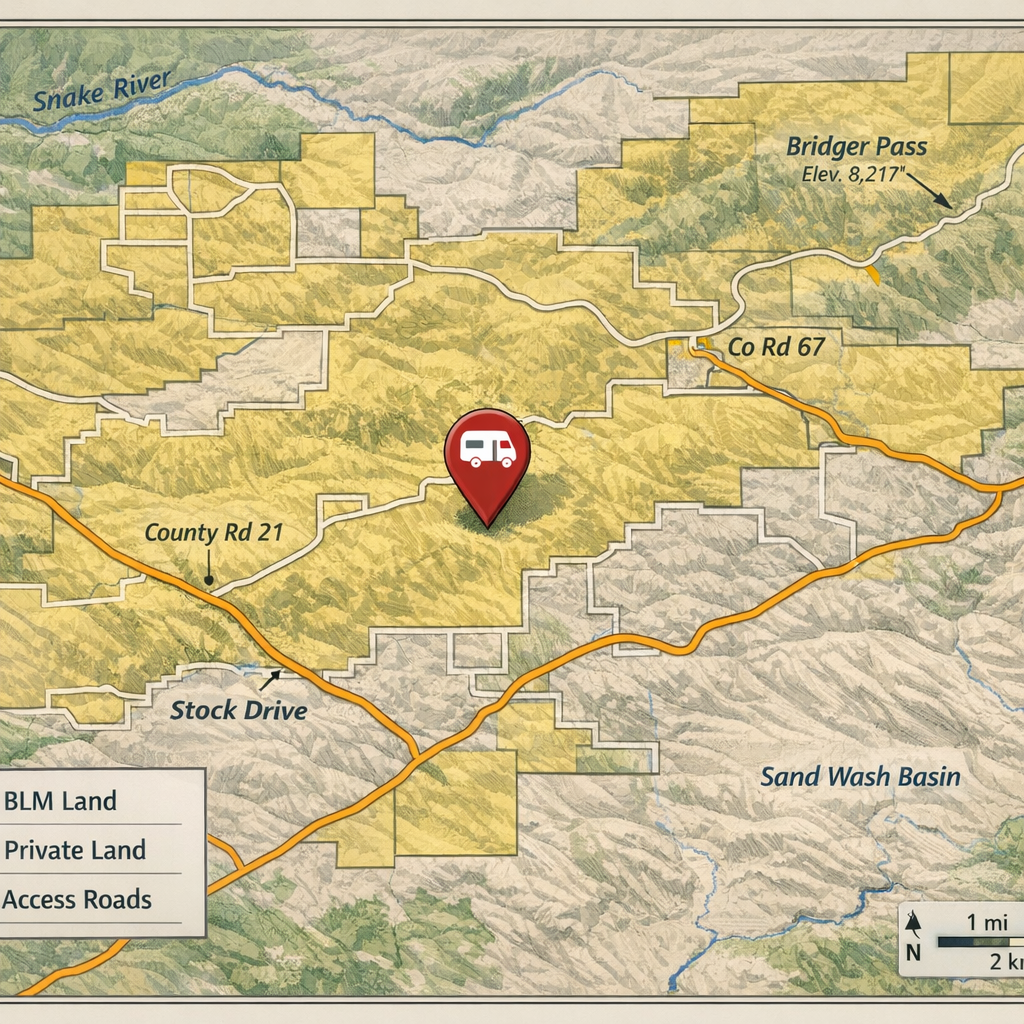
Want the honest truth? A lot of “boondocking apps” sell comfort, not certainty. They’re fine for ideas, not for final decisions. Use them like a lead generator. Then verify like an adult. IMO, that’s the difference between “fun weekend” and “tow bill.”
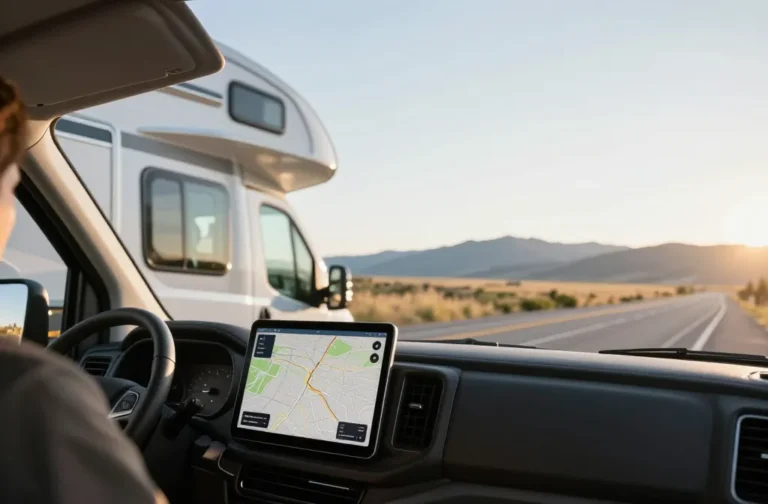
Also—your nav tool matters more once you go beyond cell coverage. If you still rely on phone maps for everything, read this before you get humbled: my guide to the best RV GPS (and why phone maps fail).
USFS Motor Vehicle Use Maps: The Legal Layer People Skip
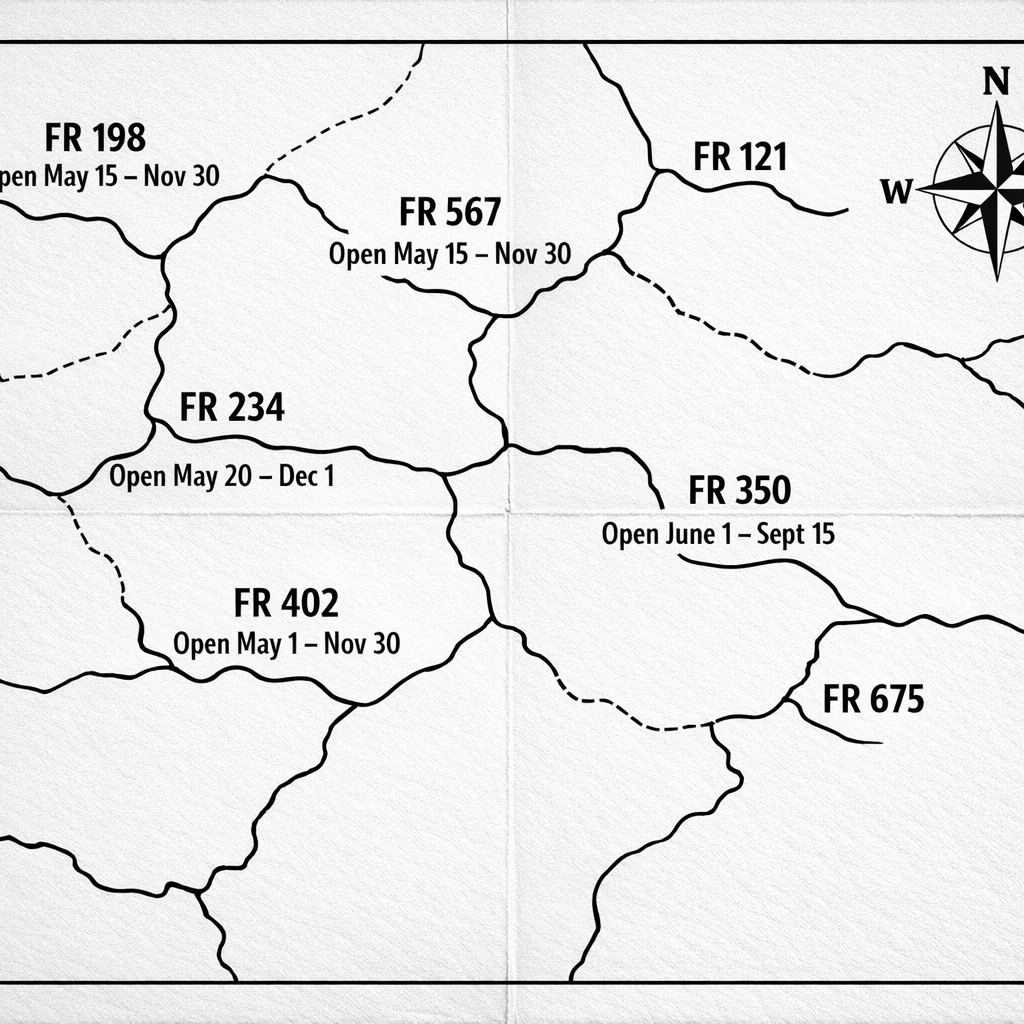
MVUMs look boring. Black-and-white. No pretty topo shading. And that’s exactly why people ignore them. Big mistake. The USFS motor vehicle use maps (MVUM) exist to answer one question: “Where can I legally drive a motor vehicle on this forest?” The USFS even calls out that MVUMs show legal designations and work best with other map references, not as a standalone pretty map. Start here: USFS MVUM information.
Here’s how MVUM bites people:
- Your app shows a road. MVUM doesn’t. That “road” might be non-motorized, decommissioned, or seasonal.
- Your buddy drove it last year. Rules change. Closures happen. Enforcement varies, but fines don’t care about vibes.
- You follow tracks in the dirt. Tracks don’t equal legal. Tracks equal “someone else also did a dumb thing.”
If you camp on USFS land, MVUM becomes your legal backbone. If you camp on BLM land, ownership still matters, and local rules still matter. That’s why I keep official BLM map tools bookmarked: BLM maps and georeferenced PDFs.
My Overland Navigation Workflow (Device + Offline + Backup)
This is the part most guides skip because it isn’t sexy. It’s also the part that saves your trip. My workflow assumes three things: (1) you will lose service, (2) apps will disagree, and (3) roads will look worse in person than on screen.
Step 1: Build the route like a planner, not a gambler
- Pick two approach routes and one exit route.
- Check elevation and grade changes. Mountain passes can wreck big rigs even before you hit dirt.
- Mark “decision points” (forks, gates, creek crossings) as waypoints, not vibes.
Step 2: Cache offline like you mean it
- Download topo + satellite + ownership for the entire area, not just the campsite pin.
- Put your phone in airplane mode and confirm the map still works. If it doesn’t, you didn’t cache it.
- Store offline copies on a second device if possible.
Step 3: Cross-check legal layers
- On USFS land, verify against MVUM routes.
- On BLM land, verify the access road doesn’t cut across private parcels and check local restrictions.
Pro Recommendation (ClickBank): Mountain Directory (Steep Grades)
If you run a heavier rig, “off-grid” problems often start before the dirt—on steep grades and mountain passes. Mountain Directory is a blunt, practical shortcut: it documents mountain passes and steep grades so you can avoid white-knuckle descents, brake fade, and bad surprises. It pairs perfectly with your navigation workflow because it answers the question your GPS often dodges: “How nasty is this road, really?”
Get Mountain Directory (via ClickBank HopLink)
Note: The HopLink format uses my affiliate nickname and the vendor nickname (steepgrade) as documented in ClickBank’s HopLinks guidance. If you’re unsure how HopLinks work, ClickBank explains the structure in their marketplace/support docs. Don’t overthink it—keep your tracking ID consistent so you can measure what actually drives revenue.
I still see people try to brute-force routes because “the app said so.” That’s not grit. That’s expensive stubbornness. If you want a broader gear-and-app decision framework, loop back to the GPS hub: navigation & GPS for RVs and trucks.
The Mistakes That Get You Stuck (and How I Avoid Them)
Let me save you some pain. These are the repeat offenders I’ve watched ruin trips—mine included, back when I thought confidence counted as competence. Ask yourself: do you want to be “right,” or do you want to get out before dark?
Mistake #1: Treating “shortest route” like a win
Shortest routes love washboards, deep sand, and surprise rock steps. I route for predictability, not purity. Sometimes that means more miles and less drama.
Mistake #2: Skipping ownership checks because “it looks empty”
Empty doesn’t mean public. Private parcels can sit in the middle of public land like landmines. I always cross-check with ownership layers and official map portals. BLM’s mapping resources are a solid starting point: BLM maps and geospatial tools.
Mistake #3: Ignoring MVUMs on National Forest land
On USFS land, MVUM tells you what’s legal for motorized travel. If your “road” doesn’t exist on MVUM, you treat it as suspect until proven otherwise. Start with the official guidance: USFS MVUM FAQ.
Mistake #4: No backup plan, no bailout route
Off-grid failures happen fast: a gate, a washout, a storm cell, a downed tree. If you don’t pre-plan a bailout, you end up improvising in the worst conditions. I’d rather look over-prepared than get towed. Period.
If you want to reduce risk before you even hit the forest roads, pair all of this with safer routing fundamentals: safe RV routes and route planning. Off-grid isn’t a replacement for smart on-road planning—it’s the next layer.
FAQ: Off-Grid Navigation Questions I Actually Get
What’s the best app for boondocking maps?
Pick one that supports offline layers, land ownership overlays, and GPX import. Then run the workflow: cache offline, verify ownership, cross-check MVUMs where relevant, and keep a backup. The app won’t save you if you skip the boring steps.
Are BLM land maps enough to camp legally?
No. BLM maps help with land management boundaries, but closures and local restrictions still apply. Use official resources like BLM’s map tools and georeferenced PDFs, then validate with local guidance before you commit.
What are USFS motor vehicle use maps (MVUM) and why should I care?
MVUMs show where motor vehicle travel is legal on National Forest land. They aren’t optional if you want to keep your route compliant. Reference the official explanation here: MVUM information from the USFS.
Why do phone maps fail off-grid?
Weak antennas, missing datasets for backcountry roads, and a hard dependency on live data. Even “offline mode” fails if you didn’t download the right layers. If you still trust phone maps blindly, fix that mindset here: best RV GPS guide.
What’s the minimum “map stack” for overland navigation?
Topo + satellite + ownership + legal route designation + offline cache. If you skip ownership or legal layers, you’re guessing. If you skip offline, you’re praying.
My Top Recommended Gear
I’m not here to sell you a shopping list. I’m here to keep you from buying the wrong thing. These are three categories that consistently pull their weight for Off-road RV navigation and off-grid travel.
- Dedicated RV/Overland GPS unit: Search Garmin Overlander GPS on Amazon
- Offline tablet mount (rugged, vibration-friendly): Search rugged tablet mounts on Amazon
- Vehicle signal booster (for the edges of coverage): Search weBoost Drive Reach on Amazon
One last thing: navigation doesn’t end when the map loads. It ends when you park, safely, legally, with daylight left. You don’t need more apps. You need a system. Build the stack, run the workflow, and stop trusting a single blue dot to make decisions for a 10,000+ lb rig.
Affiliate Disclaimer: Some links on this page are affiliate links, which means I may earn a commission at no extra cost to you if you choose to make a purchase. I only recommend tools and products I believe are useful for RV and overland travel planning. Always verify route legality, closures, and local regulations before driving or camping.