Guides & Tips (Truck + RV): The No-BS Operating System
If you want truck and RV guides and tips that actually reduce breakdowns (not just “cool upgrades”), this hub is your control center. Most rigs fail for boring reasons: weight creep, tire neglect, sloppy wiring, bad mounts, and “it worked in the driveway” installs. So this page doesn’t exist to entertain you. It exists to keep your rig reliable.
How to use this hub: pick your current pain point (power, routing, connectivity, comfort, safety), follow the linked deep-dives, then come back here and run the checklists. This is an operating system, not a blog archive.
Quick Start (read these first)
- Truck and RV Guides and Tips: The Ultimate 2026 No-BS Playbook
- RV DIY & Installation Guides for Safe, Clean Upgrades
- How to Install RV Power Inverter (DIY Guide)
- Safe RV Routes: Route Safer, Drive Calmer, Arrive Happy
- Guide to Best RV GPS: Stop Trusting Phone Maps Blindly
Table of Contents
- 1) What This Hub Is (and what it’s not)
- 2) The Priority Stack: Reliability > Gadgets
- 3) Pre-Trip Checklist That Prevents 80% of Problems
- 4) DIY Install Rules (so vibration doesn’t win)
- 5) Power Basics: Batteries, Inverters, Solar (without fantasy math)
- 6) Routing & Navigation: Avoid the expensive “shortcut”
- 7) Connectivity: Build it like your income depends on it
- 8) Comfort: 12V appliances that don’t bully your battery
- 9) Safety & Security: Stop buying junk, start buying capability
- 10) The Buying Framework: How to choose gear like a grown-up
- 11) The “Fix-It-Now” Tools Kit
- 12) Recommended Reading Path (by goal)
- 13) Tools & Resources (Amazon search links)
- 14) FAQ
1) What This Hub Is (and what it’s not)
This hub is your field manual for truck and RV living with electronics that behave. It’s not a “Top 10 gadgets” page. Those pages are how you end up with a drawer full of adapters, a dash full of screens, and a rig that still has power issues.
What we optimize for:
- Reliability: fewer failures, faster troubleshooting, fewer “why is this smoking?” surprises.
- Safety: clean wiring, correct fusing, solid mounting, and no sketchy AC hacks.
- Real-world usability: big buttons, stable mounts, strong signal paths, sane power planning.
- Upgrade ROI: spend money where it reduces failure points, not where it creates new ones.
Baseline philosophy: you don’t need more gear. You need fewer weak links.
If you want the “big picture” playbook first, start here: Truck and RV Guides and Tips: The Ultimate 2026 No-BS Playbook.
2) The Priority Stack: Reliability > Gadgets
Most people build their rig backwards: they buy gear first, then try to “make it work.” That’s how you end up with voltage drop, nuisance shutdowns, and intermittent gremlins that waste weekends.
Here’s the priority stack that actually works:
- Weight + tires + brakes (the unsexy stuff that keeps you alive and moving)
- Electrical integrity (wire size, fusing, grounds, and connection quality)
- Install quality (mounting, strain relief, sealing, vibration management)
- Routing + navigation discipline (avoid low clearances and restricted roads)
- Connectivity + redundancy (single-path internet is a gamble)
- Comfort upgrades (only after you’ve stopped sabotaging your power system)
- Luxury tech (only if it doesn’t add fragile complexity)
Want a clean “do this first” checklist that matches this stack? Read: the 2026 No-BS Playbook.
3) Pre-Trip Checklist That Prevents 80% of Problems
This is the boring part that saves trips. Run it before travel days, long hauls, or boondocking stretches.
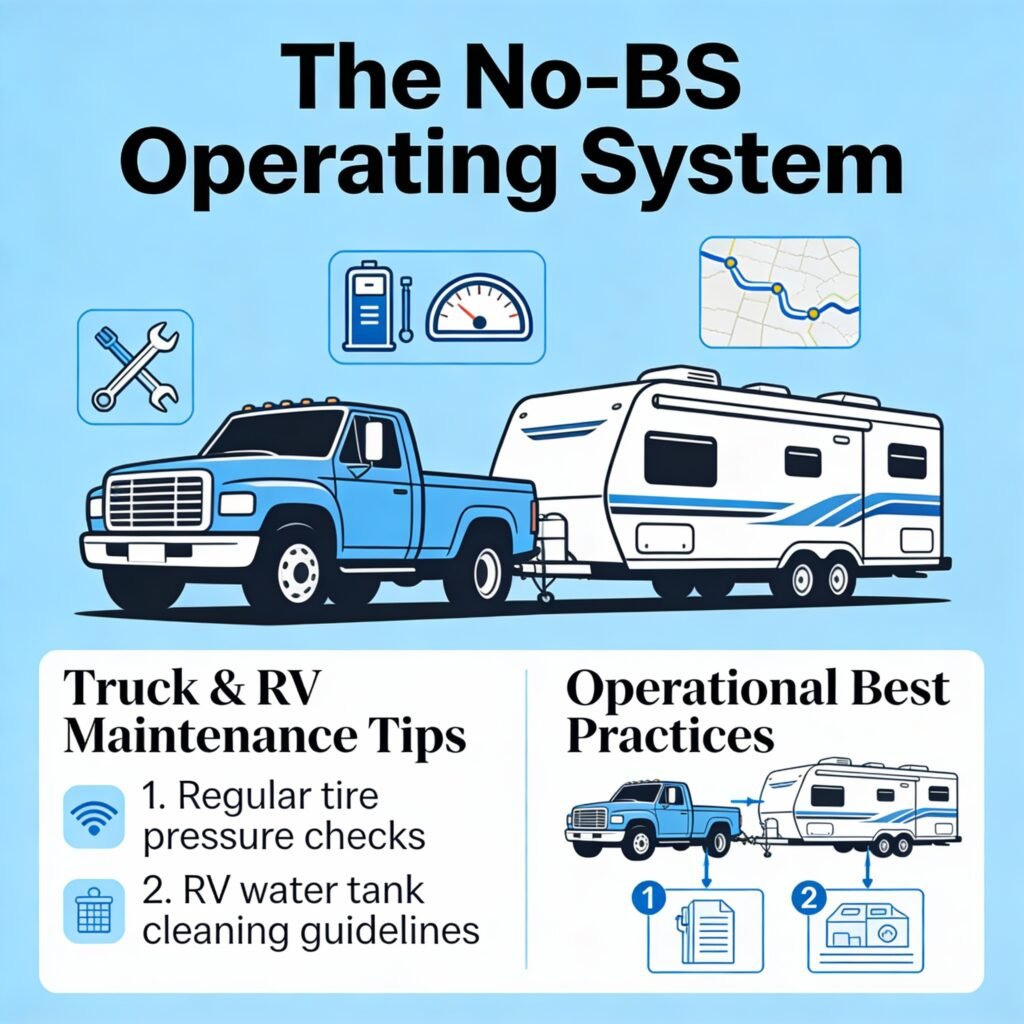
3.1 Tires: the failure chain nobody wants to talk about
Overweight + underinflated + heat = blowout. Blowout = collateral damage. Collateral damage = your vacation turns into a repair bill.
- Check tire pressures cold. Not after you’ve driven 30 minutes.
- Inspect sidewalls and tread: cracks, bulges, odd wear = you’re late.
- Match load ratings to real axle loads (not “dry weight fantasy”).
- If you run TPMS, verify it’s stable and not dropping sensors constantly.
Authority reference (tires): NHTSA’s tire safety guidance is blunt and useful. Use it as a baseline and stop guessing. NHTSA Tire Safety
3.2 Power system: the 3-minute sanity check
- Battery voltage (resting): do you start the day healthy or already behind?
- Shore power/pedestal reality: do you use an EMS/surge protector or raw-dog campground power?
- Visual inspection: loose lugs, melted plastic, warm terminals, burnt smells = immediate fix.
If you’ve ever said, “My inverter just shuts off sometimes,” you almost always have one of these issues: undersized cable, bad crimps, bad ground, wrong fuse placement, or unrealistic battery capacity.
Fix it the right way: How to Install RV Power Inverter (DIY Guide).
3.3 “The rig shakes itself apart” inspection
- Check mounts and brackets for movement. If it can wiggle, it will fail.
- Check cable support: no hanging harnesses, no tight bends, no sharp edges.
- Check seals and penetrations (roof, bay walls, cable entries).
- Check connectors for corrosion or water intrusion.
If you want the install fundamentals spelled out (and not in “Pinterest craft project” language), read: RV DIY & Installation Guides for Safe, Clean Upgrades.
4) DIY Install Rules (so vibration doesn’t win)
DIY can be excellent. DIY can also be a crime scene. Here are the rules that keep your upgrades from turning into roadside diagnostics.
4.1 The “no weak links” rule
Your system is only as strong as the worst connection. One sketchy crimp can turn a clean build into a haunted rig.
- Use quality crimps + adhesive heat shrink.
- Support wiring every 12–18 inches (or tighter in high-vibration zones).
- Protect penetrations with grommets. Bare metal edges love eating insulation.
- Label everything. Future-you isn’t a mind reader.
4.2 The “heat kills everything” rule
Inverters, chargers, DC-DC chargers, routers, DVRs… they all hate heat. Don’t install electronics in a sealed “hot box” and then act surprised when performance drops or lifespan collapses.
4.3 The “water always wins” rule
Water finds your cheapest sealant job and humiliates it. Use proper glands, proper sealant, and route cables so drips don’t run into connectors.
For a practical workflow that covers planning, mounting, wiring, sealing, and troubleshooting, bookmark: RV DIY & Installation Guides.
5) Power Basics: Batteries, Inverters, Solar (without fantasy math)
Power problems aren’t mysteries. They’re math plus connection quality.
5.1 Start with a load audit (yes, it’s boring; no, you can’t skip it)
If you can’t explain your daily energy use, you’re not planning. You’re gambling.
- List your loads (fridge, Starlink/router, lights, fans, laptop charging, coffee, microwave, etc.).
- Estimate hours/day honestly (not “best case when you behave”).
- Convert to Wh/day and plan battery + charging around that number.
If you want a straight-shooting calculator and a worked example that doesn’t ignore losses, go here: RV Solar Sizing Calculator (Stop Guessing Your System).
5.2 Inverters: where DIY gets spicy
An inverter install is “easy” right up until you realize you’re moving hundreds of amps on the DC side. That’s welding territory. Poor cable sizing and bad fusing can turn into melted insulation, nuisance shutoffs, or worse.
If you’re doing this yourself, use a proven process: How to Install RV Power Inverter: DIY Guide.
5.3 Solar: size for reality, not roof stickers
Solar on a truck/RV is simple conceptually: panels refill the tank. Batteries are the tank. Controllers and wiring decide how much of that refill actually lands in the tank.
Authority sanity check (solar output): if you want a location-based reality check on expected PV production (so you stop trusting vibes), use PVWatts from NREL. NREL PVWatts Calculator
Then build your system around actual use and actual conditions using: the RV Solar Sizing Calculator guide.
6) Routing & Navigation: Avoid the expensive “shortcut”
If you drive a tall rig and you still trust phone maps blindly, you’re basically rolling dice with your roofline.
6.1 The safe routing method (fast, repeatable, not obsessive)
- Measure your real height/weight/length (loaded, not brochure numbers).
- Route using RV/truck-aware navigation with your rig profile set.
- Validate the last mile (campground entrances, fuel canopy clearance, narrow turns).
- Build a Plan B route for closures, weather, and “the GPS is being funny.”
Start here: Safe RV Routes: Route Safer, Drive Calmer, Arrive Happy.
6.2 Choosing an RV GPS that doesn’t lie confidently
An RV GPS isn’t about “fastest route.” It’s about “a route your rig can physically and legally drive.” That’s why dimension-based routing matters.
Use this: Guide to Best RV GPS: Stop Trusting Phone Maps Blindly, and if you’re deciding on Garmin dēzl sizes, read: Garmin dēzl OTR720 vs. OTR820 vs. OTR1020.
Authority baseline (GPS discipline for big vehicles): even for non-CDL drivers, the core guidance is the same: don’t blindly obey GPS over signs and restrictions. FMCSA publishes straight talk on safe operation and compliance mindset. FMCSA Hours of Service Overview
7) Connectivity: Build it like your income depends on it
Connectivity failure isn’t just annoying anymore. For a lot of people, it’s a revenue event. If your setup drops during calls, uploads, dispatch updates, or remote work… you don’t have “internet.” You have a stress machine.
7.1 The connectivity stack that actually survives travel
- Primary path: quality cellular router or hotspot with proper antennas.
- Secondary path: second carrier (dual-SIM or backup hotspot). Single carrier is a gamble.
- Optional third path: satellite (where it makes sense) for deep coverage gaps.
- Inside-rig distribution: stable Wi-Fi layout; don’t expect miracles from a weak router in a metal box.
If you want the “diagnose and fix it” guide: Fix Your Truck & RV Connectivity Today. If you want the more strategic breakdown: Truck & RV Connectivity: Your Rig’s Ultimate Defense.
8) Comfort: 12V appliances that don’t bully your battery
Comfort upgrades should make life easier, not turn your battery monitor into a horror movie.
8.1 The comfort rule: DC-first wins
Whenever possible, run loads on DC instead of pushing everything through an inverter. Inverters cost you efficiency and amplify weak wiring and weak batteries.
Start with the comfort hub: Truck and RV Comfort and 12V Appliances: The Guide.
If refrigeration is your biggest draw, don’t guess: Best 12V RV Refrigerators (Compressor vs Absorption).
9) Safety & Security: Stop buying junk, start buying capability
Safety gear gets weird because the market sells fear. The right move is to buy capability: visibility, braking control, tire temp awareness, and theft deterrence that doesn’t depend on a flaky app.
Start here: Truck and RV Safety Systems: 3 Essentials You Need and then go deeper: Truck and RV Safety and Security: Full Guide 2026.
10) The Buying Framework: How to choose gear like a grown-up
Specs and marketing don’t tell you how gear fails. Real buyers win by thinking in failure modes.
10.1 Ask these questions before you buy anything
- What problem does this solve? If you can’t answer in one sentence, you’re shopping for dopamine.
- What’s the failure mode? Heat? Vibration? Water? Signal drop? Voltage sag?
- What’s the install risk? If install quality matters, budget for correct parts and time.
- What’s the power budget? Every “small” device adds up, especially on 12V.
- What’s the support story? Updates, warranty, replacement parts, documentation.
10.2 The “one screen too many” rule (navigation + cameras + tablets)
More screens doesn’t automatically mean more safety. If your dash becomes a cockpit, you’ll spend time managing devices instead of driving. Pick the minimum viable stack and make it rock-solid.
If you want a calm, safe navigation strategy that avoids rookie traps, use: Safe RV Routes + a dimension-aware device: Guide to Best RV GPS.
11) The “Fix-It-Now” Tools Kit
This kit turns “trip-ending failure” into “20-minute inconvenience.”
11.1 Minimum viable electrical kit
- Digital multimeter (real one, not a novelty)
- Assorted fuses (ATC/ATO, mini, plus your rig’s specific types)
- Crimp tool + quality connectors + adhesive heat shrink
- Spare wire in the sizes your rig actually uses
- Ring terminals, lugs, and a way to crimp them correctly
- Headlamp (hands-free beats “phone flashlight juggling”)
11.2 Roadside and tire kit
- Torque wrench (because “tight enough” is how studs die)
- Portable air compressor that doesn’t wheeze
- Tire repair kit (for tow vehicle use)
- Gloves, kneeling pad, basic hand tools
If your installs tend to get messy, stop improvising and use: the DIY installation workflow.
12) Recommended Reading Path (by goal)
Goal: Stop electrical drama
Goal: Boondock without anxiety
Goal: Stop routing disasters
Goal: Fix internet on the road
13) Tools & Resources (Amazon search links)
These are “high-ROI” items that support the guides above. I’m using Amazon search links so you can pick current models and avoid dead listings.
Power + Electrical
- Pure sine wave inverter (2000W class)
- ANL fuse + holder (200–250A class)
- Battery monitor (shunt-based)
- RV surge protector / EMS
- Hydraulic lug crimper
- Marine-grade heat shrink connectors
Navigation + Safety
Connectivity
As an Amazon Associate, I earn from qualifying purchases.
14) FAQ
What’s the #1 mistake people make with truck and RV upgrades?
They buy gear before they fix fundamentals. Weight, tires, wiring integrity, and install quality decide whether the “upgrade” improves your rig or adds a new failure point.
Do I really need an RV/truck GPS if I already have phone maps?
If your rig is tall/heavy or you tow, yes—because dimension-based routing reduces the most common clearance and restriction disasters. Use this guide: Guide to Best RV GPS.
Why does my inverter shut off even when my batteries “look fine”?
Common causes: undersized DC cables, voltage drop, loose lugs, weak ground, wrong fuse placement, or insufficient battery capacity for the load. Follow the correct install path here: How to install RV power inverter.
What should I read first if I’m new?
Start with the big picture: Truck and RV Guides and Tips: The Ultimate 2026 No-BS Playbook, then go hands-on with: RV DIY & Installation Guides.
Next step: If you want this hub to convert harder, add a “Start Here” lead magnet (a 1-page checklist PDF) and place it after the first two paragraphs. People love printable checklists. Google loves engagement. You win twice.